

Industrial Computers vs. Commercial PCs
They may look similar on a spec sheet — but industrial computers and commercial PCs are built for entirely different worlds. Here's what every buyer needs to know before deploying in a demanding environment.
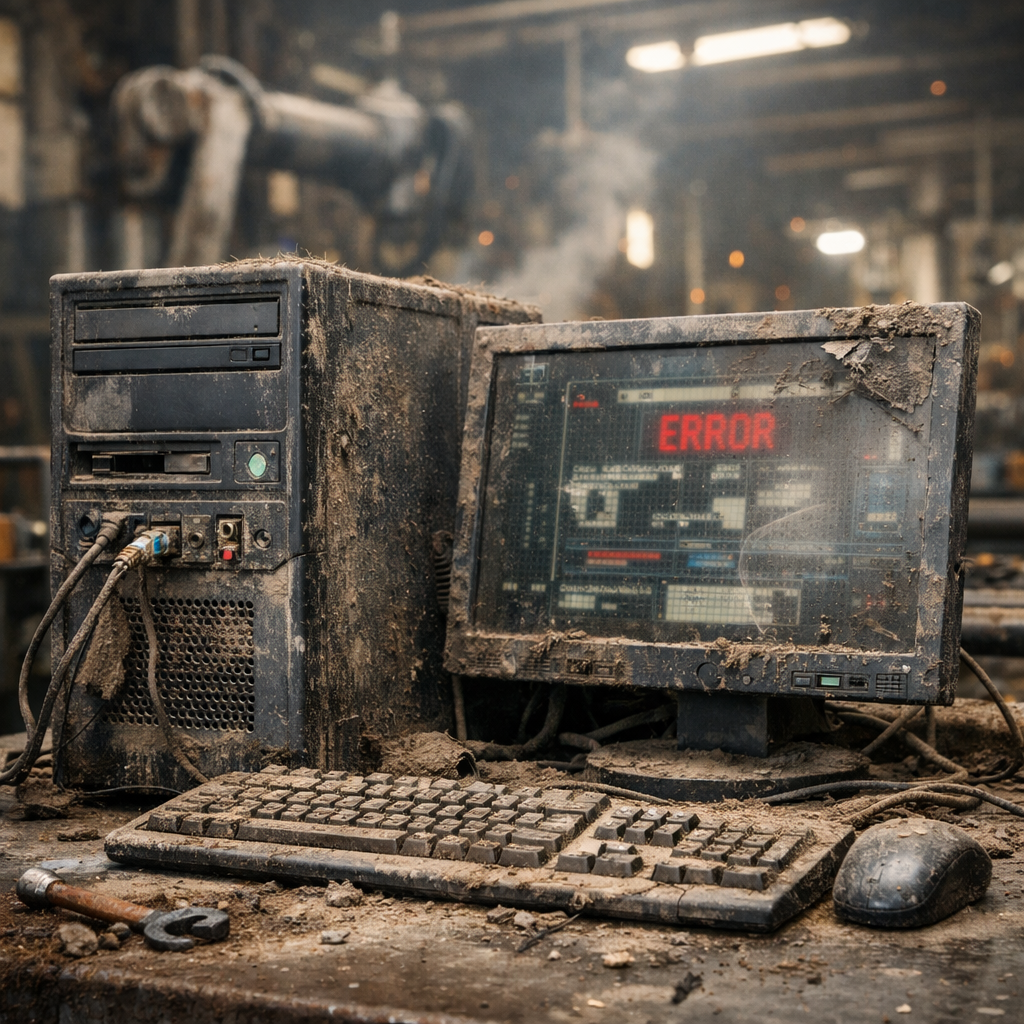
Industrial Computers vs. Commercial PCs
At a glance, an industrial computer and a commercial PC can look like close cousins. Both run operating systems, process data, and connect to networks. But underneath, they are engineered for entirely different missions. A commercial PC is built for a clean desk in a climate-controlled office. An industrial computer is built to survive a factory floor, a vehicle cab, a food-processing line, or a utility substation — running without interruption for years.
Choosing the wrong platform can mean unplanned downtime, failed components, safety hazards, and costly replacements. This guide breaks down every major difference so you can make the right call before you deploy.
⚙ Purpose and Application Scope
✅ Industrial Computers
- Manufacturing, automation, and logistics
- Transportation and vehicle-mounted applications
- Energy, utilities, and SCADA systems
- Harsh environments: heat, dust, vibration, moisture
- Designed for 24/7 continuous operation
💻 Commercial PCs
- Office productivity and business software
- Retail, general administration, light multimedia
- Clean, climate-controlled environments
- Standard business hours usage
- Not rated for harsh or mission-critical environments
🌡 Environmental Tolerance
This is where the gap is most dramatic. Industrial environments subject equipment to temperature swings, airborne contaminants, physical shock, and electrical noise that would quickly kill a commercial PC.
Temperature Range
✅ Industrial
- Wide-temperature operation: −20°C to +60°C or beyond
- Validated against real-world thermal cycling
- Components selected for stability at temperature extremes
💻 Commercial
- Narrow operating range: typically 10°C to 35°C
- Components may throttle or fail outside this range
- Not validated for outdoor or uncontrolled environments
Ingress Protection (IP Rating)
✅ Industrial
- IP65 to IP69K options available
- Sealed chassis blocks dust and liquid ingress
- Fanless designs eliminate ventilation openings
💻 Commercial
- Minimal or no ingress protection
- Vented chassis draws in dust and debris
- Not sealed for wet or dirty environments
Shock and Vibration
✅ Industrial
- MIL-STD-810 or equivalent vibration/shock resistance
- Solid-state storage eliminates spinning disks
- Conformal-coated boards resist moisture and corrosion
💻 Commercial
- Consumer-grade tolerance only
- Hard drives and optical drives vulnerable to vibration
- No mechanical shock validation
🔌 Hardware Architecture
Cooling Design
Perhaps the single most important hardware difference: industrial computers are typically fanless. Heat is dissipated through the chassis wall using conduction cooling — no spinning fans, no vents, no dust accumulation inside the unit.
✅ Industrial
- Fanless, sealed, conduction-cooled designs
- No moving parts to wear out or clog
- Consistent thermal performance in dirty environments
💻 Commercial
- Fan-cooled with vented chassis
- Fans attract dust and debris over time
- Fan failure leads to thermal throttling and crashes
Components and Reliability
✅ Industrial
- Long-life, high MTBF (Mean Time Between Failures) components
- Industrial-grade capacitors and power regulators
- Solid-state storage standard; no spinning disks
- Wide-range DC inputs (9–36V) with surge protection
💻 Commercial
- Consumer-grade components optimized for cost
- Standard capacitors with shorter rated lifespans
- Mix of HDD and SSD depending on model
- Standard AC power only
📍 Connectivity and I/O
Industrial processes rely on communication protocols that commercial PCs simply don't support. If your application involves PLCs, sensors, drives, or legacy automation equipment, you need industrial I/O.
✅ Industrial I/O
- RS-232 / RS-422 / RS-485 serial ports
- CAN bus for vehicle and machine networks
- GPIO (General Purpose Input/Output)
- Isolated digital I/O for noise immunity
- Multiple independent LAN ports
- DIN rail and panel-mount options
💻 Commercial I/O
- USB, HDMI, and headphone jacks
- Single Ethernet port (standard)
- Limited or no expansion
- No support for RS-485, CAN bus, or GPIO
- Not designed for industrial communication stacks
📅 Software and OS Support
✅ Industrial
- Windows IoT, Linux, real-time OS support
- Long-term OS versions with extended support cycles
- Drivers and firmware maintained for product lifecycle
- Validated for automation software stacks (SCADA, HMI, etc.)
💻 Commercial
- Standard consumer OS versions
- Shorter driver and firmware support cycles
- OS updates may break installed industrial software
- Not validated for real-time or mission-critical applications
📈 Reliability and Lifecycle
✅ Industrial
- Product availability: 7–15+ years
- Long-term component stability and BOM consistency
- Designed for minimal downtime and easy serviceability
- Same platform supported across the full deployment period
💻 Commercial
- Product lifecycle: 2–4 years typical
- Frequent hardware revisions disrupt production lines
- Higher failure rates in harsh environments
- Replacement models may require software re-validation
💵 Total Cost of Ownership (TCO)
Upfront price is only one part of the cost equation. In industrial environments, the hidden costs of commercial PCs — downtime, early replacement, re-qualification, and maintenance — almost always exceed the premium for industrial hardware.
- Fewer ReplacementsIndustrial PCs last 3–5× longer in the field, reducing procurement and installation costs.
- Less DowntimeFanless design and high-MTBF components mean fewer unexpected failures.
- Stable Supply ChainLong product lifecycles eliminate emergency sourcing and re-qualification cycles.
- Lower MaintenanceNo fans to clean, no filters to replace, fewer mechanical failure points.
- Better ROIHigher upfront cost, significantly lower cost per operational hour over a 10-year span.
📋 Summary: Which One Do You Need?
| Category | Industrial Computer | Commercial PC |
|---|---|---|
| Target Environment | Harsh, 24/7 industrial use | Clean office or retail use |
| Temperature Range | −20°C to +60°C or more | 10°C to 35°C (typical) |
| Ingress Protection | IP65–IP69K options | None (vented chassis) |
| Cooling | Fanless, sealed, conduction-cooled | Fan-cooled |
| Industrial I/O | RS-232/422/485, CAN, GPIO, isolated I/O | USB, HDMI, single LAN only |
| Shock & Vibration | MIL-STD-810 or equivalent | Consumer-grade |
| Product Lifecycle | 7–15+ years | 2–4 years |
| OS Support | Windows IoT, Linux, real-time OS | Consumer OS versions |
| Upfront Cost | Higher | Lower |
| Long-Term TCO | Lower | Higher in harsh environments |
🛠 Use Case Examples
✅ Deploy an Industrial Computer for:
- Production line HMI terminals
- SCADA and process control systems
- Warehouse and logistics automation
- Vehicle-mounted computing
- Food processing and washdown environments
- Outdoor kiosks and edge computing nodes
- Power generation and utility monitoring
💻 Commercial PCs Are Fine for:
- Office workstations and productivity tasks
- Retail POS in climate-controlled stores
- General administrative computing
- Development and engineering workstations
- Non-critical media and display applications
🧭 Final Takeaway
Industrial computers are not commercial PCs with a rugged sticker. They are purpose-built platforms designed for environments where reliability is not optional and downtime has a direct operational cost. The differences in cooling, environmental tolerance, I/O, lifecycle, and software support are fundamental — not incremental.
For any application that involves 24/7 operation, harsh conditions, industrial communication protocols, or long deployment periods, the industrial computer is the only appropriate choice. The total cost of ownership almost always justifies the higher upfront investment.
At IVC Displays, we supply fully certified industrial computing solutions designed for the environments where commercial hardware fails. Explore our range to find the right platform for your application.