Why does this matter now? Because not all touch sensors are built the same. A resistive panel that works flawlessly with welding gloves on a production line would frustrate a retail cashier expecting smooth multi-touch gestures. Choosing wrong means false triggers, premature failure, or a system that simply doesn't hold up.
This article breaks down the main types of touch sensors, how they differ, and how to match one to your application.
TL;DR
- Touch sensors detect physical contact or proximity and convert it into an electronic signal
- Core types include resistive, capacitive (surface and projected/PCAP), infrared, and surface acoustic wave (SAW)
- Each type balances sensitivity, durability, multi-touch support, and environmental resilience differently
- The right choice depends on environment, budget, precision, and glove or stylus needs
- Industrial deployments usually need rugged touch displays matched to washdown, glove use, vibration, and outdoor conditions
What Is a Touch Sensor?
A touch sensor detects physical contact or proximity and converts that contact into an electrical signal that triggers an action. On a display, it sits between the glass and the controller, translating a tap into a coordinate the software can read.
You'll find touch sensors embedded in:
- Industrial machine controllers and HMIs
- Self-service kiosks and point-of-sale terminals
- Medical diagnostic and monitoring equipment
- Smartphones, tablets, and laptops
They also replace mechanical switches, dials, and buttons. Fewer moving parts means fewer wear points and longer service life in demanding environments.
Why Are Touch Sensors Important Across Industries?
Mechanical buttons fail. Springs wear out, contacts corrode, and dust works its way into housings. Touch sensors, by contrast, have no moving parts in most implementations, which removes a common failure mode in industrial equipment.
But the benefit only holds if you pick the right sensing technology for the job. Get it wrong and you'll see:
- False triggers in dusty or vibrating environments
- Poor response when operators wear gloves or work in wet conditions
- Premature hardware failure from repeated pressure or surface abrasion
Manufacturing floors, outdoor kiosks, and marine equipment all demand sensors that survive vibration, moisture, and temperature swings that would fail a consumer-grade touchscreen within months.
A 2021 peer-reviewed review in Sensors groups touchscreen technology into four core categories, resistive, capacitive, acoustic-wave, and optical, each suited to different operating conditions (Nam et al., 2021).
Types of Touch Sensors
Touch sensors aren't one-size-fits-all. They vary based on how they detect touch, how precise they are, and how well they hold up to environmental stress. Picking the right type means matching the sensing method to real constraints: cost, ruggedness, and whether multi-touch actually matters for your application.
Resistive Touch Sensors
Resistive sensors use two flexible, electrically conductive layers separated by a small gap. Press down, and the layers touch, completing a circuit. The controller reads the resulting change in electrical resistance to calculate the exact touch coordinates.
Unlike capacitive sensors, resistive panels respond to pressure, not conductivity. That's a meaningful distinction: a gloved hand or a plastic stylus works just as well as a bare finger.
Best suited for:
- Industrial equipment requiring glove or stylus operation
- Medical devices needing pressure-based input
- Environments where multi-touch isn't necessary
Key strengths:
- Low cost compared to other technologies
- Works reliably with gloves, styluses, or bare fingers
- Naturally resistant to dust and moisture
Trade-offs:
- Lower optical clarity than capacitive or SAW panels
- No native multi-touch support
- Gradual wear from repeated pressure over time
Elo's AccuTouch five-wire design, for example, is rated for more than 35 million touches. It measures both axes on a stable rear-glass layer rather than a flexing surface sheet, which shows how construction quality affects lifespan within this category (Elo AccuTouch product page).

Capacitive Touch Sensors (Surface & Projected)
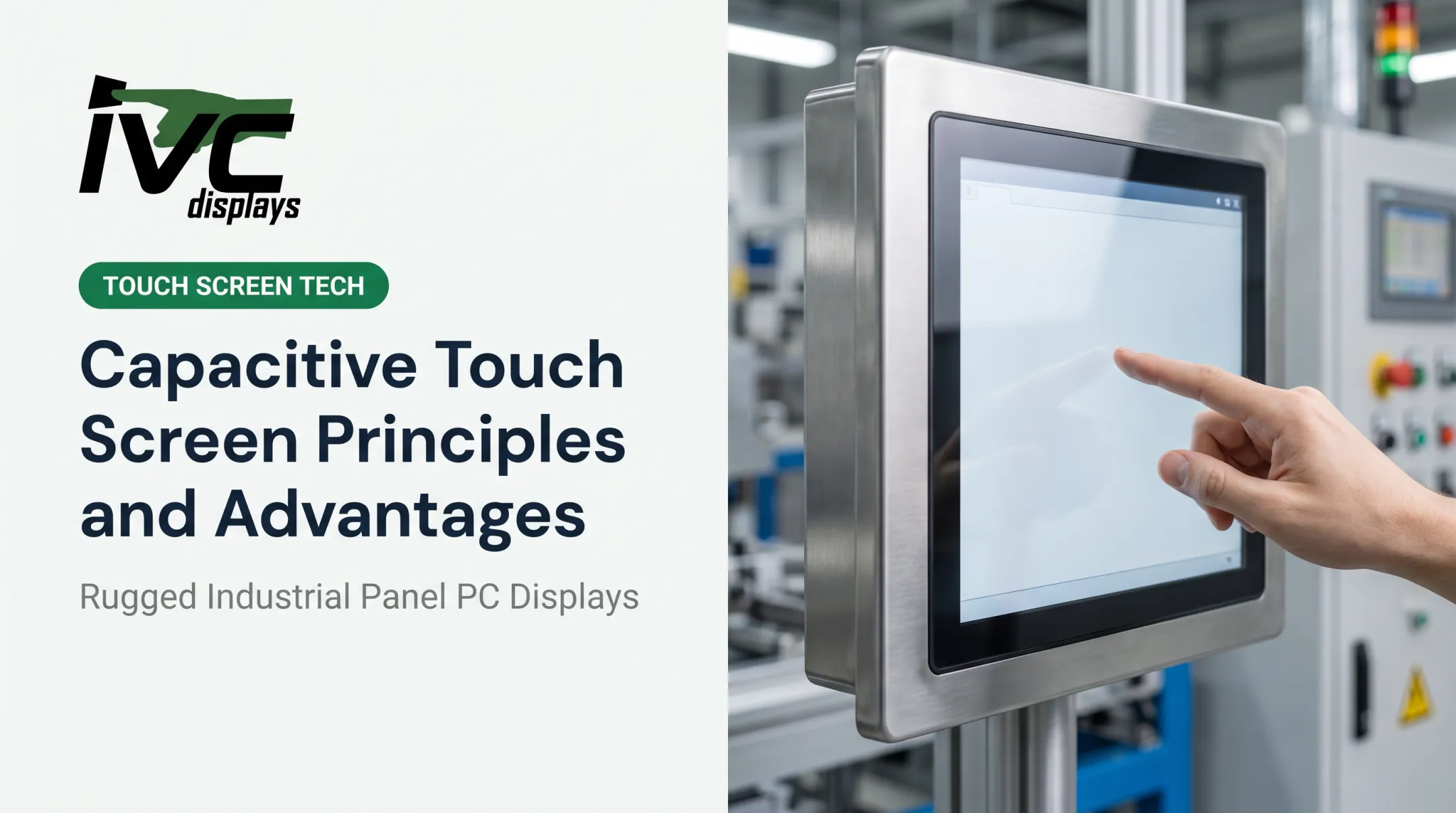
Capacitive sensors detect touch through changes in an electrostatic field caused by a conductive object, typically a finger. Surface capacitive is the simpler, single-touch version. Projected capacitive (PCAP) uses a grid of transparent conductors beneath the cover glass, enabling multi-touch and sealed, edge-to-edge designs.
Because PCAP relies on conductivity rather than pressure, it responds faster and supports far more precise multi-touch gestures than resistive designs.
Best suited for:
- Consumer electronics and modern HMIs
- Rugged industrial panel PCs needing multi-touch and quick response
Key strengths:
- High durability with minimal maintenance
- Sharp optical clarity
- Multi-touch gesture support
Trade-offs:
- Sensitive to moisture without special tuning
- Higher cost than resistive
- Standard gloves can reduce touch accuracy or drop the number of recognized simultaneous touches
Glove performance is genuinely product-specific. Elo notes that gloves can reduce simultaneous touch count on some PCAP panels from 10 touches down to just 2, depending on glove material and controller tuning (Elo Support). Always confirm glove compatibility with the actual product, not the category name.

IVC Displays' NP-6XXS and NP-9XXi industrial panel PC series both offer PCAP as an option alongside resistive touch, letting integrators choose per application rather than being locked into one sensing method.
Infrared Touch Sensors
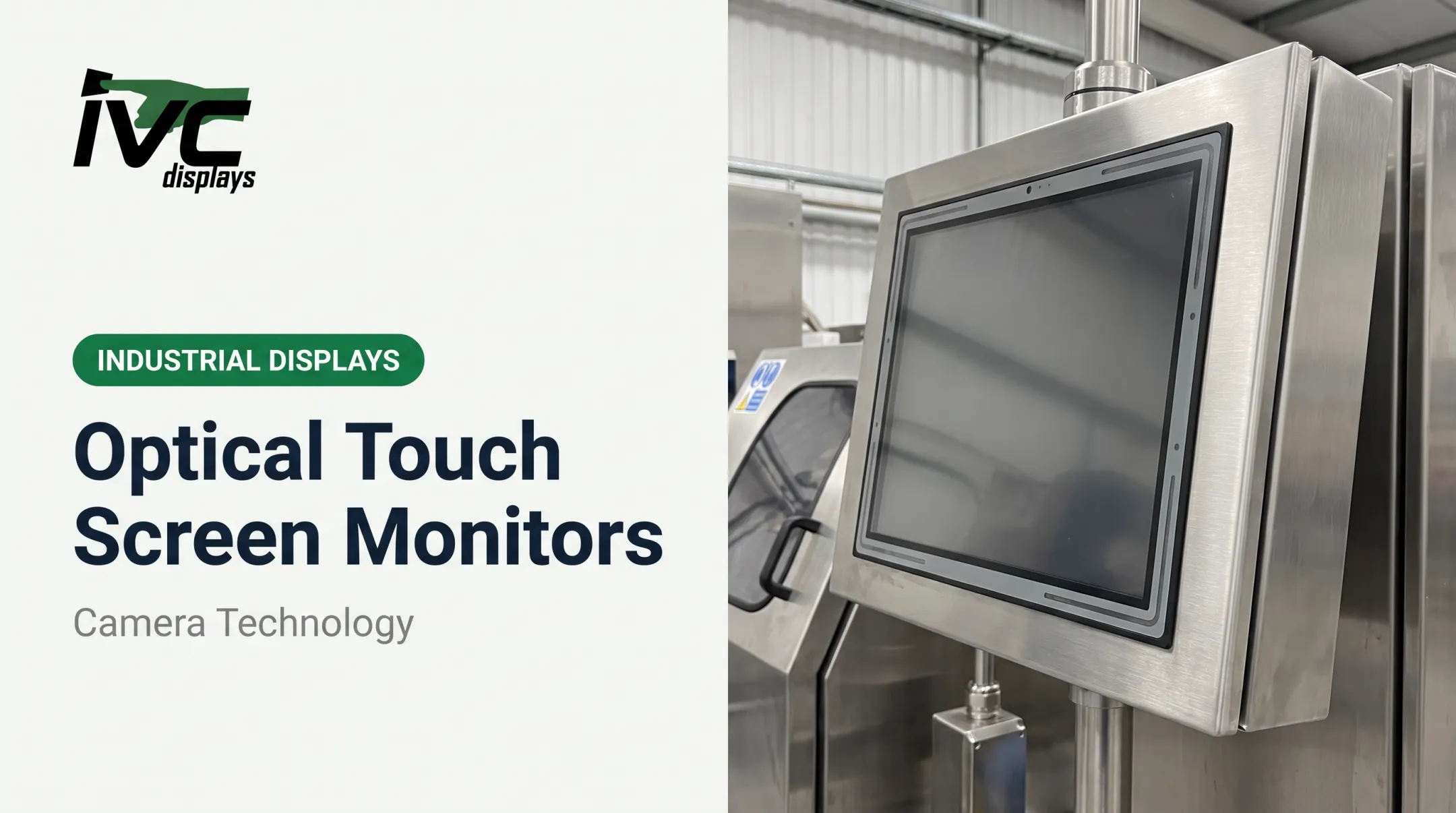
Infrared (IR) sensors use a grid of LED and photodetector pairs arranged around the screen's edge. When something breaks a light beam, the controller calculates the touch location based on which beams were interrupted.
This is a fundamentally different detection method: touch is identified by beam interruption, not surface contact or pressure. That means IR sensors work with gloves, styluses, or literally any object.
Best suited for:
- Large-format displays and digital signage
- Outdoor kiosks
- Applications needing detection regardless of input object
Key strengths:
- High durability with no surface wear
- Compatible with gloves, styluses, and bare hands alike
- Detects touch from any opaque object that breaks the beam
Trade-offs:
- Susceptible to false triggers from dust, debris, or bright sunlight
- Generally higher cost at large screen sizes
Sunlight interference is a real field issue. ViewSonic's own support documentation confirms that strong light sources can interfere with IR touch operation and cause random touch signals under direct sunlight or reflective glare (ViewSonic Support). If you're deploying outdoors, validate the optical shielding first.

Surface Acoustic Wave (SAW) Sensors
SAW sensors send ultrasonic sound waves across the screen's glass surface. A touch absorbs part of the wave energy at the contact point, and the controller measures that absorption to pinpoint the location.
This is the only major touch technology that relies on sound waves rather than electrical or optical fields. That design is why SAW panels offer excellent image clarity: no embedded grid or coating obstructs the glass.
Best suited for:
- Public information displays
- Applications where visual clarity matters more than ruggedness
Key strengths:
- Excellent light transmission
- Superior image quality compared to other touch types
Trade-offs:
- Vulnerable to water, dust, oil, or grease disrupting wave transmission
DMC's touchscreen technology reference is blunt about this weakness: contamination like water droplets or oil can directly cause malfunction (DMC Touchscreen Museum). SAW is a poor fit for washdown, outdoor, or oily industrial settings—but a strong one for clean, indoor, public-facing displays.
Applications of Touch Sensors by Industry
Consumer electronics: Smartphones, tablets, and laptops rely almost universally on capacitive touch for responsive multi-touch gestures.
Industrial automation and manufacturing: Rugged panel PCs control machinery on production floors where uptime, dust, and gloved operation matter. IVC Displays' NP-9XXi medium industrial panel PC and NP-6XXS light industrial computer both offer resistive or PCAP touch.
TIMET's titanium manufacturing operation runs an IVC light industrial computer on the production floor, a working example of touch hardware that holds up to daily industrial use.
Healthcare and pharmaceuticals: Sealed touch interfaces support hygiene and infection control on diagnostic equipment. IVC's NP-71X4S stainless steel waterproof computer serves pharmaceutical manufacturing and food processing with 5-wire resistive or PCAP touch in a fully sealed 304/316 stainless enclosure rated up to IP69K.
Marine, oil and gas, and defense: Sensors here must withstand vibration, saltwater exposure, and extreme temperatures. IVC's NP-9XX-MA marine-grade panel PC family is IEC 60945 compliant, meets IACS E10 requirements, and carries DNV certification. These systems use PCAP touch with 90% light transmission for vessel navigation and ship automation.

Retail and logistics: Point-of-sale terminals and self-service kiosks use durable capacitive touch built for high-frequency public use.
How to Choose the Right Type of Touch Sensor
Match the sensor to your operating environment and user requirements, not to whichever technology sounds newest.
Factors to weigh:
- Environmental exposure: moisture, dust, temperature extremes
- Glove or stylus compatibility: required or optional?
- Multi-touch needs: gesture-based interaction vs. single-point input
- Budget and maintenance costs: upfront price vs. lifetime cost
- Regulatory or hygiene standards: food-grade washdown, medical cleanability, marine certification
- Durability for 24/7 operation: continuous industrial or outdoor duty cycles
IVC Displays rates each series for the environments above. The NP-9XX-MA marine series carries IP65; the NP-6XXS and NP-9XXi industrial series offer IP66 front-panel protection; and the NP-71X4S stainless steel line reaches IP66/IP69K for washdown duty.
What to Check Before Finalizing a Type of Touch Sensor
Before locking in a decision, run through these checks:
- Match the tech to the job: If a simpler resistive sensor meets your operational needs, skip advanced capacitive options. Extra capability you never use still shows up on the invoice.
- Factor in the environment: Moisture can degrade PCAP performance, and EMI in industrial electrical settings can disrupt signal integrity.
- Calculate lifetime cost, not just sticker price: Cleaning labor, replacement panels, calibration, and downtime all add up over the equipment's service life.
- Base the choice on ruggedness requirements: Prioritize what your application actually demands over whatever your last vendor happened to stock.
Conclusion
Touch sensors shape how operators work with industrial equipment, from factory HMIs to marine navigation panels. Resistive, capacitive, infrared, and SAW each solve different environmental and functional problems. There is no single best technology.
Match the sensor type to your conditions before you deploy. In demanding industrial settings, the wrong choice means downtime—not a minor inconvenience.
Frequently Asked Questions
What are five common uses of touchscreens?
Touchscreens power smartphones and tablets, industrial HMIs on factory floors, medical diagnostic devices, POS terminals and self-service kiosks, and automotive infotainment systems. Each application favors a different touch technology based on its specific demands.
What are the three different types of touch sensors?
Sensors are commonly grouped into resistive, capacitive, and infrared/SAW categories. Some technical reviews split these further into four families, treating PCAP as a capacitive subtype and IR as part of the optical category.
What is the difference between resistive and capacitive touch sensors?
Resistive sensors detect pressure from any object, including gloves and styluses, by pressing two layers together. Capacitive sensors detect conductivity from a finger or specialized stylus, enabling faster, more precise multi-touch response.
Can touch sensors work with gloves?
Resistive and infrared sensors handle gloves well since they detect pressure or beam interruption rather than conductivity. Standard capacitive sensors often need special tuning, and gloves can reduce the number of simultaneous touches recognized.
Which touch sensor type is best for industrial environments?
Rugged resistive sensors suit environments requiring heavy gloves or stylus input, while PCAP capacitive sensors work better where multi-touch and sealed cover glass matter. The right pick depends on your specific operating conditions.
How long do touch sensors typically last?
Capacitive sensors generally outlast resistive ones since they have no moving parts to wear down mechanically. Actual lifespan varies significantly based on environment, usage frequency, and product-specific engineering.