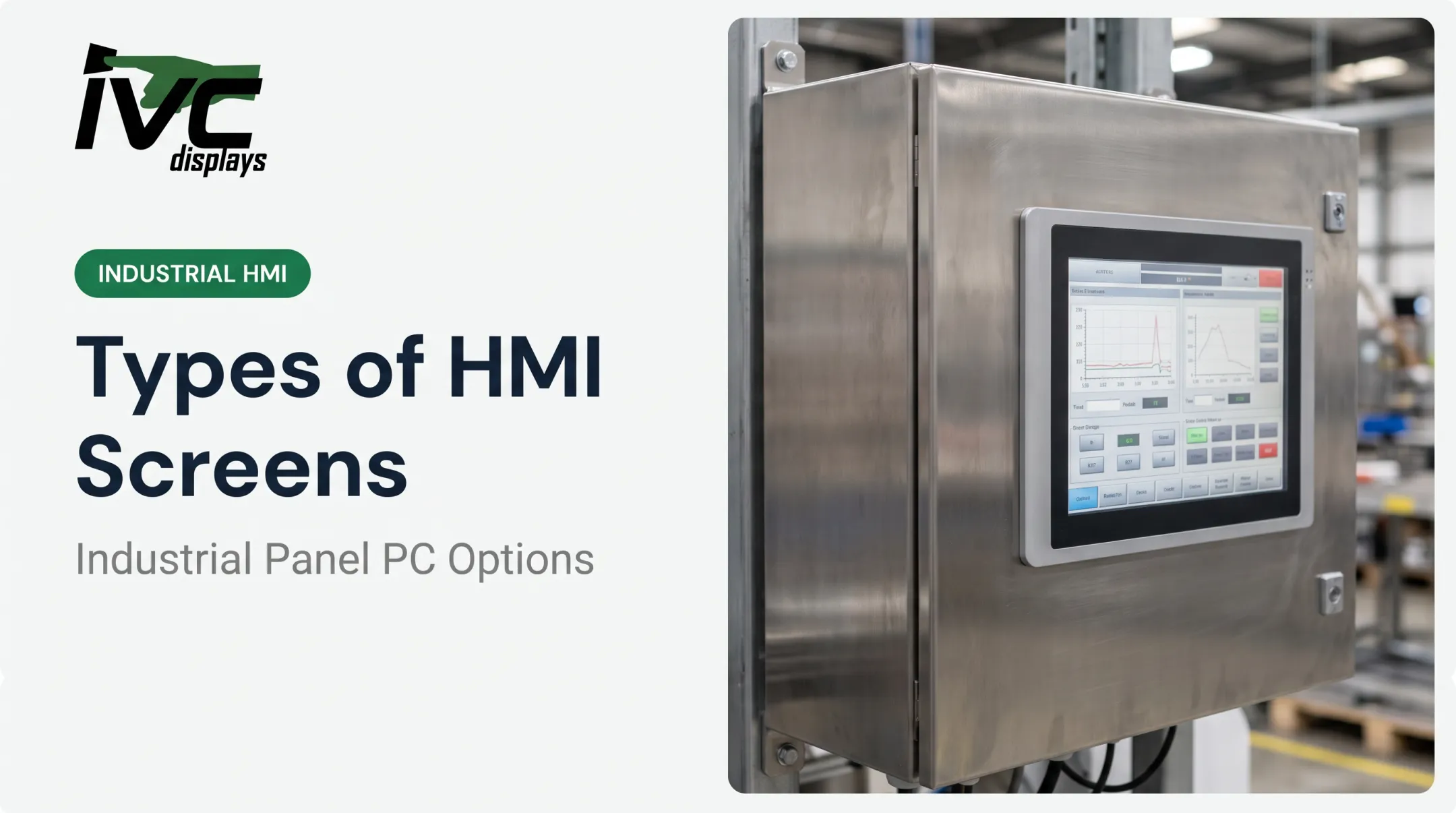
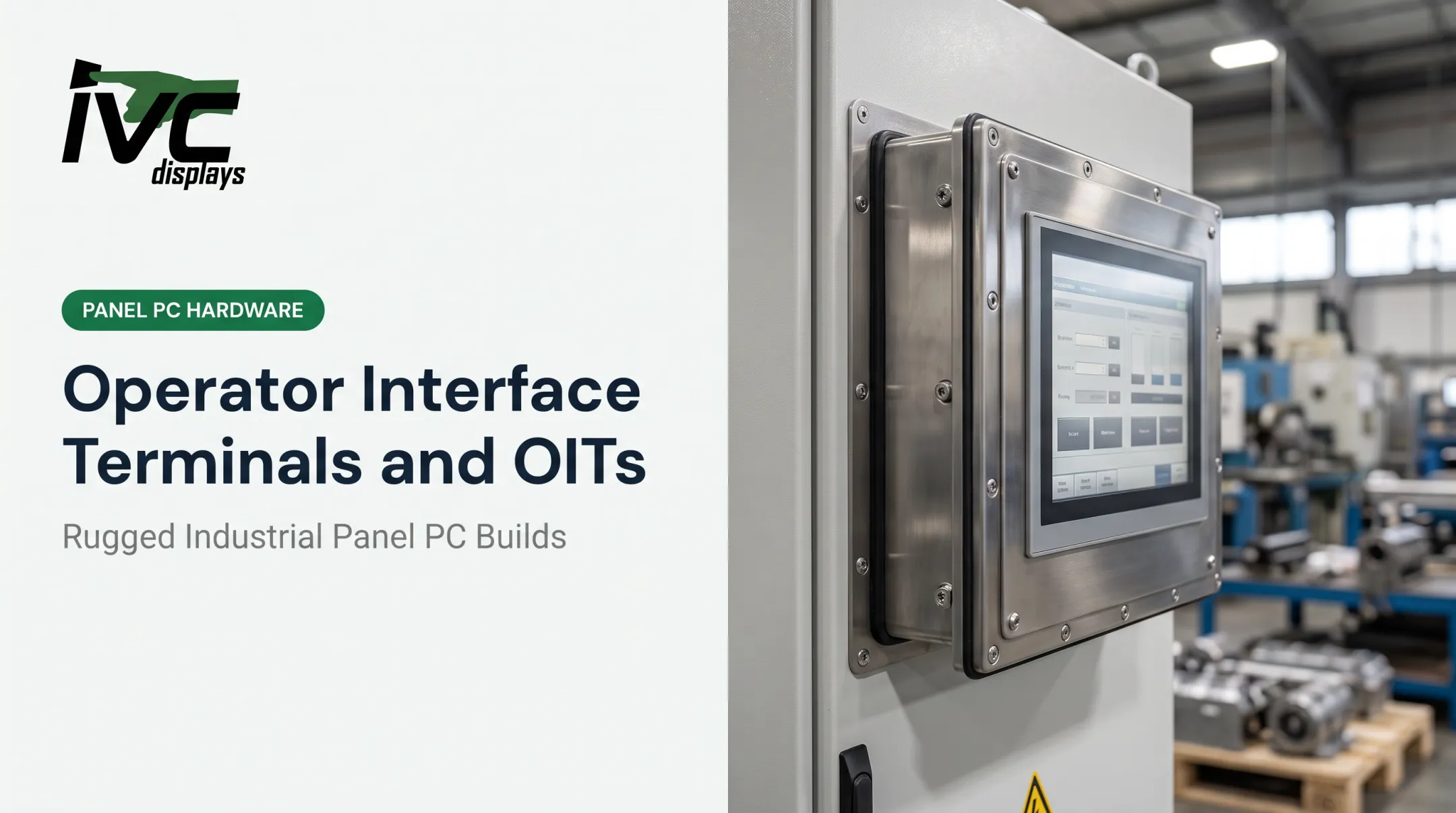
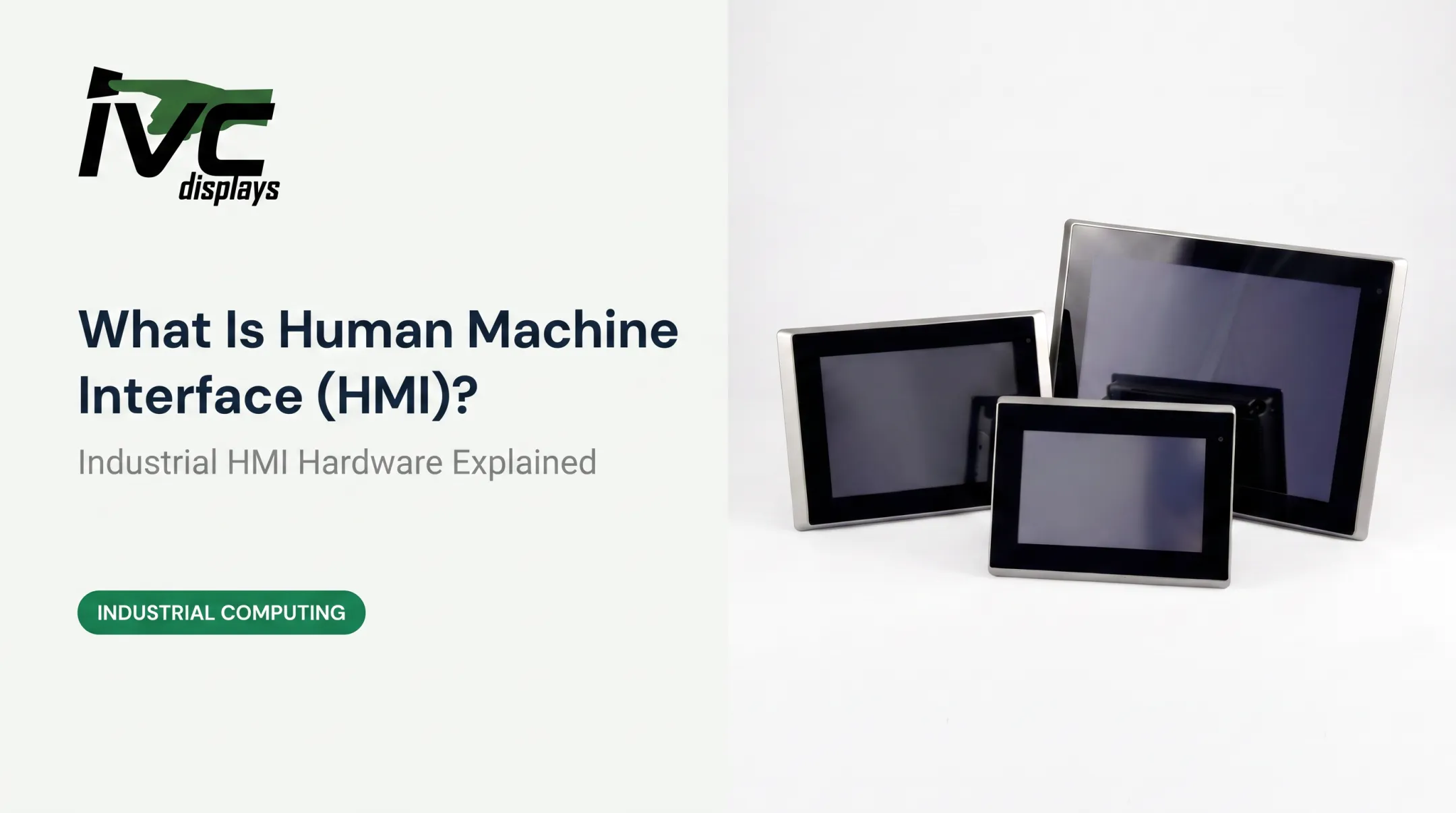
Traditional panel-mount HMIs limit you: fixed screen size, one physical location, and a price tag that includes display hardware you might not even need. If you need a 32-inch Andon board and a tablet for the floor supervisor, buying two all-in-one HMIs doesn't make sense.
This article defines headless HMI, walks through how it works, and covers the benefits, common use cases, and what to consider when picking display hardware to pair with one.
Key Takeaways
- A headless HMI has no built-in screen and runs on external monitors, tablets, or mobile devices via HDMI or network connections.
- It cuts enclosure footprint, lowers upfront cost, and lets you size and place displays however you need.
- Manufacturing, oil & gas, food processing, and logistics use headless HMIs for remote monitoring and large-format displays.
- Pairing a headless HMI with rugged display hardware keeps performance reliable in dusty, wet, or extreme-temperature environments.
What Is a Headless HMI?
An HMI, or Human-Machine Interface, is the software and hardware layer that lets an operator monitor and control equipment. Rockwell Automation describes it as the critical link between people and automation systems, enabling real-time monitoring and actionable insights.
A "headless" HMI strips out the integrated screen. The processor still runs the HMI logic—it just outputs to an external monitor, TV, projector, or mobile device instead of a built-in panel.
You get the same control runtime without tying visualization to one fixed display.
What doesn't change:
- I/O and communication protocols (Ethernet, serial, USB)
- Data logging and historian functions
- Alarm management and notifications
Headless HMIs grew out of the all-in-one panel HMI. Once plants needed mobile access and large-format visualization on the floor, splitting the processor from the display became the practical next step—and the rest of this guide covers how that split works, where it fits, and when to use it.
How Does a Headless HMI Work?
The architecture is straightforward. A headless HMI controller connects via HDMI to an external display, and via Ethernet or serial to PLCs and sensors on the plant floor.
Remote Access Options
Most headless HMIs support multiple ways to view and interact with the interface:
- View the interface in a web browser on any networked PC
- Monitor operations through iOS and Android apps
- Connect with dedicated remote HMI client software
Maple Systems, for example, describes its headless HMIs as capable of monitoring PLC operations and providing remote access through smartphones, tablets, laptops, and PCs over a secure VPN connection.
Many units also support multiple concurrent remote sessions, so different team members can view the same data from separate locations at once.
Touch and Peripheral Support
USB ports let you connect touchscreens, mice, or keyboards directly. This gives you interactive control without a built-in touch panel on the controller itself.
Resolution and Multi-Display Capability
A single headless unit can drive various screen sizes and resolutions. Weintek's cMT-FHDX-820 series, for instance, outputs Full HD 1080p over HDMI and includes quad-core processing with 1080p H.264 video decoding. It ships with 4GB flash, 1GB RAM, two Ethernet ports, and a USB host port.

AutomationDirect's C-more headless devices support resolutions from VGA (640×480) up to FHD (1920×1080), with two Ethernet ports plus multiple serial and USB connections.
On the display side, IVC Displays' NP-5XXM rugged touch monitors pair with headless controllers through USB touch and RS-232 connectivity. Screen sizes range from 7 to 21.5 inches, with IP65 front-panel protection for industrial environments.
Key Benefits of Headless HMI Systems
Removing the display from the controller delivers several practical advantages:
- Lower upfront cost with no integrated display hardware in the unit
- Smaller footprint and no display cutout, which helps preserve your enclosure's NEMA or IP rating
- Less heat and lower power draw than all-in-one units running a screen and processor together
- Display upgrades or size changes without replacing the whole HMI
- Centralized monitoring from one control room screen or mobile device across multiple headless HMIs

Remote and mobile access continues to grow across manufacturing. PMMI's 2024 Trends in Remote Services & Monitoring report found that 70% of OEMs now offer remote support services for machinery, compared to 42.6% of end-users using remote support.
That gap points to room for growth on the end-user side, and headless architectures are part of what makes remote access practical.
Headless HMI vs. Traditional Panel HMI
Neither approach wins every scenario—the right choice depends on environment and use case.
| Factor | Traditional Panel HMI | Headless HMI |
|---|---|---|
| Upfront cost | Higher (integrated display included) | Lower (display purchased separately) |
| Footprint | Fixed, single unit | Smaller controller, flexible display |
| Install flexibility | Limited to panel location | Display can be anywhere with a connection |
| Environmental sealing | Built-in, factory-tested | Depends on the external display chosen |
Control Design notes that traditional panel-mount HMIs stay preferred for constant local visualization amid heavy temperature swings, contamination, or moisture. One sealed unit at the machine removes the guesswork of matching separate components.
Go headless, and display durability and environmental protection fall on the hardware you pair with the controller. Rugged display selection is part of the architecture, not an afterthought.
Where Headless HMIs Are Used in Industrial Automation
Headless HMIs show up wherever fixed panel displays fall short:
- Manufacturing floors running large-format "scoreboard" displays for KPIs, alarms, and Andon or status stations on wall-mounted monitors
- Oil & gas, food processing, and pharma facilities using mobile access to skip fixed displays in hazardous or washdown zones
- Logistics and warehouse operations needing mobile monitoring so operators covering large facilities aren't tied to a fixed panel
In each case, the external display still has to handle dust, moisture, vibration, or temperature swings.
Pair a headless HMI controller with rugged industrial monitors—such as IVC Displays' IP66/IP67/IP69K stainless steel washdown systems—and the visualization layer holds up while the controller stays inside a sealed enclosure.
Choosing the Right Display Hardware for a Headless HMI Setup
Once you've decided to go headless, the display becomes the most important remaining decision. Consider:
- IP/NEMA rating — matched to dust, moisture, and washdown exposure on-site
- Sunlight readability — critical for outdoor or high-glare indoor environments
- Touchscreen type — resistive for gloved use; PCAP for higher clarity and multi-touch
- Mounting options — panel mount, VESA, pedestal/arm, or custom OEM integration
Match ruggedness to the actual environment. A washdown line needs different protection than an outdoor kiosk or a marine deck.
IVC Displays covers this range with:
- NP-5xxm rugged monitors (7"–21.5"): IP65 front panel, resistive or PCAP touch, panel or VESA mounting
- Stainless steel waterproof systems (10.1"–24"): IP66–IP69K, 304/316 stainless, 350–1000 nits, waterproof M12 connectors
- NP-5XXOPN open-frame monitors (8"–19"): built for OEM, kiosk, and embedded panel integration

That gives you a matched external display for headless HMI—whether the job is a washdown line, outdoor yard, or control room wall.
Frequently Asked Questions
What is a headless HMI?
A headless HMI is a display-less HMI controller that connects to external monitors, tablets, or mobile devices for visualization and control. It handles all the processing and logic, but relies on separate hardware for the screen.
What does HMI stand for?
HMI stands for Human-Machine Interface. It's the software and hardware layer that lets operators monitor and control industrial equipment in real time.
What is the main difference between an HMI and a monitor?
An HMI includes the logic, communication protocols, and control software that talk to PLCs and sensors. A monitor is simply the display output device, showing whatever the HMI sends it.
Which HMI is best?
The best choice depends on your environment, budget, and whether you need fixed-panel or mobile access. Harsh environments often favor sealed panel HMIs; flexible facilities usually benefit more from headless setups.
Can a headless HMI support touchscreen monitors?
Most headless HMIs support USB touchscreens for plug-and-play interaction. Check the specific controller and display for confirmed compatibility, since interface details vary by manufacturer.
Is a headless HMI more cost-effective than a traditional HMI?
Headless HMIs are typically cheaper upfront since you're not paying for an integrated display. However, factor in the cost of the external display and mounting hardware before comparing total project costs.