This scenario plays out more often than most facilities admit. Teams spec rugged hardware carefully, then treat the operating system as an afterthought.
An industrial PC operating system isn't just Windows or Linux running on tougher hardware. It's software built for long lifecycle support, deterministic performance, and stability in conditions that would break a consumer machine. This article covers the main OS types, how Windows compares to Linux and RTOS, and how to match the right OS to hardware that can actually survive your environment.
Key Takeaways
- Industrial PC operating systems prioritize reliability and multi-year support over consumer convenience
- Windows IoT/LTSC, Linux, and RTOS each serve different automation needs; no single OS fits every application
- Running an unsupported OS creates security gaps, unplanned downtime, and forced hardware upgrades
- Rugged hardware and the right OS must work together; neither compensates for the other's weaknesses
What Is an Industrial PC Operating System?
An industrial PC OS is the software layer that manages hardware resources on rugged, purpose-built computers used in manufacturing, automation, and logistics. It handles the same core jobs as any OS (process management, memory allocation, device I/O) but under conditions a desktop OS was never designed for.
NIST's SP 800-82r3 guide describes industrial control systems as including SCADA, DCS, and PLC configurations, with an HMI often running as dedicated software on an industrial PC. That's the functional test: does the OS reliably talk to your PLCs, SCADA servers, and sensor networks without dropping data?
What sets an industrial OS apart from a consumer one:
- Extended support cycles measured in years, not months
- Deterministic or near-deterministic performance for time-sensitive processes
- Compatibility with SCADA, HMI, and PLC communication protocols
- Stable uptime despite heat, vibration, dust, and long duty cycles
Why the Environment Changes the Requirements
Extreme temperatures, constant vibration, dust intrusion, and 24/7 uptime expectations place demands on an OS that a typical office desktop never faces. A consumer OS assumes periodic reboots and occasional downtime for updates. An industrial line often can't afford either.
This is also where hardware and software intersect. Even a well-supported OS underperforms on hardware that overheats, fails from vibration, or lacks proper I/O for sensors and machinery.
IVC Displays builds rugged panel PCs and industrial computers to give the OS a stable platform: fanless thermal designs, sealed enclosures, and wide DC power input ranges that keep the software layer from being the weak point. The sections below break down how industrial OS choices differ in practice, and what to evaluate before you deploy.
Types of Industrial PC Operating Systems
Microsoft Windows (IoT / LTSC Editions)
Windows remains dominant in industrial settings for one simple reason: software compatibility. Most SCADA and HMI applications were built and tested for Windows, and driver support for industrial peripherals is mature.
The Long-Term Servicing Channel (LTSC) matters because it strips out the feature updates and disruptive changes found in regular Windows releases, delivering security patches without forcing UI or compatibility changes mid-deployment. Current Microsoft lifecycle data shows why timing your purchase matters:
| Windows Edition | Extended Support End |
|---|---|
| Windows 10 IoT Enterprise LTSC 2019 | January 9, 2029 |
| Windows 10 IoT Enterprise LTSC 2021 | January 14, 2032 |
| Windows 11 IoT Enterprise LTSC 2024 | October 11, 2034 |

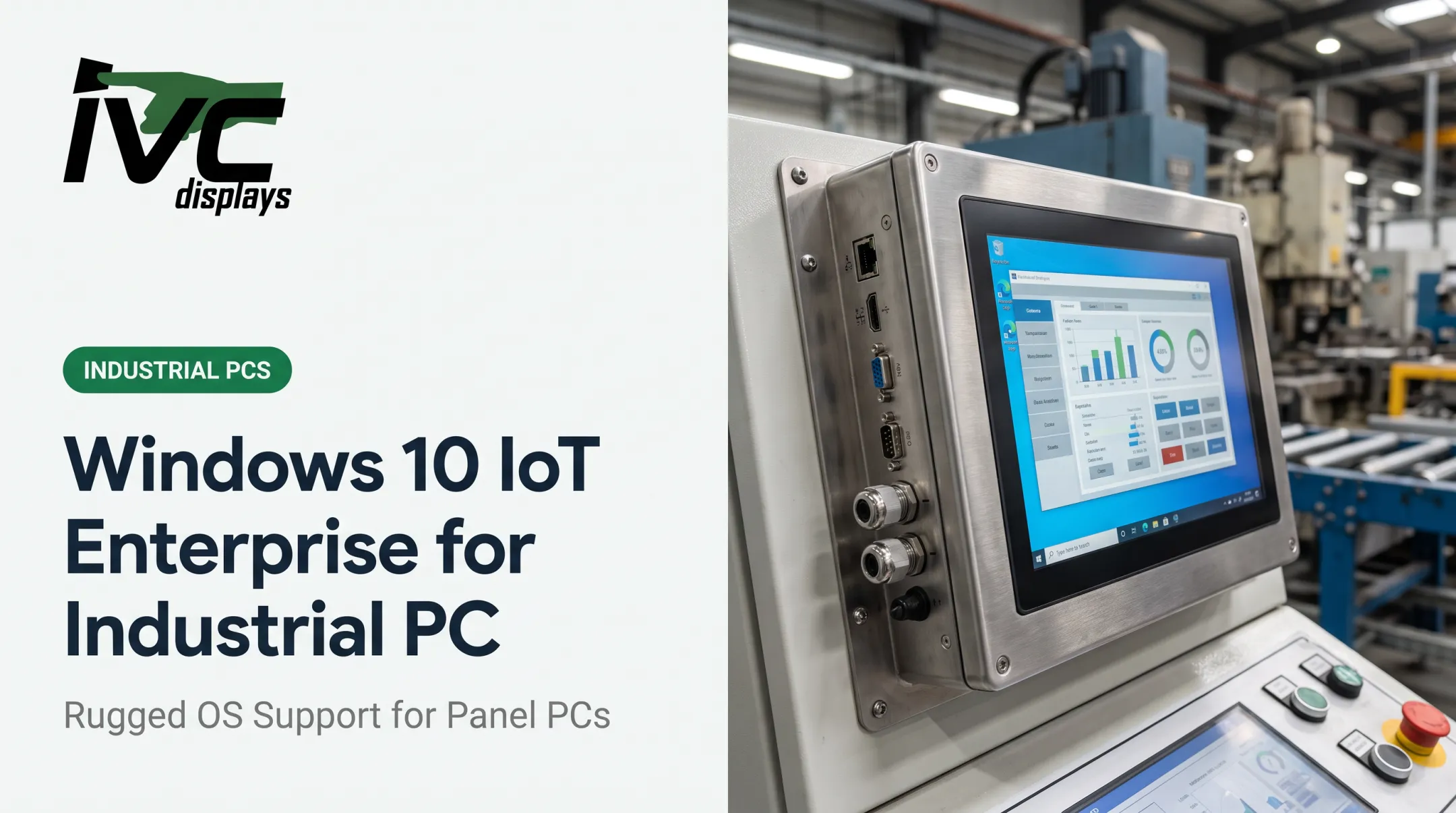
IVC's NP-9XXi panel PC series supports Windows 11 IoT, with Windows 10 IoT available on select configurations, a common pairing for facilities standardizing on Microsoft's ecosystem.
Linux
Linux appeals to industrial buyers for open-source flexibility, lower licensing costs, and deep customization for embedded applications. There's no per-seat licensing fee, and integrators can strip the OS down to exactly what an application needs.
It's especially popular in edge computing, gateways, and specialized applications where a full Windows install would be overkill. The Eclipse Foundation's 2024 IoT and Embedded Developer Survey of nearly 750 developers and decision-makers reported Linux adoption at 46%. That figure reflects global embedded development trends, not a confirmed share of U.S. industrial PC installations.
IVC's light industrial computers support popular distributions including Ubuntu, Debian, and Fedora. The heavy-industrial IVC-XXPC-P series is documented for Ubuntu and Debian builds alongside Windows.
Real-Time Operating Systems (RTOS)
An RTOS guarantees deterministic timing: a response happens within a fixed window, every time, not just on average. That distinction is critical for robotics, motion control, and safety-critical systems where a delayed response is a hazard, not just an inconvenience.
Wind River's VxWorks, for example, is marketed as a safety-certified RTOS with documented use in industrial robotics and aerospace applications. Industries that lean on RTOS include:
- Aerospace and defense (hard real-time flight and weapons systems)
- Automated production lines with synchronized motion control
- Medical devices requiring certified, predictable response times

Standard Windows or Linux builds simply weren't architected to guarantee this kind of timing under load. Each targets a different design goal.
Android and Embedded/Proprietary Systems
Android has carved out a role in vehicle-mount computers and handheld industrial tablets, particularly in warehouse and logistics settings. Zebra's rugged vehicle-mounted lineup explicitly lists Android as an option for forklifts, order pickers, and tuggers operating in harsh conditions.
Some regulated industries (aerospace, medical devices) rely on custom or proprietary OSes built to satisfy specific certification requirements, such as IEC 62304 for medical software or DO-178C for airborne systems. These aren't general-purpose platforms; they're built and certified for a single, narrow use case.
Windows vs. Linux vs. RTOS: Which Is Right for Your Application?
No single OS is best for every industrial PC. The right choice depends on your application's constraints.
| Factor | Windows IoT/LTSC | Linux | RTOS |
|---|---|---|---|
| Ease of use | High (familiar UI) | Moderate (technical skill needed) | Low (specialized development) |
| Software compatibility | Excellent for SCADA/HMI | Good for custom/edge apps | Limited, purpose-built |
| Licensing cost | Per-seat fees | Free/open-source | Often licensed per deployment |
| Customization | Limited | Extensive | Extensive, but development-heavy |
| Update/support cycle | Fixed, multi-year (LTSC) | Vendor-dependent | Long, safety-certified releases |

A quick way to decide:
- Windows fits general HMI/SCADA work and environments already integrated with office systems
- Linux fits cost-sensitive deployments and applications needing heavy customization
- RTOS fits precision control and safety-critical tasks where timing failures aren't acceptable
Before choosing, evaluate your existing software ecosystem, how long you need update support, and whether any function in the system has a hard real-time deadline. Get that last part wrong, and no amount of software patching fixes it later.
Why OS Support Lifecycle Matters for Industrial Computers
Running an unsupported OS creates real exposure. Unpatched vulnerabilities accumulate, compliance requirements go unmet, and attackers specifically scan for known exploits in outdated systems.
NIST's SP 800-82r3 notes that operational technology systems can remain in service more than 20 years, and that legacy hardware and software often become unsupported and unpatchable well before the equipment is retired. Compare that to a typical Windows LTSC support window of roughly 10 years, and the mismatch becomes obvious.
CISA's guidance on end-of-support edge devices reinforces this: an EOS device stops receiving vendor patches and CVE updates, creating exploitable gaps even in an otherwise secure network. Their recommendation is straightforward:
- Inventory every asset with its OS version and support end date
- Replace end-of-support devices where feasible
- Apply compensating controls when immediate replacement isn't possible

That gap is why LTSC and embedded editions exist. They're built for equipment that will outlast a standard consumer release cycle by a decade or more.
Pairing the Right OS With Rugged Industrial Hardware
An OS is only as reliable as the hardware running it. Fanless design, extended temperature tolerance, and vibration resistance directly affect whether that carefully chosen OS stays stable in the field.
IVC pairs those OS choices with industrial-grade thermal and enclosure design:
- IVC-XXPC-P series: Sealed, fanless design rated -20°C to +70°C, with Windows 10 IoT, Windows 11 IoT, and Linux (Ubuntu, Debian)
- Stainless-steel waterproof panel PCs: Same fanless approach at -10°C to +60°C for washdown environments
Matching your OS deployment to these documented thermal limits, not just the processor spec, keeps systems running through summer heat spikes and unheated warehouse winters.
For fleets deploying across multiple facilities, OEM integration capability matters just as much. IVC configures the operating system, processor, memory, I/O, and enclosure together per application. Lifecycle programs keep hardware and firmware available for 5-10+ years, cutting redesign work when a single component goes obsolete mid-deployment.
Frequently Asked Questions
What is the best operating system for an industrial PC?
There isn't one universal answer. Windows suits applications needing broad software compatibility, Linux fits cost-sensitive or highly customized deployments, and RTOS is necessary for real-time, safety-critical control.
What are the types of industrial PC operating systems?
The main categories are Windows IoT/LTSC, Linux distributions, RTOS platforms, Android (for mobile and vehicle-mount computers), and custom or proprietary systems used in regulated industries.
What is the difference between an industrial PC and a normal PC?
Industrial PCs pair rugged, purpose-built hardware with OS configurations built for long-term durability and uptime. Fanless cooling, sealed enclosures, and wide power tolerance set them apart from consumer PCs designed for shorter replacement cycles.
Is DOS still used in industrial PCs?
DOS is largely obsolete, but it still runs on some legacy embedded systems that need a minimal footprint and are hard to replace without stopping production. Most facilities are moving to modern embedded OS options instead.