That confusion has a cost. Specify the wrong panel technology for a factory floor with multiple viewing angles, or the wrong touch layer for gloved operators, and you'll be replacing hardware within months. This guide breaks down how IPS touch screen technology actually works, how it compares to TN and VA panels, and what to look for when sourcing displays for industrial-grade applications.
Key Takeaways
- IPS is a display technology, not a touch technology; touch is a separate layer added on top
- Up to 178-degree viewing angles keep color consistent across multi-operator environments
- Capacitive touch offers durability and multi-touch support; resistive touch remains the standard for glove-friendly, industrial use
- Ruggedized IPS panels with reinforced glass and sealed enclosures hold up in harsh industrial environments
- Matching brightness, IP rating, and touch type to your actual environment matters more than chasing spec-sheet numbers
What Does IPS Mean for a Screen?
IPS stands for In-Plane Switching, a type of LCD panel technology. In an IPS panel, liquid crystal molecules align horizontally, parallel to the glass substrate, instead of shifting vertically as they do in older panel designs.
That horizontal arrangement gives IPS displays wide viewing angles and consistent color, even from the side.
Here's where the confusion usually starts: "touch screen" describes an entirely different layer of technology. It's the capacitive or resistive sensing surface added on top of the IPS panel to detect finger or stylus input.
IPS and touch are complementary layers:
- IPS controls how the image looks — color, contrast, viewing angle
- Touch controls how the user interacts with that image
A high-quality IPS panel with a poorly matched touch layer will still frustrate operators, and vice versa. Specifying both correctly matters as much as choosing either one.
How IPS Touch Screen Technology Works
Horizontal Alignment vs. Vertical Switching
Traditional TN (twisted nematic) panels shift liquid crystals vertically, which restricts the angle from which the display looks accurate. IPS panels keep those crystals aligned horizontally, so light passes through more consistently regardless of viewing position. Horizontal alignment is why the image stays consistent whether you view the panel head-on or from the side.
The result: viewing angles up to approximately 178 degrees, according to manufacturer panel specifications like AUO's AHVA-series datasheets, with minimal color shift off-axis.
Adding the Touch Layer
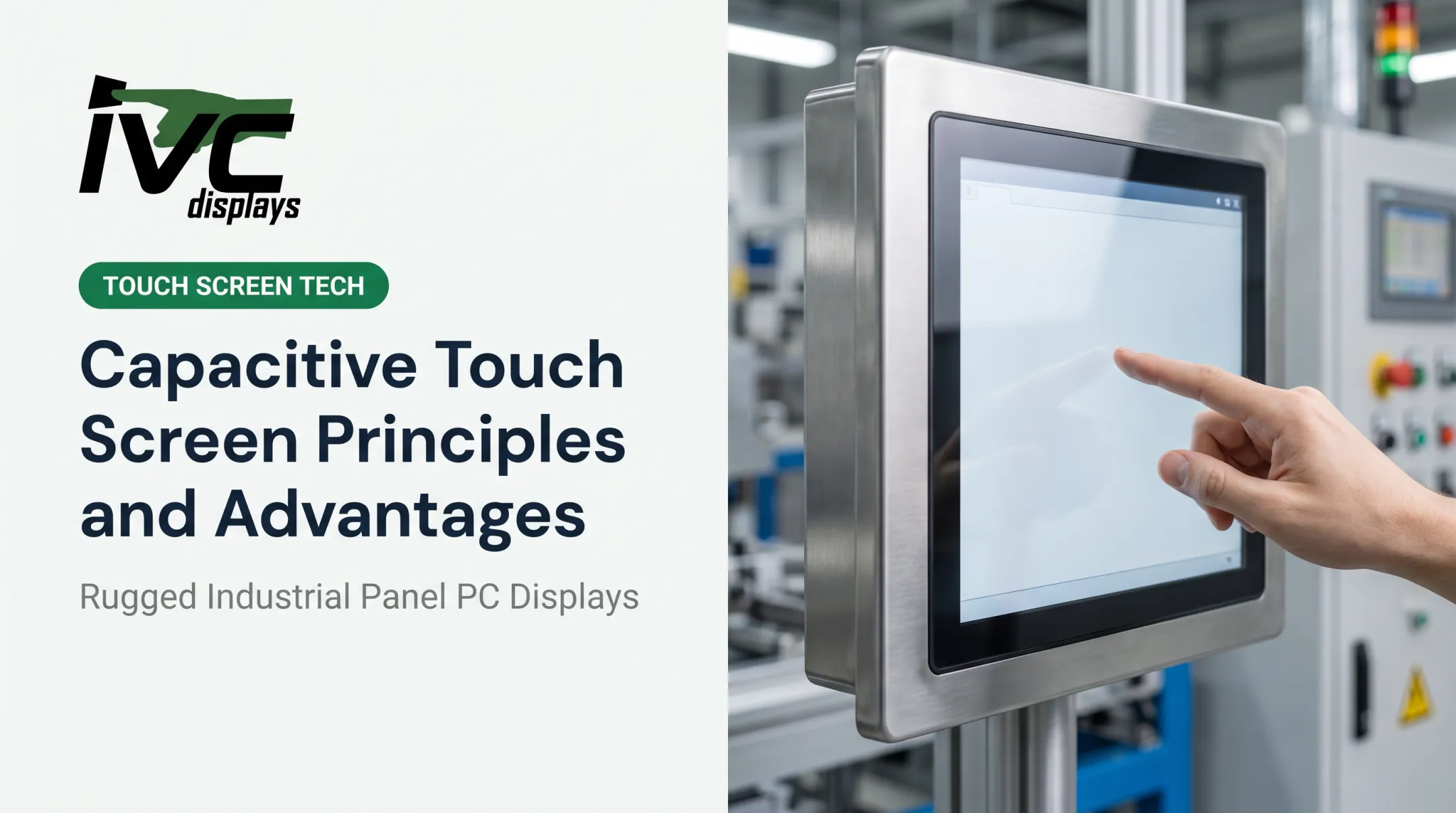
Capacitive touch sensing works by detecting changes in electrical capacitance when a finger makes contact with the screen. A grid of conductive X-Y matrix layers sits on top of (or bonded to) the IPS glass. When a finger touches the surface, it disrupts the electrical field at that intersection point, and the controller registers the location. This is what enables multi-touch gestures — pinch, swipe, multi-finger input — on modern touch panels.
Resistive touch works differently: two conductive layers sit with a small air gap between them, and physical pressure pushes them together to register a touch. It's more forgiving of gloved hands but less optically clear and limited to single-touch input.

Why Optical Bonding Matters
Optical bonding directly joins the touch cover glass to the LCD panel, eliminating the air gap that would otherwise sit between them. According to VIA Optronics, this reduces internal reflections, improves sunlight contrast and readability, and adds mechanical stability while keeping moisture and particles out of the display stack. For outdoor or washdown environments, optical bonding is a critical durability and readability requirement.
Beyond the stack construction, color performance also varies by product—not by a universal IPS standard. Manufacturer specs range widely: some IPS monitors claim 98% sRGB coverage, while professional-grade models push 100% sRGB. A 2021 AUO panel datasheet lists 73% color gamut for one industrial module. Always check the product spec sheet rather than relying on a generic "IPS" label.

IPS vs. Other Panel and Touch Technologies
IPS vs. TN Panels
| Attribute | IPS | TN |
|---|---|---|
| Viewing angle | Wide, stable off-axis | Narrow, color shifts at angle |
| Color accuracy | Strong | Weaker, more direct viewing required |
| Response time | Product-dependent (often 16-22ms) | Historically faster (as low as 1ms with overdrive) |
| Typical use | Multi-viewer, color-critical tasks | Fast-motion, single-viewer setups |
IPS vs. VA Panels
VA (vertical alignment) panels make the opposite trade-off: deeper blacks and higher contrast, with less side-viewing color consistency than IPS.
For multi-angle viewing (a shared control room monitor, for example), IPS generally wins. For a single-operator station where contrast matters more than off-axis accuracy, VA is often the better fit.
Is IPS Better Than LCD?
This is a common question, but it's a false comparison. IPS is a type of LCD, not a rival category. TN and VA are LCD variants too.
Asking "IPS vs. LCD" is like asking "sedan vs. car." The real choice is IPS vs. TN vs. VA: viewing angle and color (IPS), speed (TN), or contrast (VA).
Capacitive vs. Resistive Touch
| Attribute | Capacitive (PCAP) | Resistive |
|---|---|---|
| Touch input | Multi-touch | Single-touch |
| Durability / clarity | High durability, excellent optical clarity | More scratch-prone, poorer optical clarity |
| Glove / stylus use | Bare skin or specialized gloves | Heavy gloves, styluses, or wet fingers |
Heavy leather or thick cloth gloves often fail to register on standard PCAP screens. In cold-storage or industrial glove environments, resistive touch—or specialized PCAP gloves—may be required.
Key Benefits of IPS Touch Screens for Industrial Use
For industrial buyers, IPS touch panels solve three recurring problems:
- Wide viewing angles keep the display readable from the side of a control room or vehicle dashboard, not only straight-on
- Color stays consistent for quality inspection in manufacturing and pharmaceutical work that depends on visual verification
- Glass capacitive touch on IPS panels withstands constant handling in logistics and automation better than resistive-only setups
Where IPS Touch Screens Are Used in Demanding Industrial Environments
IPS panels show up wherever operators must read a screen off-axis, outdoors, or under harsh conditions—and still trust what they see.
Manufacturing and Automation
HMI panels and machine control interfaces often need to stay readable from several operator positions on a factory floor. Wide viewing angles cut misreads during shift changes and when more than one person watches a single control point.
Marine, Oil & Gas, and Outdoor Settings
Those same angle advantages matter less if glare or weather washes out the image. In these settings, buyers typically specify:
- Sunlight-readable brightness with anti-glare treatment
- Washdown-rated enclosures for moisture and cleanup cycles
- Hardware rated for temperature swings, salt, and vibration
IVC Displays builds rugged panel PCs, industrial monitors, and marine-grade computers for those conditions. The NP-9XX-MA marine-grade panel PC, for example, carries IEC 60945, IACS E10, and DNV certifications, plus an anti-corrosion aluminum housing for offshore and shipboard use.
Logistics, Transportation, and Defense
In cabs and field vehicles, the constraint shifts again: gloved hands and high ambient light. Vehicle-mount computers and rugged tablets need touch that still registers with work gloves and stays visible in bright cabs. IVC's NP-4XX-BIPC button-integrated PCs support either PCAP or resistive touch, so teams can match the panel to bare-handed or gloved work.
How to Choose the Right IPS Touch Screen Display
Selecting the right display means matching specs to your operating environment, not the highest number on a spec sheet.
- Assess environmental exposure first. Temperature, moisture, dust, and vibration decide whether you need a standard or ruggedized enclosure. IVC's NP-series touch monitors run 0°C to 50°C with IP65 protection; ruggedized lines like the IVC-XXPC-P extend from -20°C to +70°C.
- Match brightness to ambient light. Indoor control rooms often work at 250–350 cd/m²; outdoor or high-glare sites usually need 500 cd/m² or higher. IVC marine panel PCs span about 300 cd/m² on larger 24-inch models up to 500 cd/m² on smaller units.
- Choose touch type for operator conditions. Bare-hand, multi-touch work favors PCAP. Gloved or wet-hand use usually needs resistive touch.
- Plan custom or OEM-integrated builds for harsh-duty operations. Consumer panels rarely survive washdown, salt spray, or continuous vibration. Custom engineering for enclosure, I/O, touch type, and mounting is the more reliable path when downtime is not an option.

Frequently Asked Questions
Is IPS better than LCD?
IPS is a category of LCD, not a separate competitor to it. TN and VA are also LCD types. IPS tends to outperform them specifically in color accuracy and viewing angle, though TN can still lead on response time in fast-motion applications.
What does IPS mean for screens?
IPS stands for In-Plane Switching, an LCD panel technology where liquid crystals align horizontally rather than vertically. This produces wide viewing angles and consistent color, even when viewed off-center.
What is the difference between IPS and capacitive touch screen?
IPS is a display technology controlling how the image looks. Capacitive touch is an input technology controlling how you interact with that image. Most modern devices combine both.
Are IPS touch screens durable enough for industrial environments?
Yes, when built for it. Ruggedized IPS touch panels with reinforced glass and sealed, IP-rated enclosures can meet industrial durability standards that consumer-grade panels simply aren't designed to handle.
Do IPS screens work well outdoors in direct sunlight?
High-brightness IPS touch displays with anti-glare treatment and optical bonding are built for sunlight readability. Standard consumer-grade IPS panels, however, typically struggle in direct sun without those additions.
Is IPS good for gaming or fast-motion applications?
Modern IPS panels have improved response times significantly, but TN panels still lead in ultra-fast refresh scenarios where every millisecond counts, such as competitive gaming.