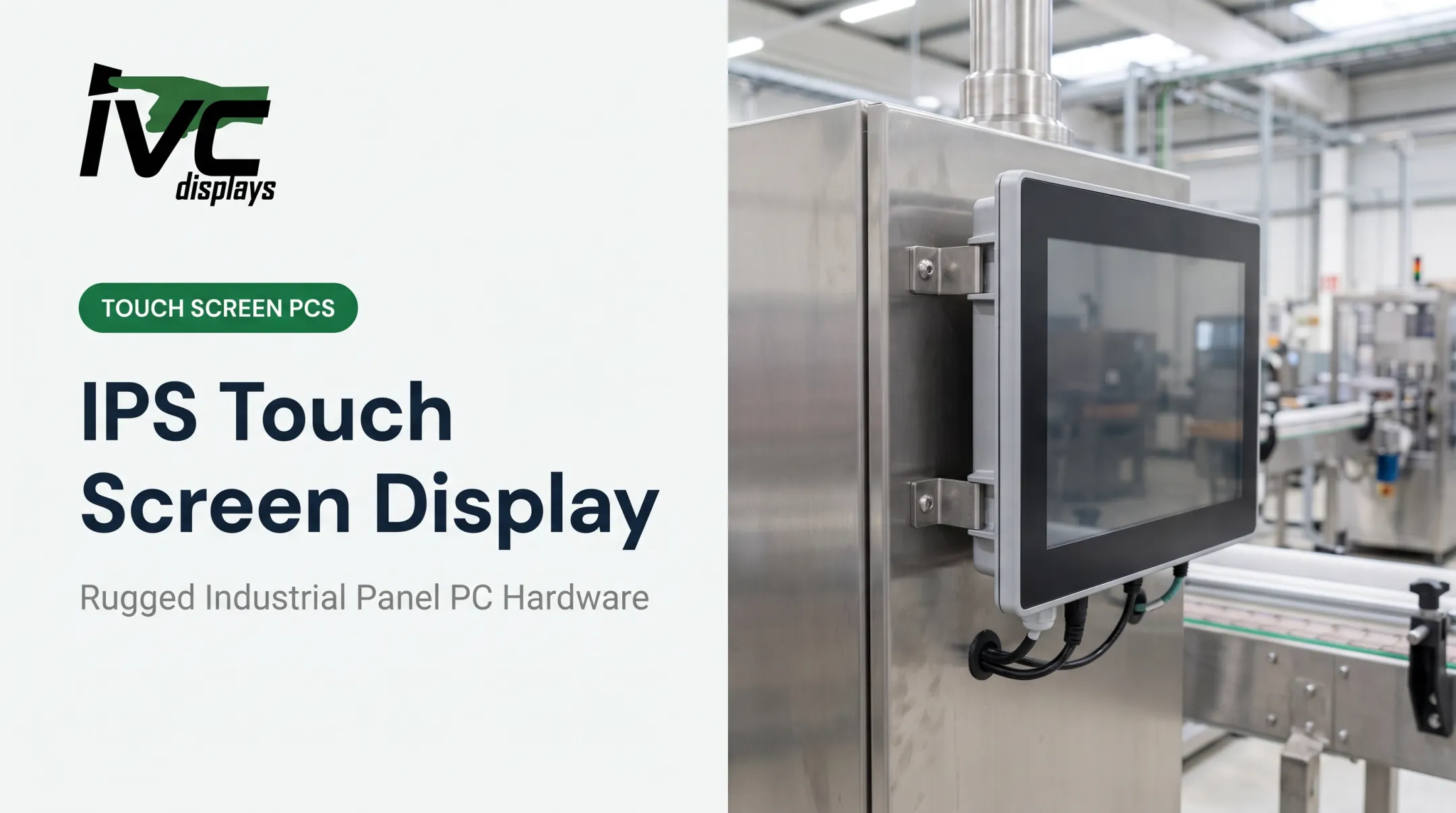
This guide breaks down what display engineering support actually covers, when your operation needs it, and how to evaluate a partner before you commit to a multi-year deployment. It matters most for manufacturing, logistics, defense, marine, and food processing operations across the US, where a single hardware failure can shut down a line for hours.
Key Takeaways
- Display engineering support covers thermal, mechanical, and electrical design — not just screen selection
- Rugged, purpose-built hardware cuts downtime and lowers total cost of ownership versus consumer displays
- Marine, oil & gas, and food processing environments require certified housings to stay compliant and online
- An engineering partner with OEM integration experience helps you avoid expensive redesigns later
What Is Display Engineering Support?
Display engineering support is the process of designing, customizing, and validating display and computing hardware to survive the exact conditions it'll face in the field: temperature swings, vibration, moisture, dust, and chemical exposure.
Buying a commercial monitor means picking a screen off a shelf and hoping it holds up.
Getting an engineered industrial display solution means the hardware is built around your operating conditions from the start: enclosure material, thermal management, connector sealing, and mounting all specified for your application.
That support typically spans:
- Requirements capture — defining temperature range, ingress protection needs, mounting constraints, and touch requirements
- Mechanical and thermal design — enclosure material, fanless cooling, connector sealing
- Prototyping — building and testing sample units against real conditions
- Validation testing — confirming the design meets its environmental and mechanical targets
- Lifecycle management — ensuring component availability for years, not months

Why Off-the-Shelf Displays Often Fail in Industrial Settings
Consumer and commercial monitors fail predictably in industrial environments:
- Screen glare in outdoor or high-ambient-light settings, making the display unreadable
- Condensation damage when temperature swings push moisture into unsealed enclosures
- Connector failures from vibration loosening standard cabling over time
- Fan and vent clogging from dust ingress in unsealed housings
These failures are common in unconditioned environments.
Unplanned downtime carries a steep cost. ABB's 2023 survey of over 3,000 plant-maintenance decision-makers found the median cost of unplanned outages runs close to $125,000 per hour. Hardware isn't the only driver of that number, but a display or control interface going dark on a production line contributes directly to it.
Core Areas of Display Engineering Support
Display engineering support typically spans six technical domains. Each one addresses a failure mode that shows up only after hardware leaves the lab.
Environmental Hardening
Wide-temperature tolerance and sealed enclosures are the baseline for anything leaving a climate-controlled office. IP-rated enclosures (IEC 60529) grade resistance to dust and water intrusion — IP65, IP66, IP67, and IP69K each represent different, specific test conditions, not interchangeable labels.
Food and pharma environments add another layer. Washdown-safe systems typically use 304 or 316 stainless steel, sealed M12 connectors, and fanless thermal design to eliminate contamination points. IVC Displays' stainless steel washdown systems, for example, combine 304/316 construction with model-dependent IP66/IP67/IP69K protection and waterproof M12 power and I/O — built specifically for sanitation-critical production lines.
Optical Engineering
Sunlight readability and glare control require deliberate design choices:
- Optical bonding eliminates the air gap between LCD and cover glass, reducing internal reflections and condensation buildup
- High-nit displays — outdoor applications generally need at least 1,000 nits, compared to roughly 200-300 nits on a typical office monitor
- Anti-glare coatings address surface reflection separately from brightness
Mechanical Integration
Vehicle-mount computers and fleet hardware need to survive constant vibration and shock, not just resist it in a lab test once. MIL-STD-810H's Method 514.8 (vibration) and Method 516.8 (shock) are the standard reference points, but a supplier stating "MIL-STD-810 compliant" without specifying the exact test method, mounting configuration, and acceptance criteria hasn't told you much. Ask for the details.
Touch and Interface Design
Gloved operators need different touch technology than a clean-room technician:
- Resistive touch works reliably with gloves — a common requirement on factory floors and in cold-storage
- PCAP (projected capacitive) touch supports multi-touch gestures for more modern interfaces
- Industrial connectors (M12, sealed RS-232/422/485) prevent moisture and dust ingress at the port level
OEM Equipment Integration
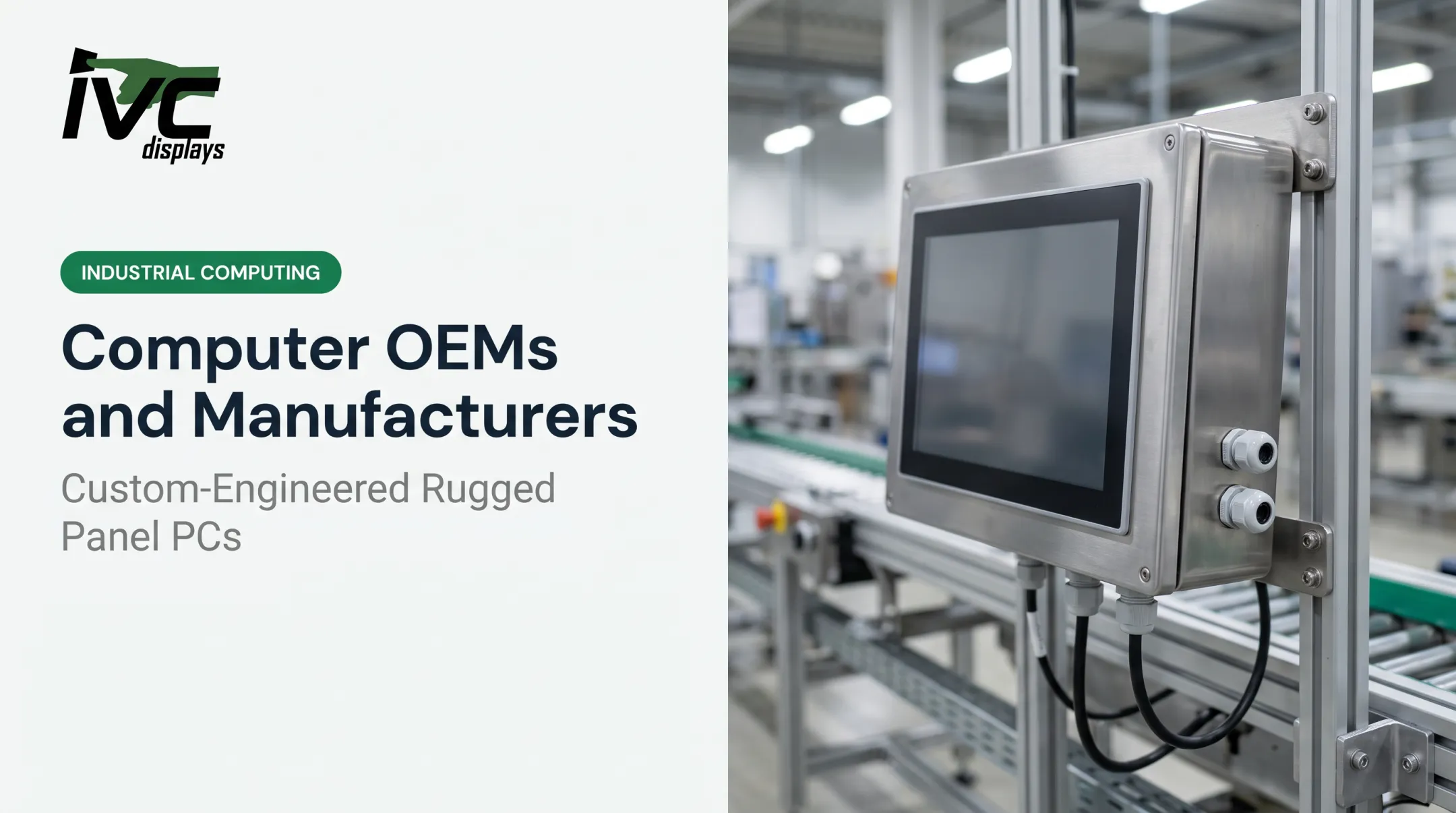
Custom hardware often needs to disappear into someone else's machine. That means matching enclosure dimensions to an existing control cabinet, adapting I/O to match legacy wiring, and validating that the new hardware doesn't interfere with the equipment it's embedded in. This is a different discipline than simply speccing a standalone panel PC.
Lifecycle and Obsolescence Management
Industrial and defense programs often run 5-10+ years. Component availability matters more than almost any other spec on the sheet. IEC 62402 provides formal guidance on obsolescence management, and suppliers vary widely on commitments — some advertise 5-10 years of availability, others up to 15. Lock the availability window in writing before you commit to a platform.

Industries That Rely on Engineered Display Solutions
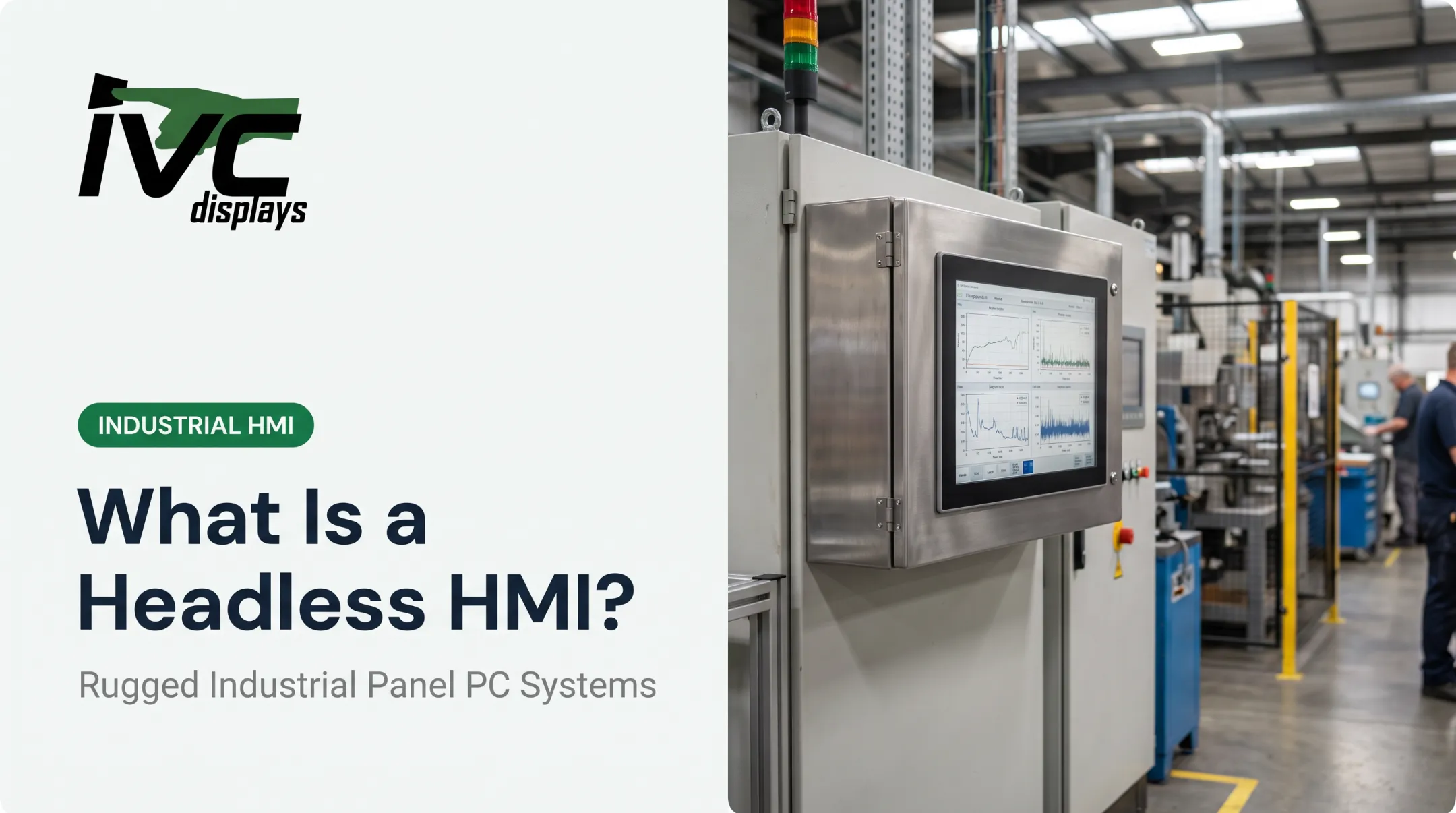
Manufacturing and automation floors need rugged panel PCs that shrug off dust, vibration, and constant handling. Think HMI stations bolted next to a stamping press, running for years without a reboot.
Marine, oil & gas, and defense applications demand a different checklist entirely:
- Corrosion resistance for salt-air and offshore exposure
- Compliance with marine standards like IEC 60945 for shipborne equipment
- Extreme temperature tolerance, often from sub-zero storage to 50°C+ operation
- Hazardous-location ratings where flammable vapors may be present
Food processing and pharmaceuticals need hygienic, washdown-rated hardware that survives daily high-pressure cleaning. Stainless steel construction earns its keep here: IVC Displays' washdown systems use 304 or 316 stainless steel with sealed, fanless designs that eliminate the crevices and cooling vents that trap contaminants.
What Display Technologies Are Used in Engineered Systems
Three main technologies show up in industrial hardware:
| Technology | Best For | Key Trait |
|---|---|---|
| LCD/TFT | Most industrial applications | Long service life, cost-effective at scale |
| LED-backlit | Outdoor, high-brightness needs | Better sunlight visibility |
| OLED | Specific high-contrast applications | Emits light directly, no backlight needed, but more prone to burn-in |
LCD/TFT panels remain the workhorse across industrial settings. Manufacturing scalability and a solid cost-to-performance ratio keep them dominant for fixed control panels, HMIs, and vehicle dashboards.

TFT-LCD production involves array, cell, and module-assembly stages. Industrial versions then go through additional ruggedization: sealing, bonding, and thermal design work that a consumer LCD never sees.
Your application dictates the choice:
- Outdoor equipment needs high-nit LCD or LED-backlit panels
- Indoor control panels can run lower brightness
- Vehicle dashboards need both brightness and shock tolerance
Choosing the Right Display Engineering Partner
Not every supplier that sells industrial displays actually engineers them. A few questions separate real engineering partners from resellers with a catalog:
- Portfolio breadth beyond one product type. A manufacturer offering panel PCs, open-frame displays, and vehicle-mount computers understands cross-application tradeoffs. A single-product reseller does not.
- Proven experience in your vertical. Defense requirements look nothing like food processing. A partner who has built for both knows those differences in the field.
- OEM integration support. Confirm they customize enclosures, I/O, and mounting for embedding into existing machinery—not only standalone units.
- Long-term availability commitment. Industrial deployments run 5–10+ years. Get specifics on component sourcing and replacement-unit availability, not vague reassurances.
IVC Displays works with manufacturing, marine, food processing, oil & gas, and defense buyers across rugged panel PCs, open-frame monitors, stainless steel washdown systems, and marine-grade computers. Custom engineering covers enclosures, I/O, and OEM production runs, with multi-year availability programs to match long industrial lifecycles.
Customers such as TIMET Metals run IVC hardware in demanding manufacturing-control environments—the kind of application-specific deployment engineered hardware has to withstand.
Frequently Asked Questions
What are the main types of display technologies?
LCD/TFT, LED, and OLED are the three core technologies. Industrial applications most commonly use rugged LCD/TFT panels because of their durability and cost efficiency at scale.
How are LCD displays manufactured?
LCD manufacturing involves array processing on a glass substrate, cell assembly with the liquid crystal layer, and module assembly with the backlight. Industrial versions add ruggedization steps like sealing and optical bonding afterward.
What is a display used for?
Displays are the human-machine interface on control systems, equipment monitoring stations, vehicle dashboards, and industrial signage. Operators use them to view and act on data in real time.
How much does custom display engineering cost compared to standard hardware?
Costs vary by customization level and require a quote based on your specific requirements. Engineered solutions typically lower total cost of ownership over time by reducing field failures and unplanned downtime.
How long does a custom display engineering project take?
Standard models often ship within days to a couple of weeks. Custom-configured hardware typically takes several weeks, depending on the modifications, component sourcing, and testing requirements.
Can existing OEM equipment be retrofitted with engineered displays?
Yes. Displays and panel PCs can be adapted to existing machinery with custom enclosures, I/O changes, and mounting solutions. An application review with your supplier confirms exact compatibility.