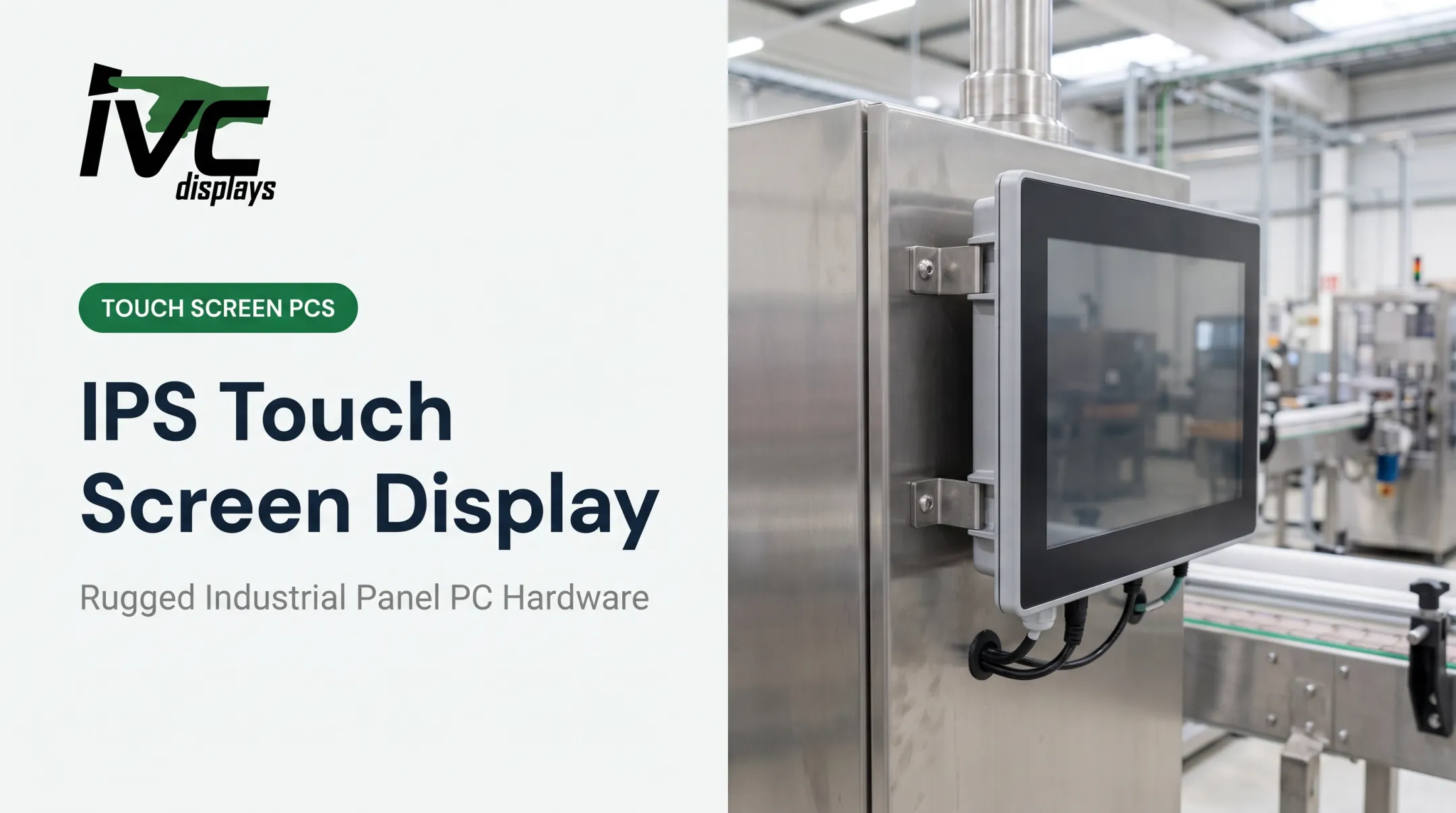
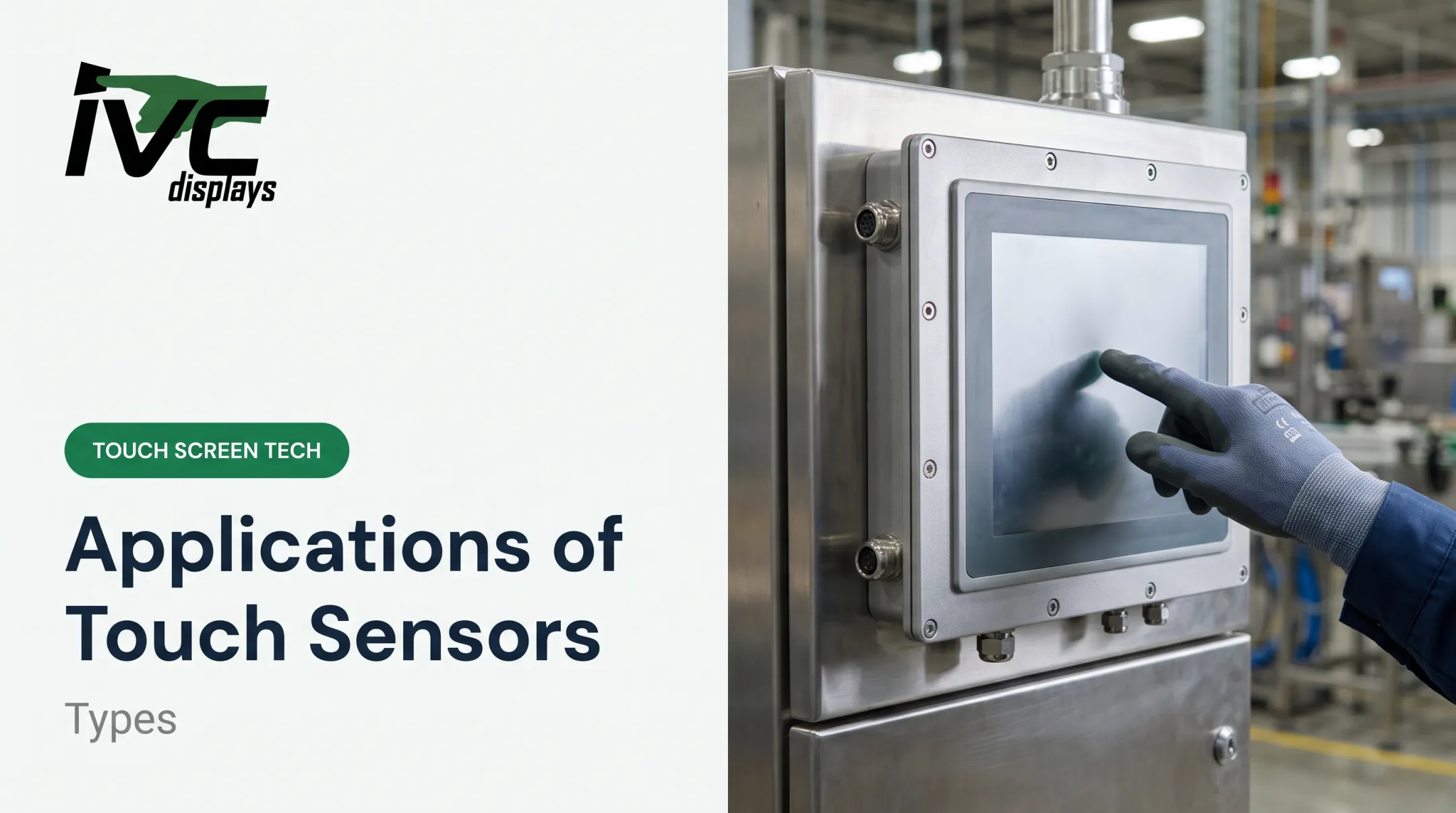
But not all capacitive touch is created equal, and picking the wrong touch technology for a harsh environment can mean premature failure, unplanned downtime, and a very expensive replacement cycle. In a washdown food plant or on a vibrating marine deck, "it works fine in the office" doesn't cut it.
This article breaks down how capacitive touch actually works, the different types available, why it beats resistive touch in most modern applications, and what to look for when specifying touch panels for industrial or rugged use.
Key Takeaways
- Capacitive touch detects contact through changes in an electrostatic field, not physical pressure
- Projected capacitive (PCAP) technology enables multi-touch, glove-tuned operation, and superior durability
- Faster response, higher optical clarity, and longer lifespan than resistive screens
- Specify sealing, EMI shielding, and cover glass construction for rugged environments
What Is a Capacitive Touch Screen?
A capacitive touch screen is a display that uses the human body's natural conductivity to detect touch. Instead of relying on pressure, it senses disruptions in an electrostatic field created by a conductive layer on the glass.
Basic construction includes:
- A glass substrate coated with a transparent conductive layer, typically indium tin oxide (ITO)
- A protective layer bonded over the conductive surface
- Electrodes or a sensing grid connected to a touch controller
You'll find this technology in industrial human-machine interfaces (HMIs), point-of-sale terminals, medical monitors, and consumer devices such as smartphones and tablets.
What Are the Two Main Types of Touch Screens?
Touch screens fall into two dominant categories: capacitive and resistive. Capacitive relies on electrostatic field changes triggered by a conductive object, usually a finger. Resistive relies on physical pressure pushing two conductive layers together. That distinction shapes the main performance differences covered below—accuracy, durability, multi-touch, and what can register an input.
How Do Capacitive Touch Screens Work?
The underlying principle is capacitance, an object's ability to store electric charge. Any two conductive materials separated by an insulator exhibit capacitance, and a touch changes that value at the sensor location, typically by 1 to 10 picofarads, according to Texas Instruments' CapTIvate design documentation.
That shift alters the RC time constant, the timing behavior of the resistance-capacitance sensing path. A lower sensed capacitance produces a shorter time constant and a faster charge/discharge cycle. The touch controller IC monitors these charge/discharge cycles continuously and translates deviations into touch coordinates.

Finger Capacitance Explained
Your finger acts as both a conductor and a dielectric. When it approaches the screen, it pulls charge from the electrostatic field, and the controller reads that pull as a touch event. This is also why capacitive sensing can detect proximity, not just direct contact: the electric field extends slightly beyond the glass surface.
Self-Capacitance vs. Mutual Capacitance
There are two sensing methods:
- Self-capacitance: Measures a single electrode against ground. Produces a strong signal but struggles with true multi-touch.
- Mutual capacitance: Uses separate transmit (Tx) and receive (Rx) electrodes in a grid. A touch reduces mutual capacitance at that crossing, so the controller can isolate multiple simultaneous touches.
Mutual capacitance is why your phone can register a pinch-to-zoom gesture accurately. Self-capacitance alone can produce "ghost touches" when multiple fingers land at once.
A Simple Example: The PCB Touch Button
Capacitive sensing isn't limited to screens. A basic capacitive button can be nothing more than a copper electrode on an FR4 circuit board, covered by an insulating layer that acts as the dielectric. No moving parts, no mechanical switch.
Texas Instruments' design documentation compares wiring complexity for a 12-button layout: self-capacitance needs 12 pins, while mutual capacitance needs just 7 (using 3 Tx and 4 Rx channels). It's the same physics behind a touch screen, just scaled down and applied to buttons instead of pixels.

Types of Capacitive Touch Screens
Surface Capacitive Touch Screens
Surface capacitive panels use a single conductive layer coated onto glass, with voltage applied at the four corners to create a uniform electrostatic field. When a finger touches the surface, it draws current toward that point, and the controller calculates position based on current distribution.
Common uses:
- ATMs and ticketing machines
- Public kiosks
- Simple point-of-sale terminals
Limitations:
- No multi-touch support
- Generally lower sensitivity than projected capacitive alternatives
Projected Capacitive Touch Screens (PCAP)
PCAP uses a grid of etched conductive electrodes rather than one flat layer. This design supports higher accuracy, works with thicker cover glass, and is the architecture behind virtually every modern smartphone and tablet.
Within PCAP, you get a choice:
- Mutual capacitance: true multi-touch, ideal for gesture-heavy interfaces
- Self-capacitance: stronger single-touch signal, sometimes preferred for simpler industrial interfaces
PCAP can also be tuned for gloves and styluses. That flexibility matters in cold storage, manufacturing floors, and outdoor equipment where bare-finger operation isn't realistic.

Advantages of Capacitive Touch Screens
Capacitive touch has become the default on industrial HMIs and modern displays for clear technical reasons.
- No moving parts and fewer failure points; sealed panels resist scratches, dust, and moisture better than mechanical alternatives
- Higher optical clarity from glass construction, with PCAP typically near 90% light transmission versus roughly 80% for resistive
- Native multi-touch and gestures (pinch, zoom, swipe) because mutual capacitance tracks multiple contact points at once
- Faster touch response and little need for the periodic recalibration resistive screens require
The market reflects those strengths. Capacitive solutions captured 71.12% of the touch-screen-controller market in 2025, according to Mordor Intelligence's touch-screen controller market report. That figure covers controllers specifically, not every display category, but it shows how dominant the technology has become.

Capacitive vs. Resistive Touch Screens: Which Is Better?
| Factor | Capacitive (PCAP) | Resistive |
|---|---|---|
| Input type | Conductive touch (finger, tuned stylus) | Any pressure, including gloves or styluses |
| Multi-touch | Yes (mutual capacitance) | No |
| Durability | High, especially with sealed construction | Lower; layers can wear over time |
| Optical clarity | Excellent | Reduced by extra film layers |
| Cost | Generally higher | Generally lower |
| Best environments | Consumer devices, modern HMIs, gesture-based controls | Ultra-low-cost applications, universal input tolerance |
Resistive still wins in one specific scenario: when any object (gloved hand, stylus, or fingernail) needs to register touch without special tuning. That's a real advantage in some industrial contexts.
The 2007 iPhone launch was the inflection point. Apple's January 2007 press release introduced a large multi-touch display controlled entirely by fingers, and PCAP revenue reportedly grew more than 100-fold in the years that followed.
The iPhone didn't invent capacitive touch, but it cemented PCAP as the standard operators now expect—even on a factory floor.
Choosing Capacitive Touch for Industrial and Rugged Applications
Consumer-grade PCAP tuning doesn't survive a washdown environment or a vibrating marine deck. Specifying touch panels for harsh conditions means looking past the word "capacitive" and into the actual build.
Key selection factors:
- IP65 sealing blocks dust and water jets; IP66/IP67/IP69K add high-pressure washdown resistance for food, pharma, and chemical settings
- Active EMI shielding cuts interference from motors, PWM controllers, and radio equipment
- Thicker cover glass improves impact resistance without killing touch sensitivity
- Glove-compatible tuning supports cold storage, marine, and manufacturing floors where bare-finger use isn't practical
IVC Displays builds rugged panel PCs and industrial monitors with PCAP touch for these conditions:
- NP-9XXi Series — optional PCAP with an IP66 front panel for washdown and dusty factories
- NP-5XXM Series — PCAP with IP65 protection and 90% light transmission for sunlight-readable monitors
- Stainless-steel systems — PCAP configurations rated up to IP69K for food, dairy, and pharma washdown

If your application involves gloves, extreme temperatures, or constant washdown, consult a rugged hardware specialist before locking the touch panel spec. Getting it wrong on paper costs far less than getting it wrong on the plant floor.
Frequently Asked Questions
How does a capacitive touch display work?
A capacitive touch display detects touch by sensing disruptions in an electrostatic field when a conductive object, such as a finger, contacts or nears the screen. A controller IC then translates those disruptions into touch coordinates.
What is a capacitive touch display?
A capacitive touch display is a glass panel coated with a transparent conductive layer, typically ITO, that registers touch through capacitance changes rather than physical pressure.
Which is better, capacitive or resistive touch screen?
Capacitive generally wins on durability, clarity, and multi-touch support. Resistive still suits ultra-low-cost applications or situations requiring universal input tolerance, like heavy gloves without special tuning.
What are the two types of touch screens?
The two broad categories are capacitive, which uses electrostatic field sensing, and resistive, which relies on pressure applied to layered conductive sheets.
What is an example of a capacitive sensor?
A PCB-based touch button is a simple example: a copper electrode under an insulating overlay detects touch without any moving parts. Smartphone screens are the most familiar large-scale example.
Is the iPhone a capacitive touch screen?
Yes. The 2007 iPhone used projected capacitive (PCAP) technology and helped bring multi-touch gestures into mainstream consumer electronics.