Many buyers struggle with the same problem: raw specs don't tell you which board actually fits your project. A benchmark score that looks great on paper can mean nothing if the board can't survive a 24/7 production line or a marine deck. This guide breaks down SBCs by price tier, key specs, and real-world use case, and flags exactly when a hobbyist board isn't the right tool for the job.
Key Takeaways
- Match the SoC (ARM, x86, or RISC-V) to your workload—not the sticker price
- Under $50 for tinkering; $50–$100 for prototyping; $100+ for AI and edge workloads
- LPDDR4X/LPDDR5X contract prices are forecast to jump ~90% QoQ in early 2026
- Consumer SBCs lack the temperature, vibration, and long-term supply guarantees industrial deployments need
What Is a Single Board Computer and Why Comparison Matters
An SBC packs the CPU, RAM, storage, and I/O onto a single circuit board: no separate motherboard, no add-in cards. Compare that to a traditional PC, where those components sit on independent parts you can swap individually.
The SBC market has exploded because so many chipmakers are now competing for the space. Chipmakers shipping SBC-class silicon today include:
- Broadcom (Raspberry Pi's BCM2712)
- Rockchip (RK3576 series)
- Qualcomm (QCS6490 and similar)
- MediaTek (Genio series)
- Allwinner (D1-H, RISC-V-based)
- StarFive (JH7110, also RISC-V)
That diversity is great for choice, but it also means "best SBC" is a meaningless phrase without context. A board that handles light HMI or digital signage well might throttle within minutes on a sustained industrial control loop. Comparison only matters relative to your specific job.
Key Specs to Compare Before Buying
Before comparing boards side by side, know which specs actually matter:
- CPU/SoC architecture — core count and architecture generation determine multi-threaded performance far more than clock speed alone
- RAM type and amount — LPDDR4X vs. LPDDR5 affects bandwidth; capacity ranges from 1GB to 16GB+ depending on tier
- Storage — eMMC, microSD, or NVMe via M.2; NVMe boards handle sustained I/O far better
- Connectivity — Gigabit Ethernet, Wi-Fi standard, GPIO pin count, PCIe/M.2 expansion slots
- OS support — Linux distributions, Android, or Windows on ARM/x86
For performance measurement, Geekbench 6 is the closest thing to an industry-standard yardstick. It runs cross-platform CPU workloads and changed how it measures multi-core performance: cores now cooperate on a shared task rather than each handling an isolated job. That better reflects how heterogeneous-core chips (like big.LITTLE ARM designs) actually behave.
When comparing scores, always check the Geekbench version, OS, and RAM configuration used. Mixing versions produces misleading comparisons.

SBC Comparison by Price and Performance Tier
Budget Tier: Under $50
Entry-level ARM and RISC-V chips dominate this bracket. Think 2-6GB RAM, basic connectivity, and just enough horsepower for industrial IoT sensors, edge gateways, or light automation nodes. The Raspberry Pi 5 1GB model starts here at $45, scoring 848 single-core / 2,044 multi-core on Geekbench 6.
Mid-Range Tier: $50-100
This is where newer Rockchip RK3576 boards have started closing the performance-per-dollar gap.
Boards like the Radxa ROCK 4D pair an RK3576/RK3576J chip (four Cortex-A72 plus four Cortex-A53 cores, plus a 6 TOPS NPU) with LPDDR5 memory up to 16GB. Base SKUs are reported around $31 plus shipping, while higher-RAM configs typically land in this $50-100 band. Pricing on these newer boards moves fast.
High-End Tier: $100+
Built for AI inference and edge deployment. The NVIDIA Jetson Orin Nano Super Developer Kit ($249 announced) delivers 67 INT8 TOPS with 8GB LPDDR5, scoring 800 single / 3,485 multi on Geekbench 6. Qualcomm's RB3 Gen 2 kits run $439-$639 with 12 TOPS of AI acceleration.
| Board | Price | SoC | RAM | Geekbench (single/multi) |
|---|---|---|---|---|
| Raspberry Pi 5 | $45-$145 | Broadcom BCM2712 | 1-16GB LPDDR4X | 848 / 2,044 |
| Radxa ROCK 4D | ~$31+ | Rockchip RK3576 | 2-16GB LPDDR5 | Not publicly scored |
| Jetson Orin Nano Super | $249 | 6-core Cortex-A78AE + Ampere GPU | 8GB LPDDR5 | 800 / 3,485 |
| Qualcomm RB3 Gen 2 Core Kit | $439 | QCS6490 | 6GB LPDDR4X | Not publicly scored |
| Radxa Orion O6N | — | ARM-based | — | Highest cited multi-core: 6,683 |
Watch memory prices closely. TrendForce forecasts LPDDR4X/LPDDR5X contract prices rising roughly 90% quarter-over-quarter in early 2026, and Raspberry Pi itself reported memory costs about 120% higher year-over-year as of late 2025.

Board prices you see today may not hold next quarter. Always verify current specs and street pricing on independent benchmark and retailer sites before you buy. Spec sheets go stale fast in this market.
Consumer SBCs vs. Industrial-Grade Computing Hardware
Raspberry Pi, Orange Pi, and similar boards are optimized for cost and hobbyist flexibility. They're not built for extreme heat, humidity, vibration, or dust. That isn't a flaw; it's simply outside their design envelope. Deploy a consumer SBC in a manufacturing plant, cold-storage warehouse, or offshore rig, and you're rolling the dice on:
- Thermal throttling under sustained load without industrial cooling
- Component failure from vibration, moisture, or particulate ingress
- Short product lifecycles — consumer boards often get discontinued or redesigned within a couple of years
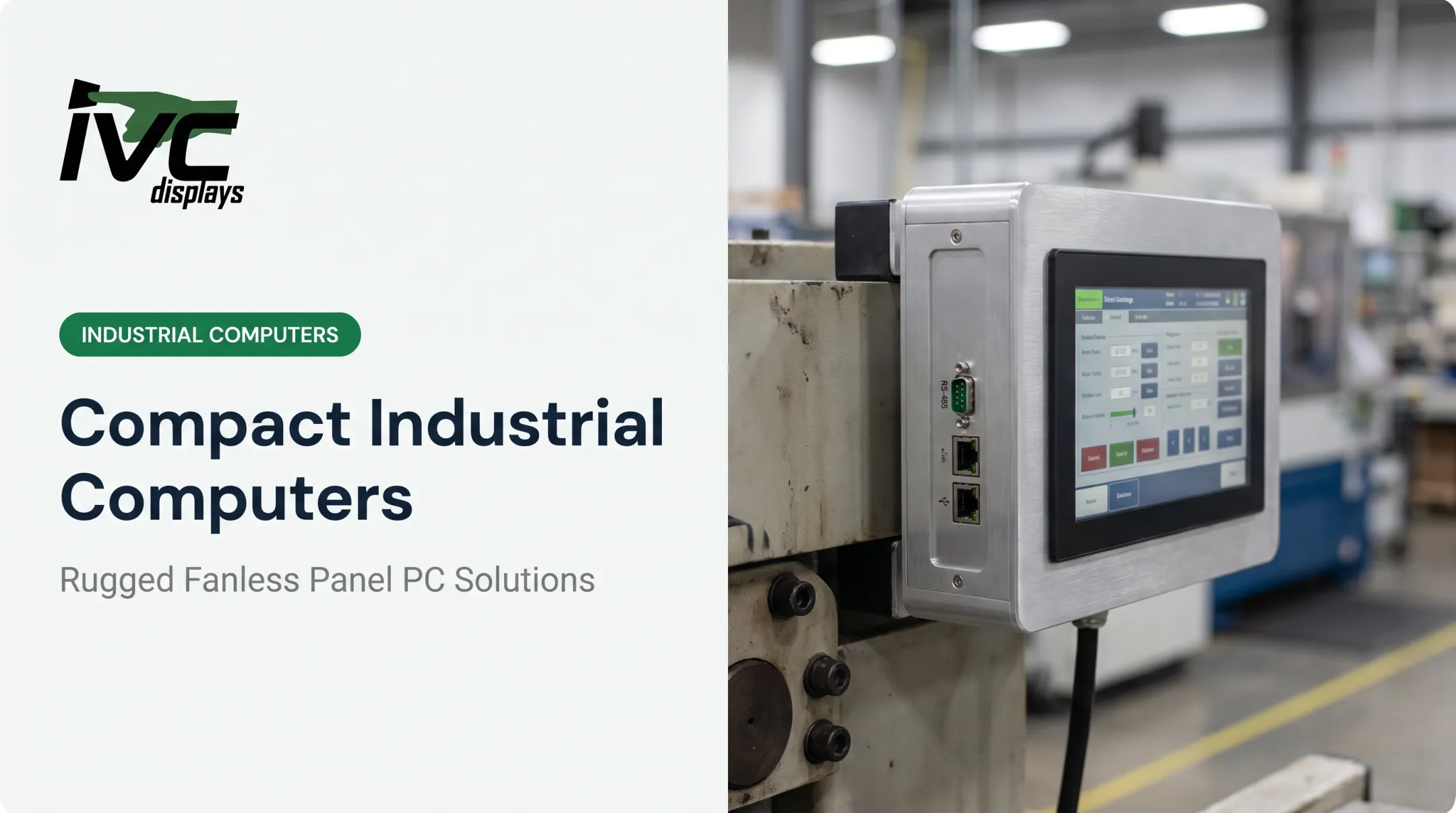
- Firmware/OS support gaps once the hobbyist community moves to the next board generation This is where purpose-built industrial hardware earns its keep. IVC Displays builds rugged panel PCs and industrial computers for environments where SBC-class hardware falls short:
- IVC-XXPC-P Series: sealed, fanless design rated for -20°C to +70°C, a range no bare consumer SBC is qualified for
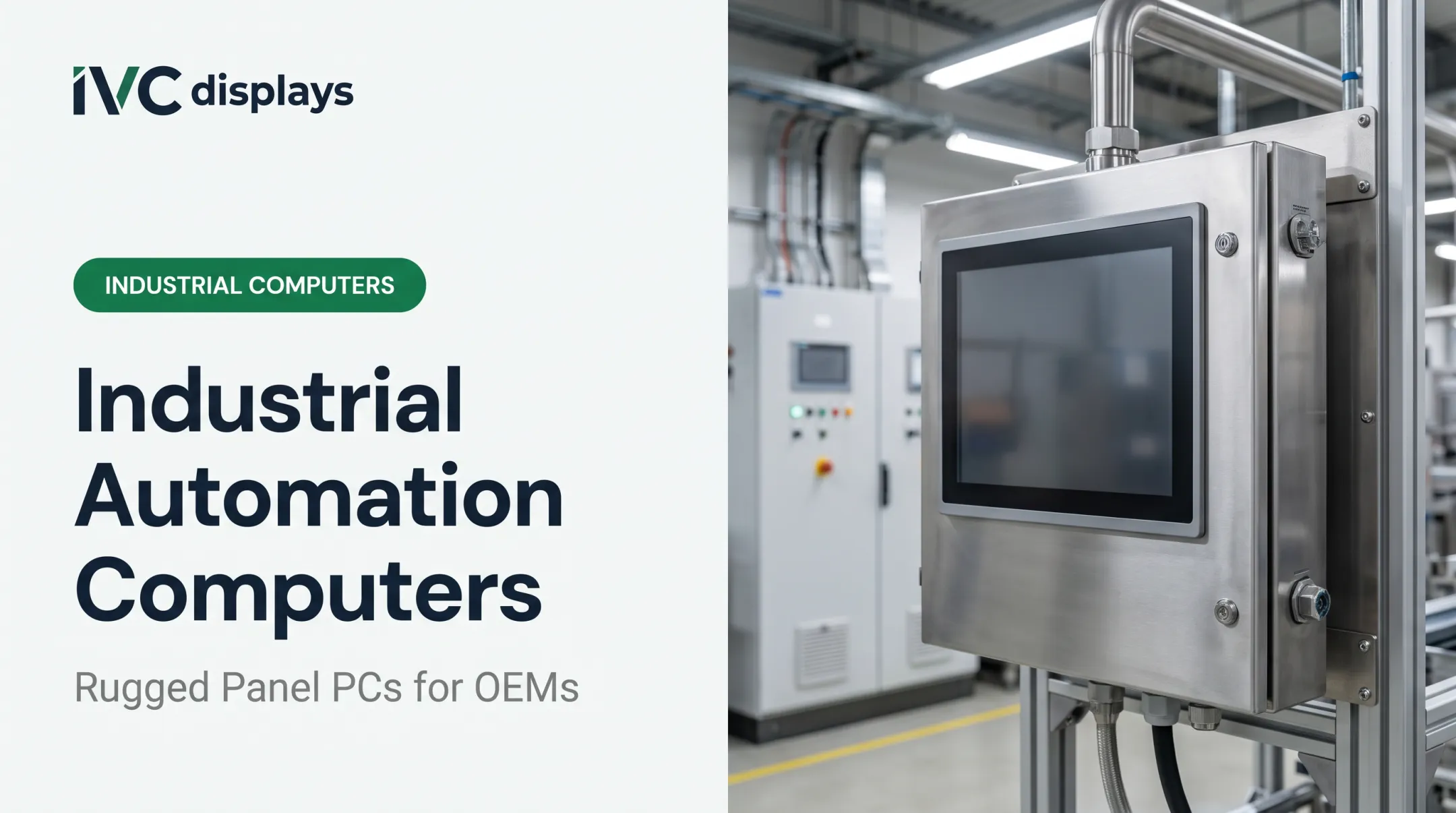
- Stainless steel systems (304/316): IP66, IP67, or IP69K protection with waterproof M12 connectors for washdown and food processing
- NP-9XX-MA marine panel PC: certified to IEC 60945, IACS E10, and DNV for marine and offshore work Lifecycle math matters too. Light industrial computers are typically built for 7-15 years of service versus 3-5 years for commercial-grade PCs, and they're designed for genuine 24/7 duty cycles rather than intermittent hobbyist use.

Matching an SBC to Your Use Case
Not every project needs the same board. Match the hardware tier to what you're actually building:
- DIY/hobbyist projects (home automation, retro gaming) — a budget SBC under $50 handles this fine
- Software development/prototyping — mid-range boards with solid Linux or Windows-on-ARM support give you room to iterate
- Edge AI, media servers, networking appliances — high-end boards with dedicated NPUs, like Jetson Orin Nano or Qualcomm's QCS-series
- Industrial automation, food processing, oil & gas, or defense environments — this is where off-the-shelf SBCs stop being appropriate
For that fourth category, the calculation changes entirely. A prototype built on a $70 SBC might work great on a bench.
Scale that same design into a manufacturing line, an offshore platform, or a pharmaceutical cleanroom, and you need:
- Sealed enclosures for dust, moisture, and washdown exposure
- Wide-range DC power input (IVC's NP-9XXi family supports 9-36V DC)
- Industrial I/O such as RS-232/422/485 ports alongside Gigabit Ethernet
Custom engineering options (enclosure design, touchscreen integration, mounting configuration) let OEMs scale a proven design into repeatable, long-term production runs. That beats re-engineering around whichever SBC happens to still be in stock.

Frequently Asked Questions
Which SBC has the best performance?
High-end boards with newer SoCs currently lead raw benchmarks: the Radxa Orion O6N posted a multi-core Geekbench score of 6,683. But "best" depends heavily on your workload and software stack, not just the number.
What is the best SBC?
There's no single best board. It depends on your budget, OS requirements, and whether you're building a hobbyist project or something destined for industrial deployment.
How much RAM do I need for an SBC project?
IoT sensors run fine on 1-2GB. General desktop Linux use benefits from 4-8GB. Local AI inference typically needs 8-16GB or more, depending on model size.
Can SBCs run Windows?
Some x86-based boards support Windows natively. ARM-based SBCs generally require Windows on ARM or a Windows IoT variant; check the specific board's documentation, since support varies widely.
Are SBCs reliable enough for industrial use?
Standard SBCs typically lack environmental ruggedization like sealed enclosures, wide temperature tolerance, or vibration resistance. Industrial applications usually call for purpose-built hardware instead.
What is the difference between an SBC and a panel PC?
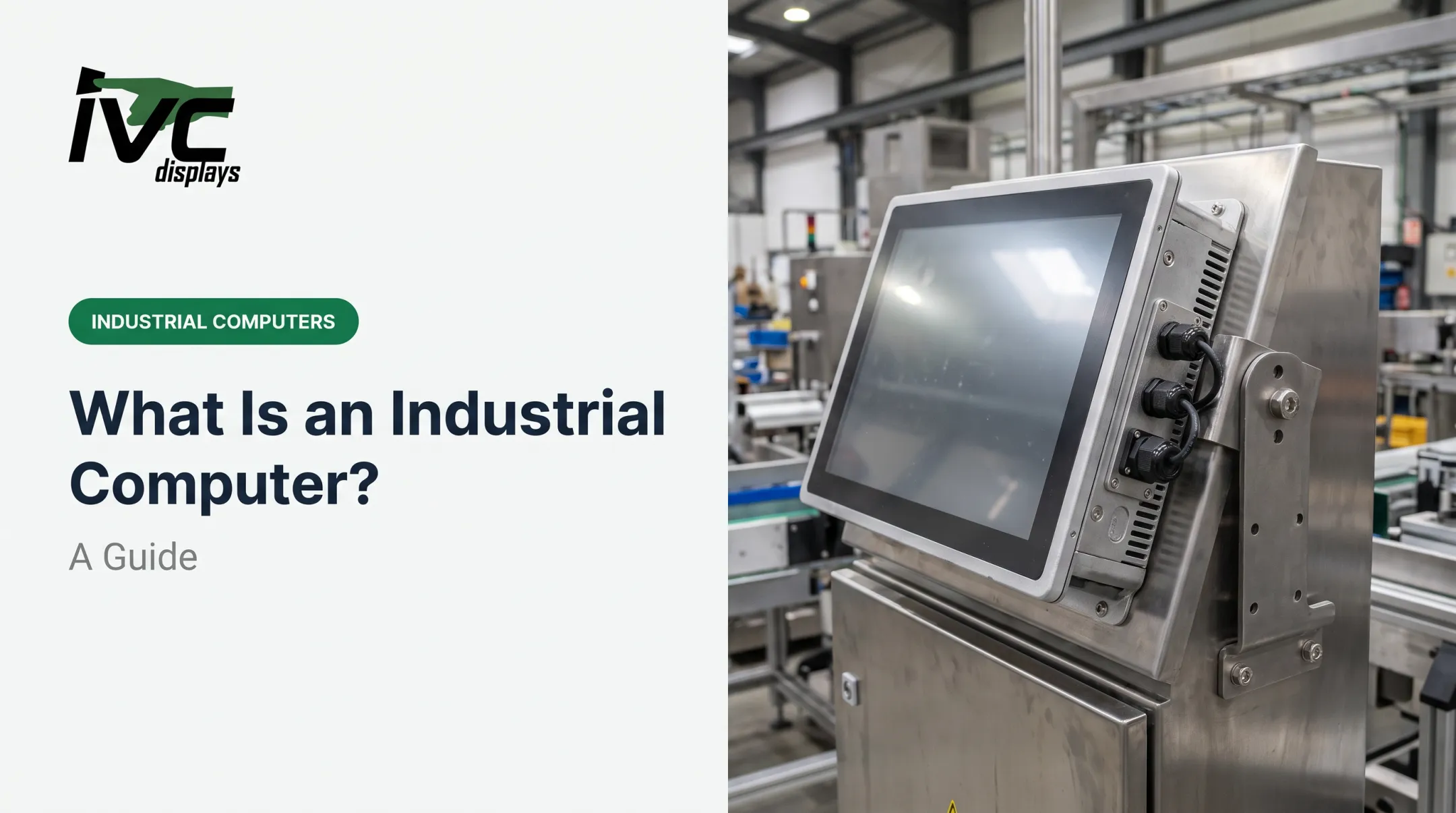
An SBC is a bare circuit board requiring separate enclosure, display, and power supply. A panel PC integrates the computer, display, and rugged enclosure into one sealed, ready-to-mount unit built for continuous operation.