That choice isn't cosmetic. It affects uptime, how fast operators respond to alarms, total cost of ownership, and whether your hardware survives a washdown cycle or a Michigan winter in an unheated warehouse. The US industrial-display market is on track to grow from $1.51 billion in 2025 to $2.84 billion by 2033, an 8.1% CAGR according to Grand View Research — and buyers making that spend need a clear-eyed framework, not marketing hype.
This guide breaks down touch versus traditional displays across cost, durability, use cases, and maintenance, so you can match the right hardware to your application.
TL;DR
- Direct on-screen input sets touch screens apart from keyboard-, mouse-, or button-driven traditional displays
- Speed and ease of use favor touch; simpler upkeep and lower cost often favor traditional displays
- Food processing, marine, and oil and gas conditions each impose constraints that tip the choice either way
- Match the display type to your application and workflow—neither option fits every job
Touch Screen vs Traditional Display: Quick Comparison
Cost
Touch screens carry a higher upfront cost because of the added digitizer or sensing layer, plus integration and validation work. Traditional displays skip that layer entirely, which keeps construction simpler and pricing lower.
Public pricing examples show the gap: AutomationDirect lists a 7-inch resistive HMI at $499, while Maple Systems prices a comparable 7-inch capacitive unit at $819. These aren't like-for-like comparisons, though. Always request quotes matched on size, brightness, and enclosure rating before assuming a fixed premium.

Durability in Harsh Environments
- Touch screens: Rugged resistive or PCAP options resist dust, moisture, and vibration when purpose-built with proper IP-rated sealing.
- Traditional displays: Fewer failure points since there's no touch layer, but still need industrial-grade housing to survive plant-floor conditions.
IP ratings describe enclosure protection against solids and liquids; they say nothing about touch surface behavior. Specify both separately.
Ease of Use & Speed
Touch screens let operators act directly at the point of work: selecting a recipe, entering a setpoint, acknowledging an alarm. Traditional displays require a separate keyboard, mouse, or physical control station, which works better for precision data entry but adds a step.
Maintenance
Touch panels may need periodic calibration and cleaning to manage fingerprints and smudges. Traditional displays need little beyond standard monitor upkeep since there's no touch layer to maintain.
Best Fit Applications
| Touch Screens | Traditional Displays |
|---|---|
| HMIs, kiosks, control panels | Monitoring stations |
| Vehicle-mount computers | Control room dashboards |
| Machine control interfaces | Fixed-input SCADA screens |
What Is a Touch Screen Display?
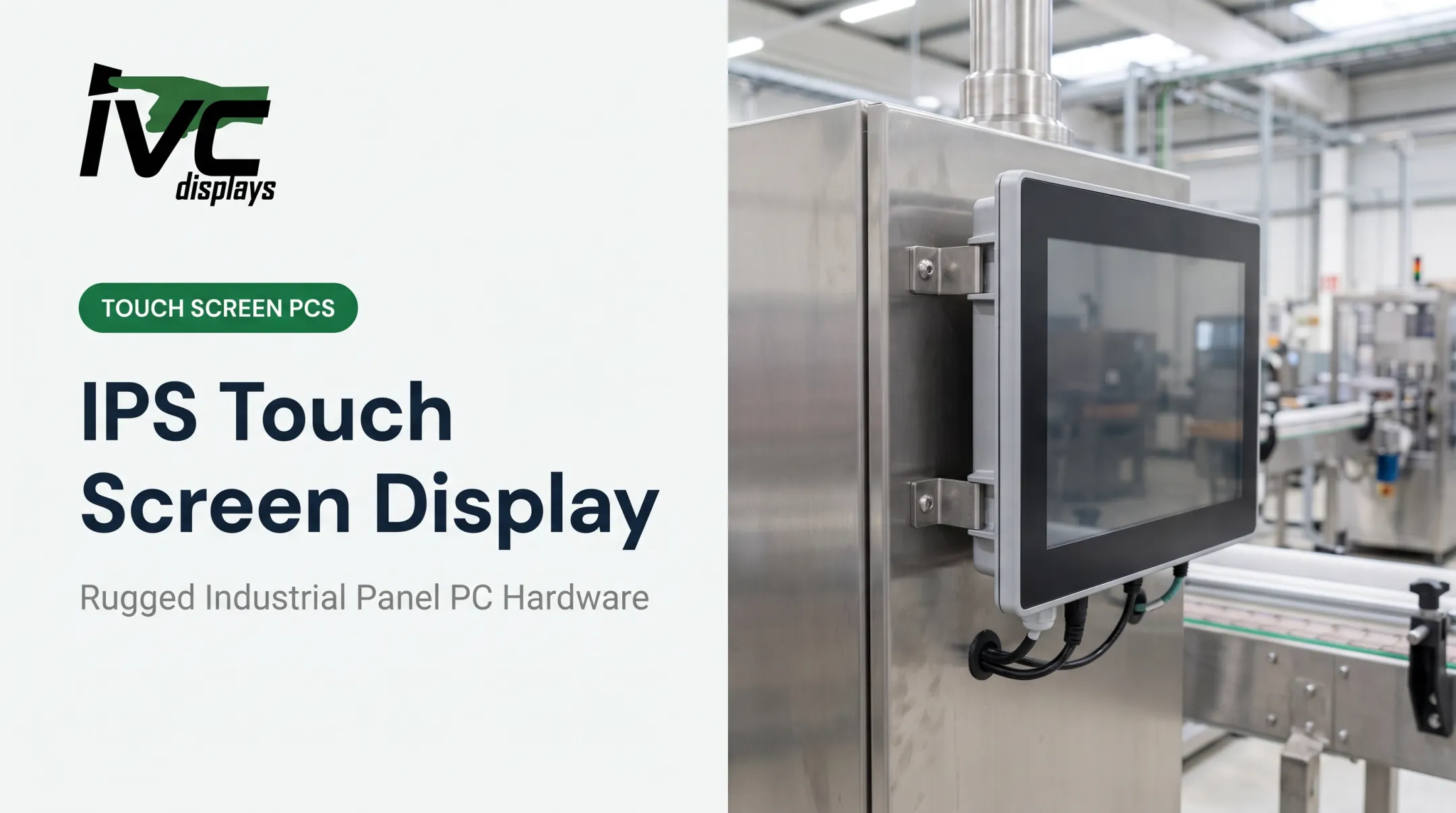
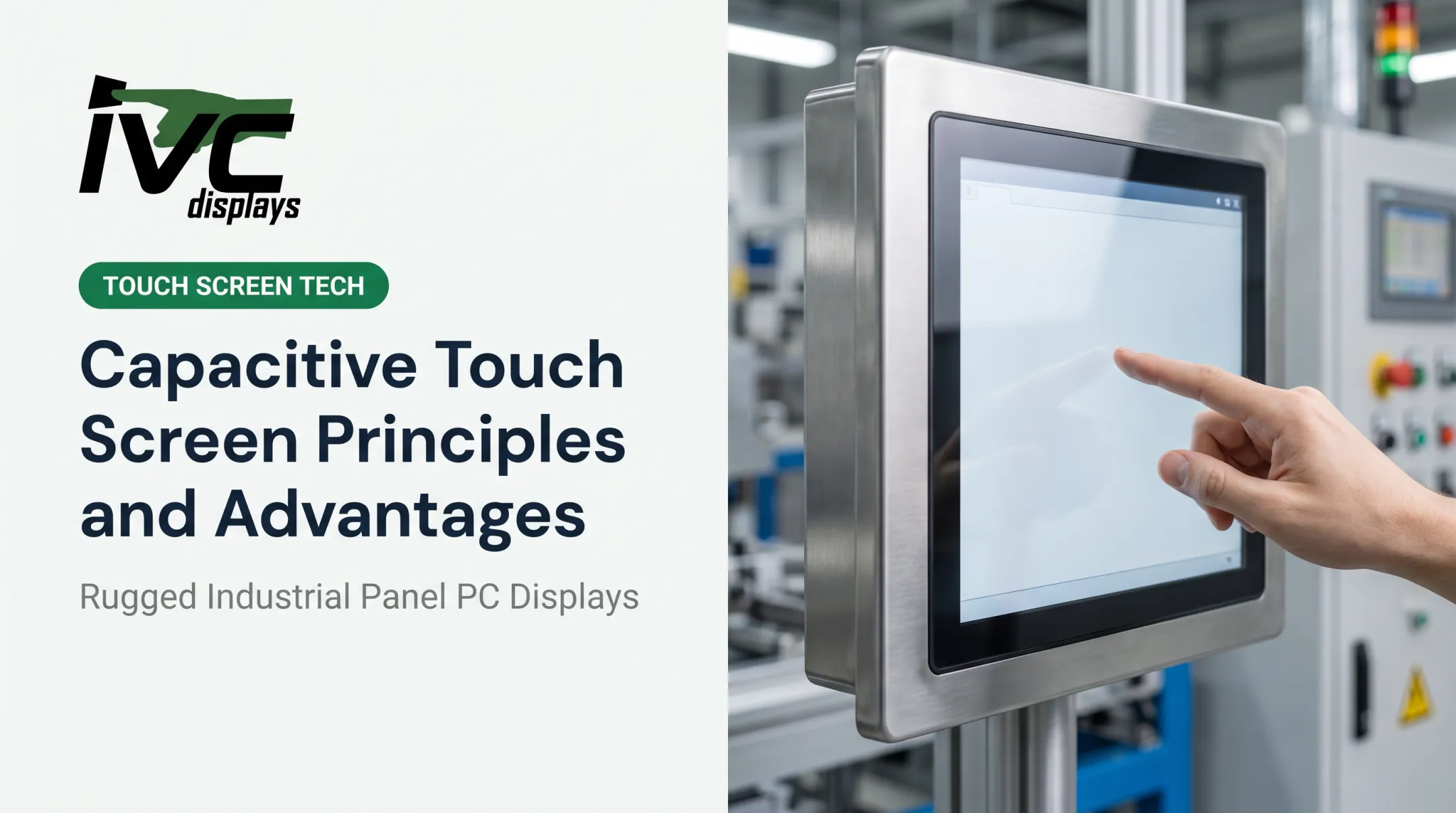
A touch screen accepts direct physical input via finger, stylus, or gloved hand, cutting out the need for a separate keyboard or mouse. For industrial operations, that translates into faster operator response, less clutter around the machine, and a cleaner HMI design overall.
Common industrial touch technologies:
- Resistive: pressure-sensitive and glove-friendly, with about 80% light transmission
- Projected capacitive (PCAP): higher clarity at roughly 90% transmission; glove support varies by model
- Infrared (IR): works without body capacitance, so gloves are viable; still verify edges and moisture
IVC's NP-5XXM Series, for instance, offers resistive and PCAP touch options paired with an IP65 front panel, built to run from 0–50°C. Resistive is the go-to when gloves are part of the job; PCAP suits applications where screen clarity matters more.

Use Cases of Touch Screens in Industrial Settings
Touch fits naturally into machine control panels, automation lines, logistics scanning stations, and vehicle-mount computers in warehouses. The same pattern shows up in food processing washdown panels, oil and gas control interfaces, and marine helm displays.
When local input is fast and intuitive, the broader HMI upgrade often shows measurable gains. One Rockwell Automation case documented 33% higher labor efficiency, 70% higher output, and 50% less training time after a facility modernized its HMI approach. A separate case cut unplanned maintenance downtime from 2% to 0.4%.
Those figures reflect the full automation package, not touch hardware alone. They still illustrate what responsive, well-designed operator interfaces can unlock on the floor.
IVC's button-integrated panel PCs (NP-4XX-BIPC) are built specifically for this kind of machine control and SCADA work, combining touch with physical E-Stop buttons for operator safety.

What Is a Traditional (Non-Touch) Display?
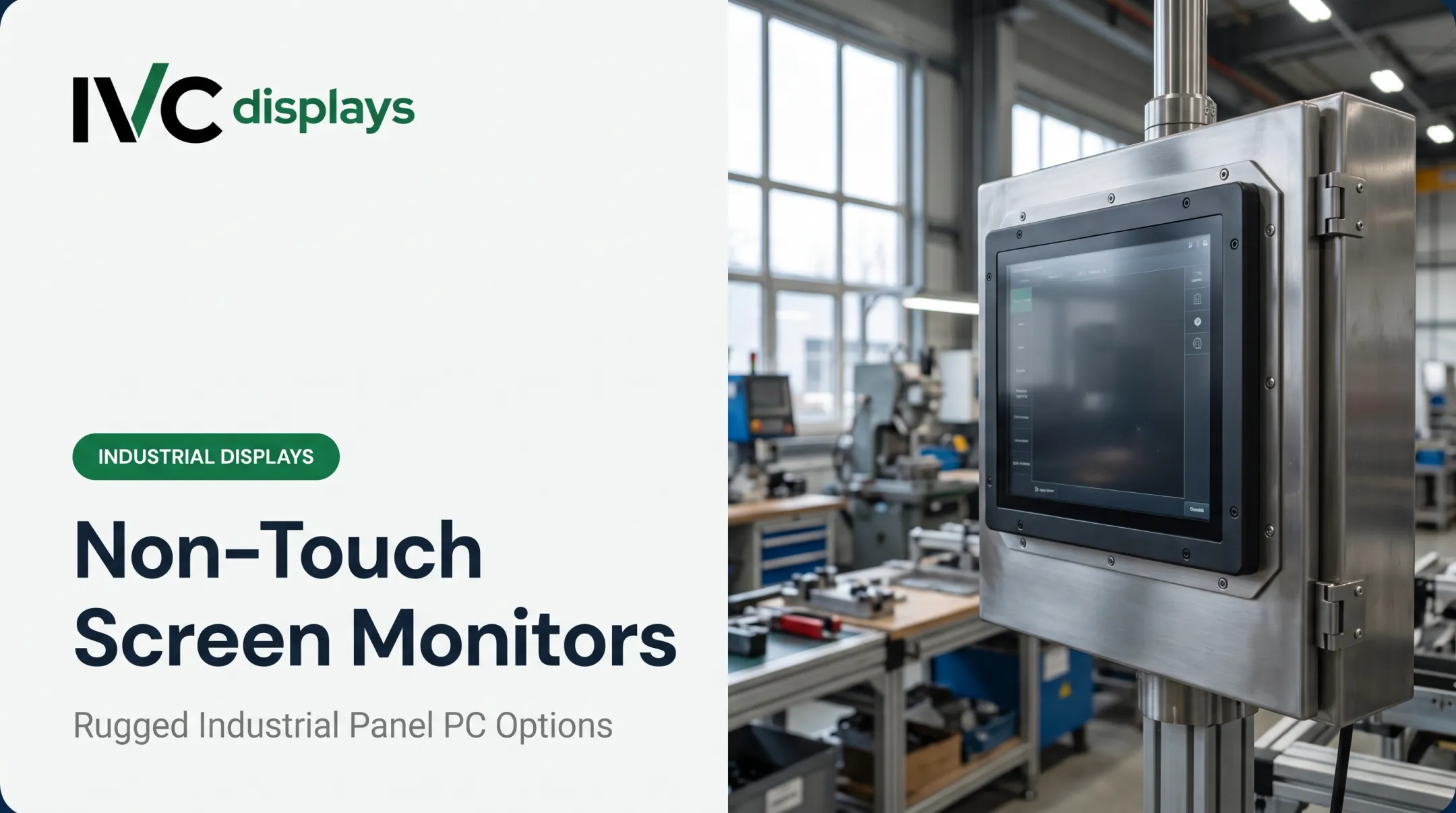
A traditional display is a standard industrial monitor that relies on external input — keyboard, mouse, or physical buttons — for any interaction. In industrial settings, that separation of display and input is often intentional.
Core advantages:
- Lower cost, since there's no sensing layer to add
- Fewer components that can fail
- Often easier to source in rugged panel-mount or open-frame formats
Product lines vary by format: open-frame monitors for embedding into kiosks or machinery, panel-mount displays for control cabinets, and standard industrial monitors for control room walls. IVC's NP-5XXOPN series, for example, spans 8 to 19 inches with steel-chassis panel mounting, built for OEM and embedded integration.
Use Cases of Traditional Displays
Non-touch displays fit SCADA monitoring stations, control room dashboards, and OEM equipment where the screen is purely a visual output. Pharmaceutical process monitoring, fixed logistics dashboards, and manufacturing line-status boards are classic examples.
The decision logic comes down to three questions:
- Is a command entered at this screen?
- Is it reachable by the person who needs to act on it?
- Can a separate control station handle input more safely?

If the answer to the first question is no, a non-touch monitor avoids paying for hardware nobody uses.
Touch Screen vs Traditional Display: Which Is Better for Your Application?
There's no universal winner here. Weigh these factors instead:
- Operating environment — dust, moisture, temperature extremes, washdown requirements
- Operator workflow — gloved hands, precision input needs, frequency of interaction
- Budget — upfront hardware cost versus long-term simplicity
- Integration requirements — standalone monitor versus all-in-one panel PC
Choose touch screens for HMI-driven, space-constrained, or fast-interaction applications where operators need to act right at the machine.
Choose traditional displays for monitoring-only stations, shared control-room overview screens, or anywhere cost and simplicity matter more than local input.
IVC Displays manufactures rugged touch panel PCs (NP-9XXi series), industrial touch monitors (NP-5XXM series), and non-touch open-frame monitors (NP-5XXOPN), plus custom OEM engineering for enclosure design, touch technology, and mounting format.
Since specs and IP ratings vary by model and application, getting a quote based on your exact environment beats guessing from a spec sheet.
Frequently Asked Questions
What is the difference between a touch screen and a traditional display?
Touch screens integrate a sensing layer that allows direct interaction, while traditional displays require external input devices like a keyboard or mouse. In practice, this affects layout speed, operator movement, and upfront cost.
What are the different types of touch screen displays?
The main types are resistive, capacitive (surface or projected), infrared, and surface acoustic wave. Industrial applications typically favor resistive and infrared for their gloved-hand and rugged-environment compatibility.
Are touch screens more durable than traditional displays for industrial use?
Durability depends on build quality and sealing, such as washdown or IP-rated enclosures, not touch capability alone. A purpose-built rugged unit of either type will outlast a poorly sealed one.
Can touch screens work with gloves in industrial settings?
Resistive and infrared touch technologies generally support gloved operation. Standard capacitive screens typically don't, though some PCAP models are designed and tested for glove use. Always confirm with the manufacturer.
Which display type costs less to maintain over time?
Traditional displays generally need less upkeep since there's no touch layer to calibrate or clean. Rugged touch panels built for harsh environments narrow that gap considerably.
Is a touch screen worth the extra cost for manufacturing environments?
It's worth it when operators need fast, intuitive interaction with HMIs or automation systems at the point of work. For simple monitoring tasks, a traditional display usually does the job for less.