Mainstream computer manufacturers phased out onboard RS-232 as USB took over, treating serial connectivity as optional rather than standard. That leaves industrial buyers scrambling to find PCs that still speak the language their equipment understands.
This guide covers why RS-232 disappeared from consumer PCs, what your realistic hardware options are, and how to choose an industrial computer with native serial support that won't let you down.
Key Takeaways
- Native RS-232 is now found mainly on industrial-grade and purpose-built computers, not consumer retail PCs
- Four paths restore RS-232: OEM-configured workstations, PCIe add-in cards, USB-to-serial adapters, or industrial panel PCs
- USB-to-serial adapters can introduce latency that breaks time-sensitive protocols like Modbus RTU
- Manufacturing, oil and gas, and logistics still rely on RS-232 to integrate legacy equipment
Why Most New PCs No Longer Have RS-232 Ports
USB became the default connectivity standard through the mid-2000s and 2010s, and serial ports slid from standard equipment to an afterthought. Customers on Dell's community forums noted serial and parallel ports disappearing from consumer desktops as early as 2004 and 2005.
That said, no major manufacturer announced a blanket phase-out. Instead, RS-232 became something you had to specifically request.
Current workstation lines still offer it, just as an add-on:
- Dell Precision 3460 and 5860: optional serial port configurations
- HP Z2 G9 SFF: internal serial header requiring a separate Serial Port/PS-2 kit
- Lenovo ThinkStation P3 Tower: one serial port via cable, or four through a PCIe expansion card
Why does anyone still want this "obsolete" port? Reliability. RS-232 handles electrical noise well, works over longer cable runs at low speeds, and doesn't need a driver stack layered on top of it. For a PLC sitting 30 feet from a control cabinet in a noisy plant environment, that simplicity keeps the link stable.
Exact RS-232 usage rates are hard to pin down. But a 2022 Control Engineering survey of 1,030 UK industrial firms found 74% still relying on legacy systems after the pandemic. That's not an RS-232-specific number, but it tracks with what U.S. plant managers see every day: legacy hardware isn't going anywhere fast.

Where Is RS-232 Still Used Today?
What is an RS-232 port used for? It connects PLCs to configuration software, links CNC machine controllers to programming terminals, and provides console/rollover access on networking equipment like Cisco routers.
Beyond industrial control, RS-232 shows up in:
- Scientific and lab instruments — Thermo Fisher's Orion meters use RS-232 cables to connect to computers and printers
- Medical equipment — GE HealthCare lists RS-232 cabling for anesthesia-delivery systems
- POS systems — Epson and Star receipt printers still ship with RS-232 interface cable options
- Marine electronics — NMEA 0183, the marine data standard, runs on a serial data bus
- Weighing scales, barcode scanners, and HMI panels — common on factory floors where equipment gets replaced far less often than office PCs
Is RS-232 still used today? Yes. It's most entrenched in manufacturing, oil and gas, marine, and defense, where rugged reliability trumps raw speed.
Even Modbus, one of the most common industrial protocols, still maintains its serial specification. The Modbus Organization now labels Modbus Over Serial Line as legacy-only, yet millions of installed devices still expect it.

Options for Getting a PC with RS-232
You have four practical paths to get RS-232 on a PC. Reliability for industrial use varies sharply across them.
OEM Configured Workstations
Dell, HP, and Lenovo all offer serial ports as build-to-order options on their workstation lines, not on standard retail units. You'll need to specifically select the serial port or PS/2 combo kit during configuration, and availability varies by chassis. Confirm before you order.
PCIe Serial Add-In Cards
A solid option for desktop towers. Lenovo's ThinkStation P3, for example, can add four serial ports through a PCIe x1 expansion card. Watch for BIOS compatibility and confirm driver support for your operating system before committing.
USB-to-Serial Adapters
The cheapest, most flexible option, and the riskiest for mission-critical work. Chipset matters:
- FTDI chips document a default 16ms latency timer for their read-buffer timeout, which can create timing gaps under heavy load
- Prolific chips vary by version; older PL2303 chips may lack current driver support on Windows 11
Neither chipset is universally "better." Test the complete adapter, driver, and application combination at your actual baud rate before deploying it on anything time-sensitive.

Industrial Panel PCs (The Long-Term Fix)
Purpose-built industrial and rugged panel PCs include RS-232 as standard I/O rather than a retrofit on a consumer motherboard. For continuous 24/7 operations, this is the most dependable route.
A budget note: Refurbished legacy desktops can work in a pinch, but aging hardware and discontinued OS support create real long-term risk. Fine for a short-term bridge, not a permanent fix.
Why Industrial-Grade Panel PCs Are the Better Long-Term Choice
Add-on adapters and configured workstations restore serial connectivity. Industrial panel PCs go further: they combine RS-232 ports, sealed durability, and fanless thermal design in a single unit built for the plant floor.
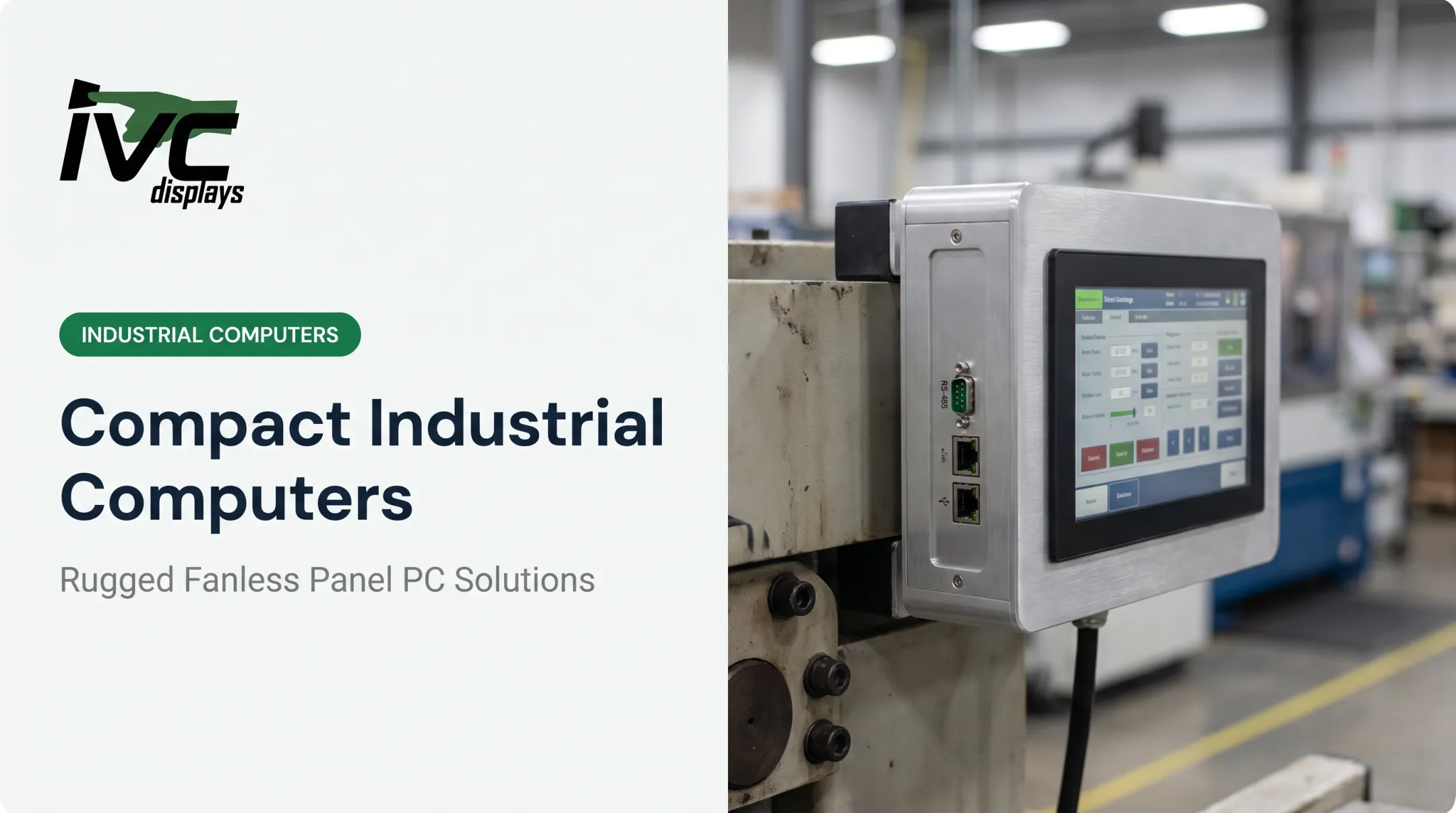
At IVC Displays, several product lines build RS-232 (and often RS-422/485) directly into fanless, rugged enclosures:
- NP-9XXi Medium Industrial Panel PCs: DB-9 RS-232/422/485 port plus a second dedicated RS-232 port, IP66 front panel, 9–36V DC input
- NP-9XX-MA Marine Panel PCs: RS-232 plus selectable RS-232/422/485, certified to IEC 60945, IACS E10, and DNV
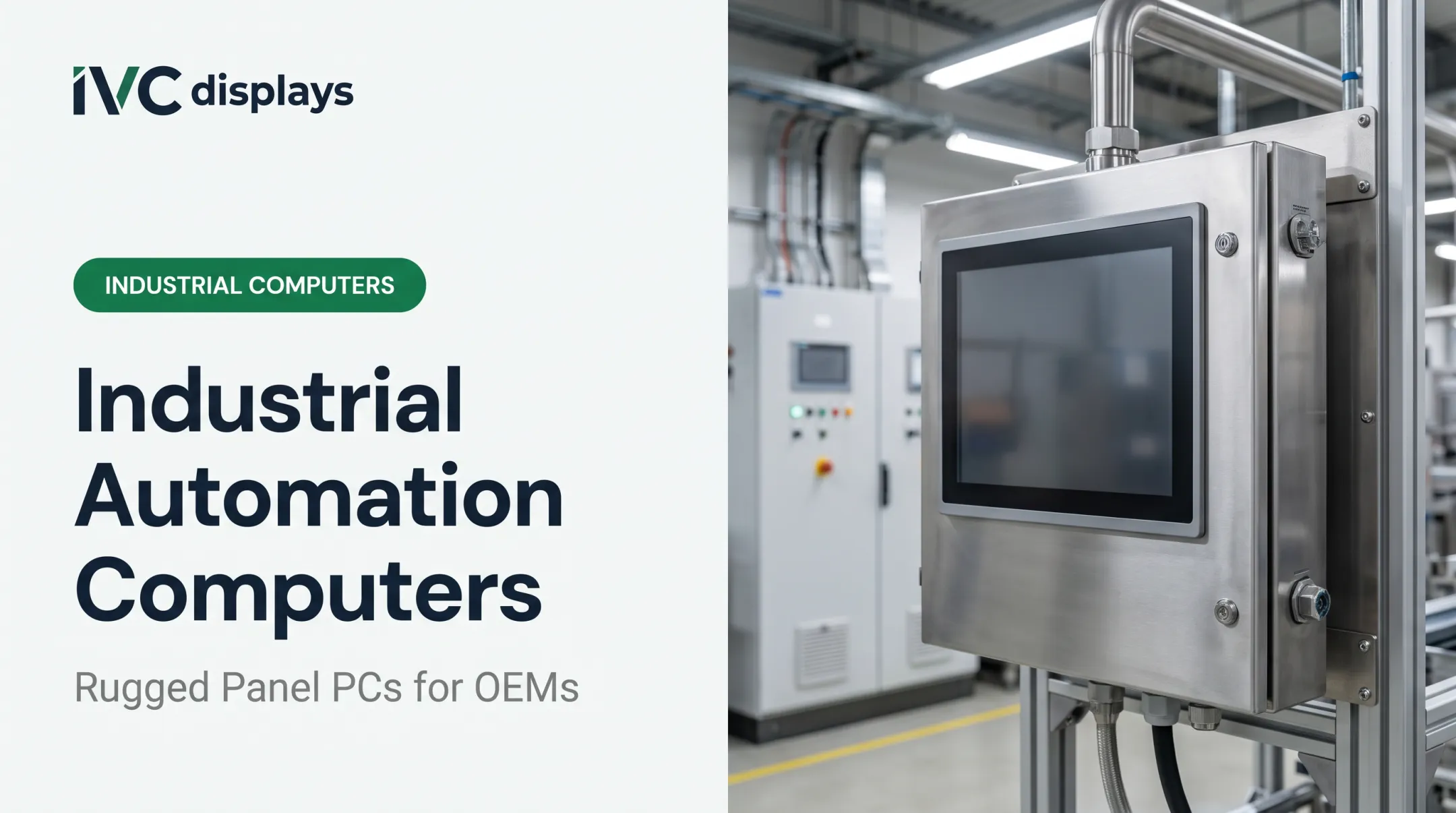
- Stainless steel waterproof panel PCs: IP66/IP67/IP69K sealing with RS-232/422/485, built for food-grade washdown
- IVC-XXPC-P Heavy Industrial Computers: RS-232/RS-485 connectivity rated for −20°C to +70°C
These systems are built to withstand the dust, moisture, vibration, and temperature swings you'd expect on a factory floor, offshore platform, or food processing line — not a climate-controlled office.

For OEM integrators, custom engineering pairs legacy serial connectivity with current processing power. IVC panel PCs run Intel Celeron or Core i3/i5/i7 processors with 4GB–16GB RAM and 64GB–512GB industrial SSDs, so serial equipment stays online without giving up modern performance.
Before selecting a system, confirm:
- Baud rates your devices actually require
- Port count: single or dual RS-232, and whether you also need RS-422/485 switching
- Certifications: IP rating for washdown or outdoor exposure, marine certs for offshore use
Choosing the Right Solution for Your Application
Match the solution to the use case, not just the price tag.
| Scenario | Best fit |
|---|---|
| Occasional, low-stakes serial connection | USB-to-serial adapter (tested first) |
| Desktop tower with available PCIe slot | Add-in serial card |
| Office workstation needing one serial device | OEM-configured PC |
| 24/7 industrial deployment, harsh environment | Industrial panel PC (fanless, wide-temp) |
| Multiple simultaneous serial devices (PLCs, scanners) | Panel PC with dual RS-232 or RS-232/485 ports |
For mission-critical or high-baud-rate communication like Modbus RTU, prioritize a dedicated hardware serial port over any USB adapter. The extra driver and buffering layer in USB adapters is exactly where timing problems creep in.
If you are still matching I/O count, enclosure rating, and duty cycle to a serial-ready system, IVC Displays can help specify a panel PC or OEM build with native RS-232/422/485 for unattended industrial use.
Frequently Asked Questions
Is RS-232 still used today?
Yes. It remains standard in industrial automation, legacy equipment integration, and rugged computing environments where dependable, low-latency communication matters more than raw speed.
What is an RS-232 port used for?
Connecting PLCs, networking hardware, diagnostic tools, and industrial instruments via a hardwired, interference-resistant link. Common examples include CNC controllers, barcode scanners, and weighing scales.
Can I still buy a new desktop PC with a built-in serial port?
Mainstream retail PCs typically don't include one. OEM-configured workstations from Dell, HP, and Lenovo, along with industrial panel PCs, still offer serial ports as standard or build-to-order options.
What's the difference between RS-232 and USB-to-serial adapters for industrial use?
Native RS-232 hardware ports deliver stable, low-latency communication. USB adapters add a driver and buffering layer that can introduce timing delays, particularly at higher baud rates or with time-sensitive protocols.
How do I know if my industrial PC needs more than one RS-232 port?
Count your simultaneous serial devices (PLCs, scanners, instruments) that need a live connection at once. If you're running two or more, look for a panel PC with dual RS-232 or switchable RS-232/485 ports.