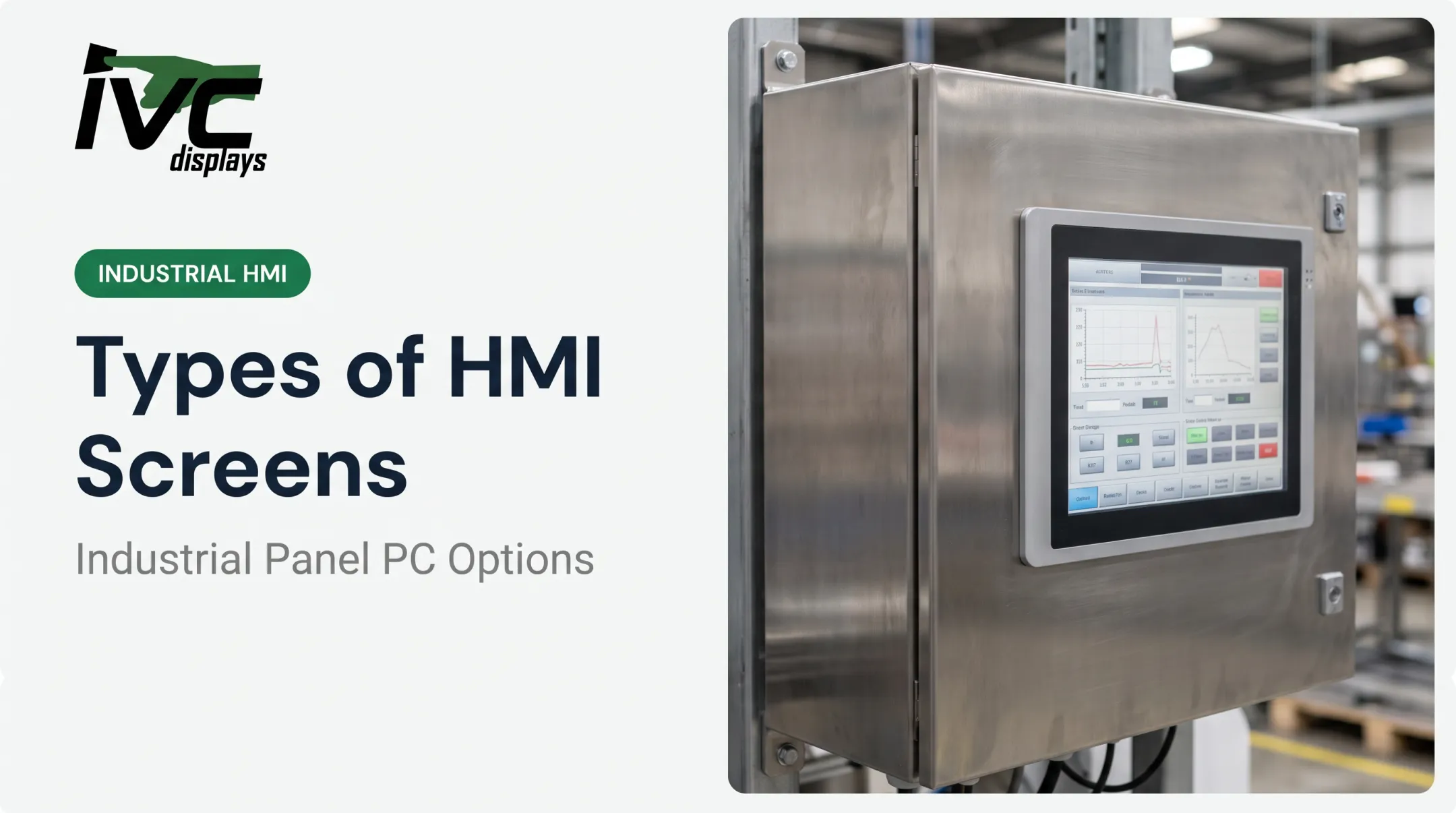
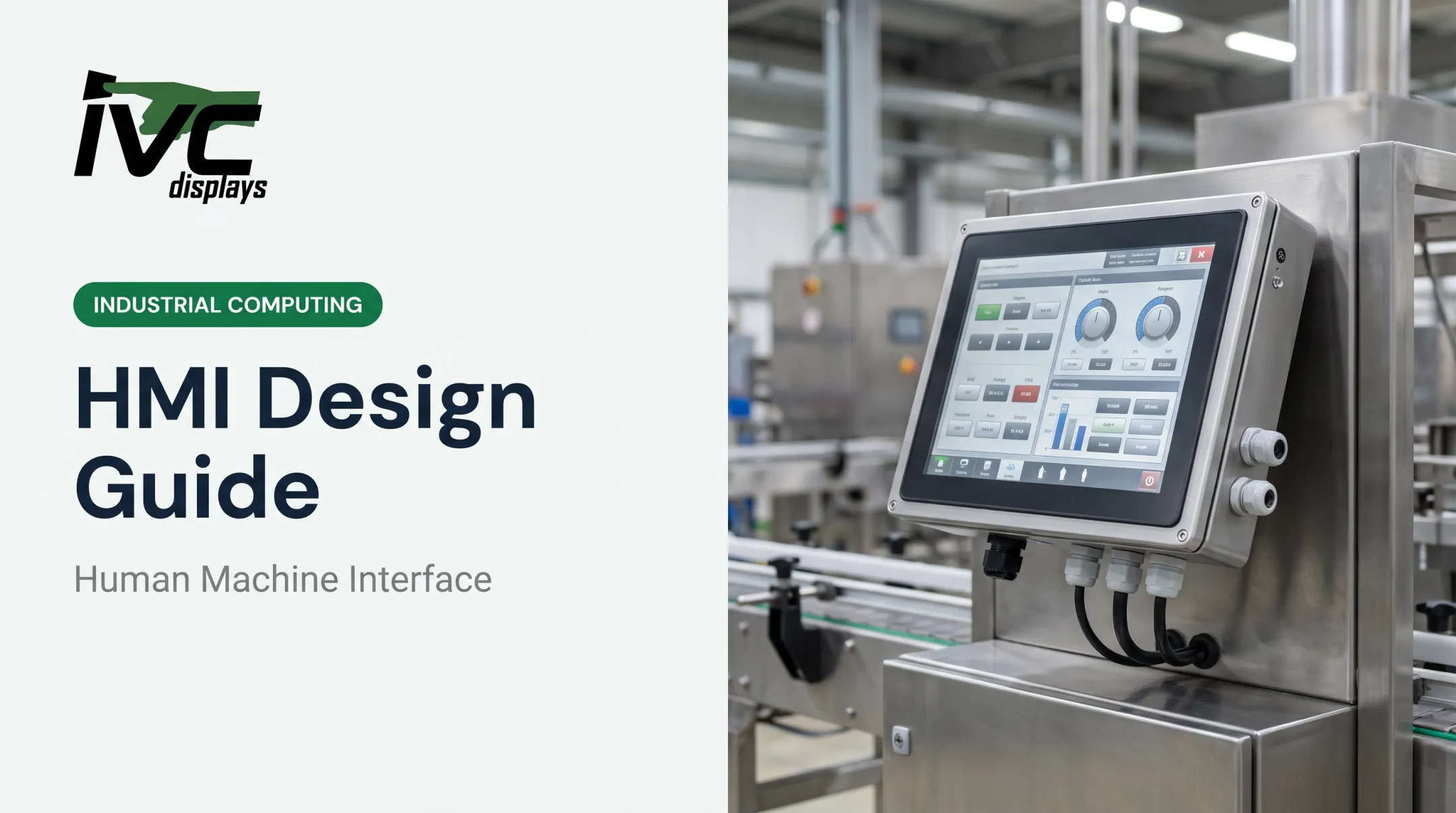
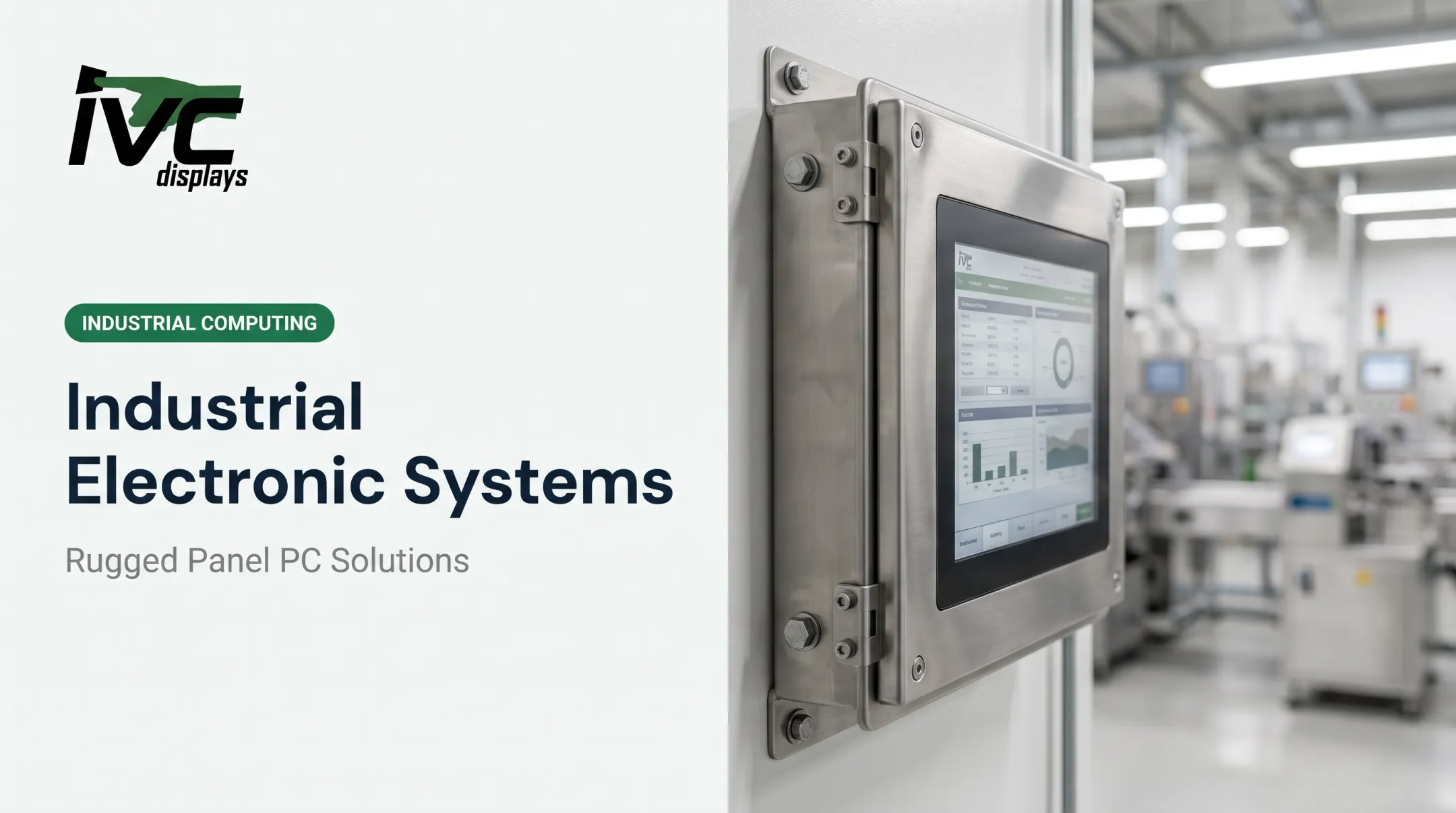
OITs show up everywhere: simple pushbutton replacements on a packaging line, full-color touchscreens running a bottling plant, rugged panels bolted to an offshore platform. This guide breaks down what OITs actually are, how the terminology gets confused with HMIs and interface modules, which features matter most, and how to pick hardware that survives outside a climate-controlled office.
Key Takeaways
- OITs and HMIs are used interchangeably for operator-facing displays tied to PLCs
- Match OIT and controller protocols (EtherNet/IP, Modbus, Profinet)—compatibility is mandatory
- Flat-panel touchscreens have replaced CRTs and keypad-only units for cost, durability, and readability
- Washdown, marine, and oil & gas sites need sealed, ruggedized OITs rated for the exposure
What Is an Operator Interface Terminal (OIT)?
An OIT is a specialized industrial display and input device that lets operators monitor process status, enter setpoints, and view alarms from a PLC or control system. Control Engineering describes these terminals as "windows to the process" spanning continuous, batch, and discrete manufacturing operations.
Early control rooms relied on pushbuttons, pilot lights, and monochrome alphanumeric displays. Automation.com traces the shift to PC-based systems in the mid-1990s, followed by Ethernet connectivity and touch-enabled HMIs from the 2010s onward.
Today's terminals look little like those early panels: full color, multitouch, and networked by default.
Fixed-Function vs Programmable OITs
Fixed-function terminals come pre-loaded with programs built for specific PLC families. They're plug-and-play, but customization is limited to what the manufacturer built in.
Programmable HMIs require configuration through manufacturer-specific software, such as:
- FactoryTalk View (Rockwell)
- TIA Portal (Siemens)
- GT Works (Mitsubishi)
These give you full control over screen layouts, tags, and alarm logic, at the cost of a steeper setup process.
Common Terminology Clarified
"Operator terminal," "operator panel," and "HMI" get used interchangeably on the plant floor. HMI has simply become the more modern umbrella term, covering everything from a basic text panel to a full graphical touchscreen. Don't overthink the naming; focus on what the device actually needs to do.
Terminal Interfaces, HMI Devices, and PLC Interface Modules Explained
These three terms get tangled together constantly. Here's the practical breakdown.
Terminal interfaces are the hardware/software layer that translates raw PLC data into readable operator screens, then sends operator commands back to the controller. This is the bridge, not the endpoint.
HMI devices are display devices, from basic text panels to full graphical touchscreens, that give operators a visual and interactive link to machine or process control. Rockwell's product terminology frames HMIs the same way: real-time visualization, control, and diagnostics in one interface.
PLC interface modules are the communication card or port on the controller—Ethernet, serial, or fieldbus—that lets an OIT/HMI exchange data with the controller. This is a connectivity component, not a display. Vendor documentation treats HMI hardware, HMI software, and the controller's communication module as three distinct pieces.
How they work together: the PLC's interface module handles the data exchange, the terminal interface translates that data into something readable, and the HMI device is what the operator looks at and touches. One system, three functions.

Key Features and Communication Protocols to Evaluate
Protocol Compatibility Comes First
Before anything else, confirm your OIT speaks the same language as your PLC. Common industrial protocols include:
- EtherNet/IP
- Modbus TCP/RTU
- Profinet
- DeviceNet
- CC-Link
Mismatched protocols mean you're adding a gateway—or you're not communicating at all. There is no workaround.
IVC Displays' industrial computers support EtherNet/IP, Modbus TCP, Modbus RTU, and Profinet with compatible drivers and network interfaces. Typical I/O includes RS-232, RS-422, RS-485, and Gigabit Ethernet.

The Move From Serial to Ethernet
Industrial communications started on serial links, but new installs have shifted to Ethernet. Recent industry data shows PROFINET and EtherNet/IP each account for roughly 18% of newly installed industrial Ethernet nodes globally, and industrial Ethernet continues to grow year over year. RS-232 still appears in legacy cells, yet it is no longer the default for new systems.
Display Technology and Software
Flat-panel touchscreens have replaced CRTs in nearly every new install. Sunlight readability, gloved-hand operation, and lower failure rates drive that shift.
Software and OS checks that affect day-to-day use:
- Windows IoT/Embedded or Linux-based platforms
- Web-browser HMI access for remote diagnostics
- Data logging and alarm management
- Multi-language support
- OPC connectivity for enterprise integration
Processor sizing comes next. Celeron-class systems handle standard HMI and machine-control workloads. Core i5/i7-class processors fit heavier SCADA, MES, or edge-analytics demands.

Choosing the Right OIT for Harsh Industrial Environments
Standard commercial-grade displays fail fast in washdown, marine, or oil & gas settings. Dust, moisture, vibration, and corrosion are daily conditions in these environments.
Match the Rating to the Actual Exposure
NEMA Type ratings and IEC IP codes aren't interchangeable, and treating them as equivalent is a common buying mistake. NEMA's official enclosure summary specifies exact protections for each type, so match the certification to your real conditions, not a rough guess. Once the exposure is clear, choose a purpose-built enclosure for that environment—not a commercial display with an add-on cover.
For washdown environments, IVC Displays' stainless steel waterproof computers use fully sealed 304 or 316 stainless steel enclosures with IP66, IP67, or IP69K protection depending on the model. Features built for food, beverage, pharmaceutical, and sanitation-critical settings include:
- Waterproof M12 connectors
- Fanless sealed thermal design (no fan openings for contaminants)
- Glove-friendly resistive or projected-capacitive touch
- Operation across -10°C to 60°C and 10%-95% non-condensing humidity
For marine and offshore applications, IVC's NP-9XX-MA panel PCs pair an IP65-rated front panel with an anti-corrosion aluminum housing. Key specs include:
- Certification to IEC 60945, IACS E10, and DNV
- Operating range of 0°C to 50°C
- Storage range of -30°C to 70°C for unconditioned spaces
For heavy industrial and general rugged use, the IVC-XXPC-P series uses a sealed metal chassis built for manufacturing floors, automation cells, and control panels that outlast commercial monitors:
- Operating range of -20°C to 70°C
- Sealed metal chassis for dust, vibration, and continuous duty
- Fit for mission-critical panel and cell installations

Common OIT Applications Across Industries
OITs show up wherever a human needs to interact with an automated process. Typical use cases include:
- Manufacturing and machine control (HMI, SCADA)
- Food and beverage washdown areas
- Oil and gas field operations
- Marine and offshore vessels
- Logistics and warehouse forklifts
One documented example: TIMET (Timet Metals) uses an IVC Displays Light Industrial Computer in its titanium manufacturing operations for industrial process control.
OEM Integration
Beyond plant-floor deployments, equipment builders often embed OITs directly into machinery for resale rather than sourcing off-the-shelf units. IVC Displays supports this model with custom engineering, including:
- Enclosure design
- I/O configuration
- Touchscreen selection
- Mounting options
Long-term production availability keeps OEM customers from redesigning a product line when a component is discontinued.

Frequently Asked Questions
What are terminal interfaces?
Terminal interfaces are the hardware and software layer that translates raw PLC data into readable operator screens and sends operator commands back to the controller. They cover both the display and input functions of an OIT.
What is an HMI device?
An HMI device is any operator-facing screen, from a basic text panel to an advanced touchscreen, used to monitor and control industrial processes. It provides visualization, diagnostics, and control in one interface.
What is the interface module in a PLC?
The interface module is the PLC communication port or card—Ethernet, serial, or fieldbus—that exchanges data with an HMI or other devices. It handles connectivity, not the display itself.
What is the difference between an operator terminal and an HMI?
The terms are largely synonymous in industry use. HMI has become the more current, broader term, while "operator terminal" often emphasizes a dedicated local device.
Can any OIT/HMI be used with any PLC?
No. Protocol compatibility between the OIT and PLC is required, and mismatches typically need a gateway device to bridge the communication gap.
Do OITs need to be ruggedized for all industrial settings?
Not always. Washdown, marine, and outdoor settings need sealed, temperature-tolerant hardware; indoor climate-controlled facilities often do not.