The stakes are real. A 2025 Fluke survey found that 55% of U.S. manufacturers experienced unplanned downtime in the prior year, with weekly capital impact reaching $207 million across the sample. Reliability isn't optional in manufacturing, logistics, or defense settings.
This guide covers what industrial computers actually are, how they differ from consumer PCs, the main types available, where they're deployed, and how to choose the right one for your site.
Key Takeaways
- Industrial computers use sealed enclosures, wide temperature ranges, and fanless cooling to survive harsh conditions
- IP ratings and MIL-STD-810H testing verify specific protections, not overall "ruggedness"
- Panel PCs, box PCs, vehicle-mount units, and washdown systems each solve different deployment problems
- Matching specs to actual site conditions matters more than chasing the highest-rated product
What Is an Industrial Computer?
An industrial computer is hardware engineered from the ground up for demanding environments. Unlike a repurposed office machine, it is built as an embedded system, panel PC, or rackmount unit for factory floors, vehicles, ships, or outdoor installations. Durability drives the design from the start.
Core defining characteristics:
- Fanless or sealed cooling to keep dust and moisture out
- Extended operating temperature range (often -20°C to 70°C or wider)
- A defined IP rating for ingress protection
- Vibration and shock resistance for mobile or high-motion settings
- Long-term availability so OEM integrators aren't redesigning every 18 months
What IP Ratings and MIL-STD-810H Actually Verify
IEC 60529 governs IP ratings, grading enclosure resistance against solids (0–6) and liquids (0–9). An IP66 or IP67 rating tells you the enclosure keeps dust and water out. It says nothing about temperature or shock tolerance.
MIL-STD-810H works differently. The official DLA record describes it as an environmental tailoring process, not a single pass/fail test. A vendor claiming "MIL-STD-810H compliant" should be able to name the specific method, procedure, and severity level tested. A logo alone isn't proof.
Those protections matter in practice. Industrial computers handle control, data acquisition, HMI, and networking tasks that a standard PC simply can't sustain in the field. IVC Displays' NP-9XXi series, for example, pairs fanless cooling with an IP66-rated front panel specifically for that kind of continuous-duty role.
Industrial Computer vs. Standard PC: What's the Real Difference?
A standard office PC assumes a climate-controlled room, clean air, and a desk that doesn't shake. Pull it onto a production line and those assumptions collapse fast.
| Factor | Standard PC | Industrial Computer |
|---|---|---|
| Operating temperature | ~10°C to 35°C | Often -20°C to 70°C |
| Cooling | Fan-driven, vented | Fanless or filtered/sealed |
| Enclosure | Plastic, no IP rating | IP65–IP69K rated metal or stainless |
| Storage | HDD common | Industrial SSD, no moving parts |
| Expected lifespan | 3-5 years, office use | 5-10+ years, harsh conditions |

Consumer components fail predictably in industrial settings:
- Vented fans pull in dust and oil
- Standard capacitors degrade faster under heat cycling
- Spinning hard drives don't tolerate vibration well
Solid-state storage removes that failure point entirely, which is why nearly every industrial-grade system ships with SSDs as standard.
There's no single, universally cited "industrial PCs last X times longer" statistic — that claim doesn't hold up to scrutiny across the industry. What's well documented is the cost driver: Siemens reports that heavy-industry downtime costs quadrupled over five years, and automotive downtime alone runs $2.3 million per hour. A ruggedized computer costs more upfront. One unplanned outage from a fried consumer board usually costs more.
Types of Industrial Computers
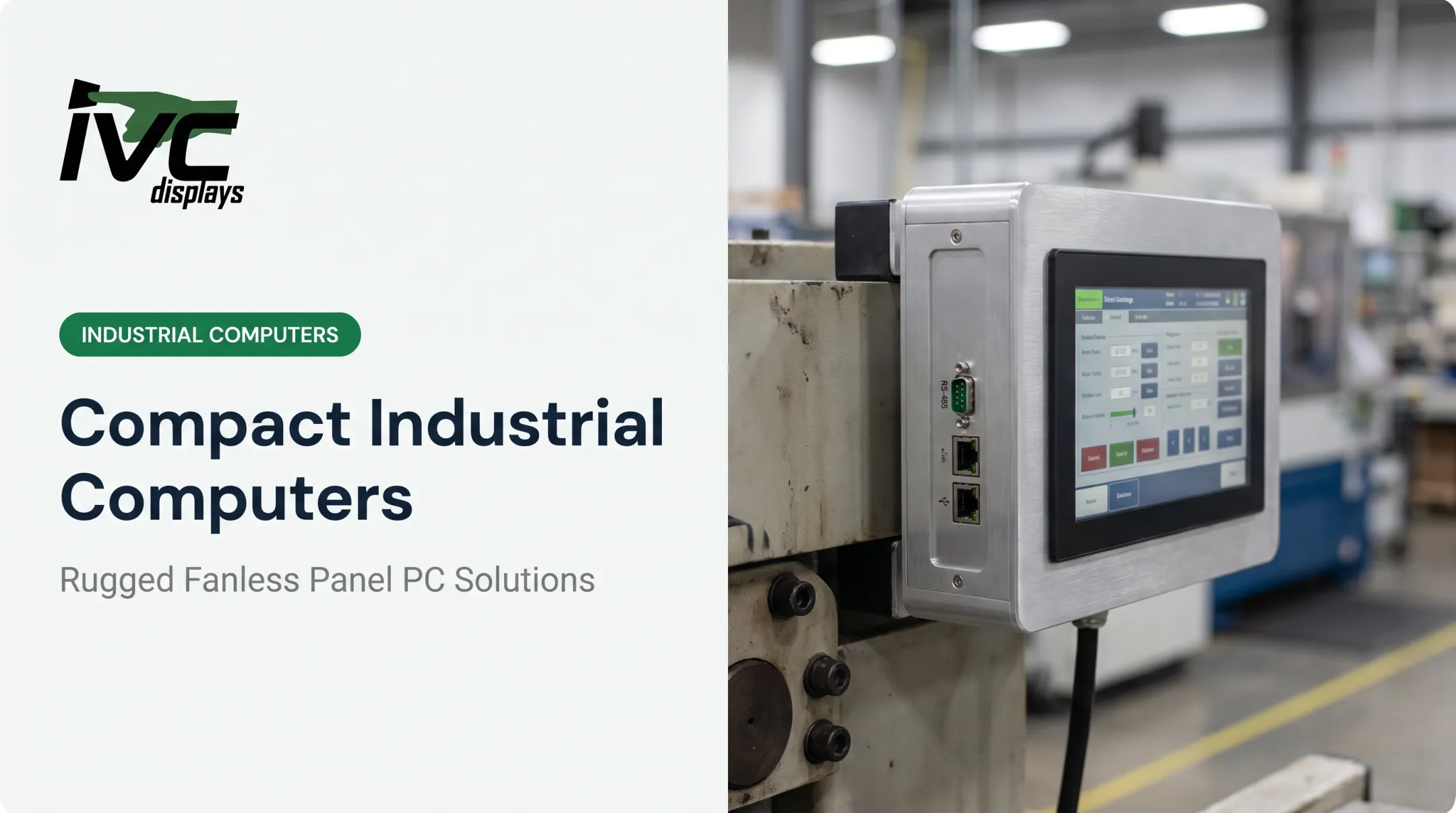
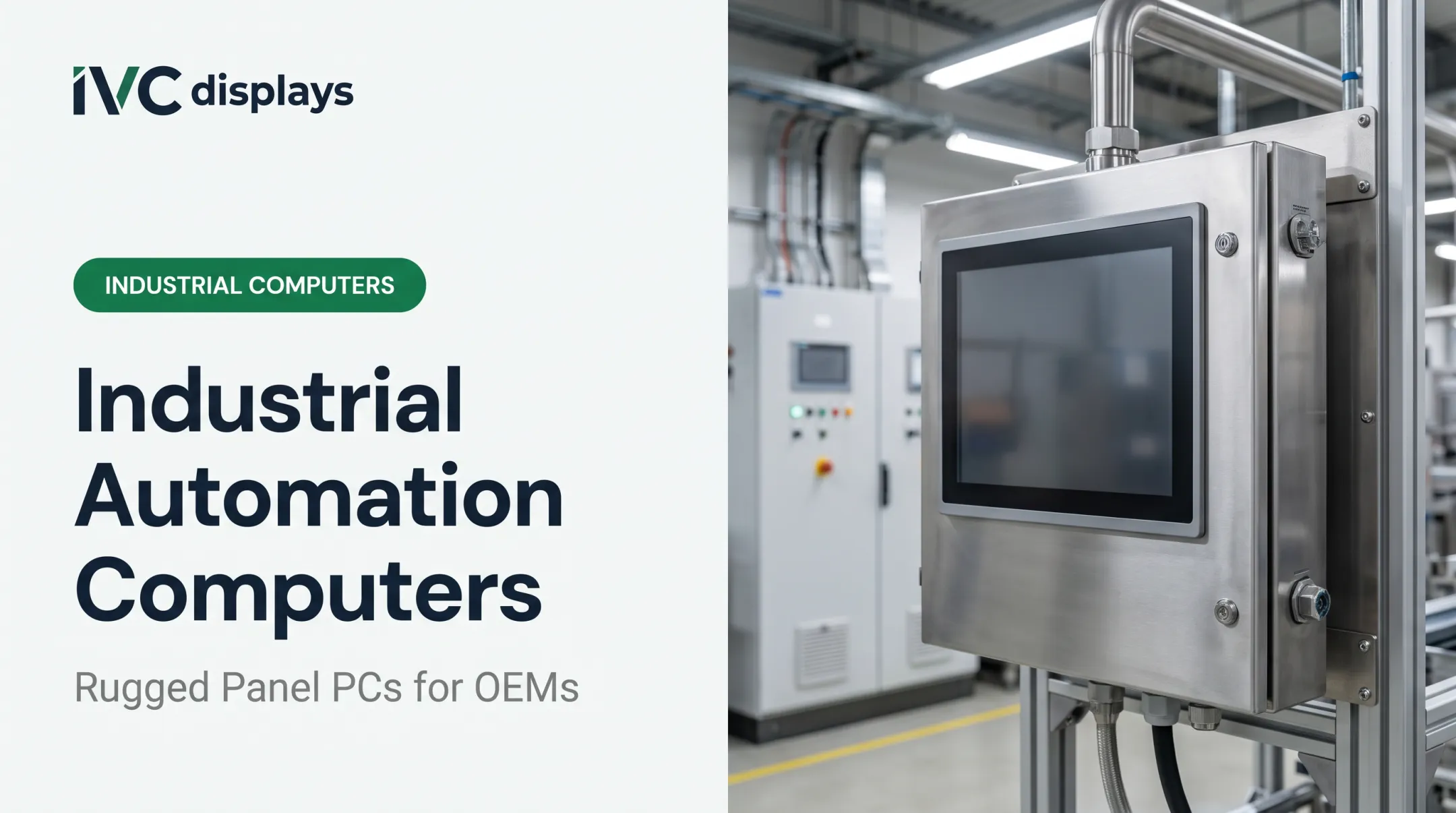
Different jobs call for different form factors. Here's how the major categories break down: Industrial Panel PCs combine touchscreen, compute, and I/O into one sealed unit, the standard HMI on a production line. IVC's NP-9XXi series, for instance, spans 12.1" to 21.5" displays with fanless 6th Gen Intel Core i5 processing and IP66 front panels. Rugged Box/Embedded PCs are compact, fanless units without a built-in display, meant for control cabinets and edge computing. IVC's palm-size ATOMIC-22 runs an Intel Celeron N3350 in a -10°C to 60°C envelope, ideal for tight cabinet mounting. Vehicle-Mount Computers handle the vibration and shock of forklifts, AGVs, and mobile logistics equipment. Zebra's VC8300, for example, carries an IP66 rating with sealed connectors and freezer-capable operation down to sub-zero temperatures. Open-Frame Displays and Monitors are display-only units meant for integration into custom machinery or OEM enclosures. They add a rugged screen with flexible mounting and no onboard computing hardware. Marine-Grade and Stainless-Steel Washdown Computers serve offshore platforms, food processing, and other sanitation-heavy environments. IVC Displays offers 304 or 316 stainless-steel washdown systems rated IP66/67/69K. Anti-corrosion aluminum marine panel PCs carry IEC 60945, IACS E10, and DNV certification for vessel navigation and offshore drilling.

Common Applications of Industrial Computers
Manufacturing and automation rely on industrial computers for machine vision, robot guidance, and process control. TIMET, a titanium manufacturer, uses an IVC Displays light industrial computer on its production line to support continuous metal manufacturing.
Food processing and pharmaceuticals need washdown-safe, sanitizable systems. A Lonza cleanroom case study describes a sealed NEMA 4X stainless-steel HMI built to resist corrosion from airborne particulates. That sealed design helps regulated facilities meet sanitation requirements under 9 CFR Part 416.
Logistics, transportation, and defense depend on vehicle-mounted and field-deployed systems for:
- Asset tracking across warehouses and ports
- Cold-chain monitoring with freezer-rated computers
- Mission-critical field operations, including sealed IP67 computers built for military vehicle systems

How to Choose the Right Industrial Computer
Buying decisions should start with your actual site conditions, not a spec sheet with the highest numbers.
- Match temperature range and IP rating to real conditions. A washdown facility needs IP69K; a dry indoor cabinet might only need IP65. Don't overpay for protection you won't use, but don't underspec either.
- Choose fanless vs. filtered-fan cooling based on dust exposure. Heavy particulate environments favor sealed fanless designs; cleaner spaces with airflow needs might tolerate filtered fans.
- Confirm mounting and form factor compatibility with your existing panels, cabinets, or vehicle chassis before ordering.
- Factor in OEM customization needs. Manufacturers like IVC Displays offer custom enclosure design, I/O configuration, mounting options, and touchscreen selection (resistive for gloved hands, PCAP for multi-touch) for integrators building at scale.

Budgeting for Industrial Computers
Pricing varies widely based on ruggedization level, screen size, and customization scope. A light industrial panel PC and a heavy-duty stainless washdown unit aren't priced on the same scale. Rather than relying on general price ranges, request a quote based on your exact specs. Most manufacturers, including IVC, offer volume discounts (commonly 10% at 25-unit orders) once you lock in a configuration.
Frequently Asked Questions
What is an industrial computer?
A ruggedized computer with sealed enclosures, extended temperature tolerance, and industrial-grade components built for reliable operation in harsh environments. Durability is designed in at the component level.
How much does an industrial PC cost?
Cost depends on ruggedization level, enclosure material, IP rating, and customization. Most units are configured to order, so request a quote for your requirements.
What is the difference between an industrial PC and a normal PC?
Industrial PCs provide wider temperature ranges, defined IP ratings, fanless or sealed cooling, and longer service life. Standard PCs assume climate-controlled offices and offer no ingress protection.
What are the specifications of an industrial-grade PC?
Key specs include operating temperature range, IP rating, MTBF (mean time between failures), power input flexibility (often 9–36V DC), and relevant certifications like CE, FCC Part 15, or RoHS.
What are the applications of computers in industries?
Industrial computers support manufacturing automation, machine vision, food and pharmaceutical processing, logistics and asset tracking, and defense field operations.
What type of computer is commonly used in large industries?
Industrial panel PCs and fanless embedded box PCs are the most widely deployed types, covering HMI, SCADA, and machine-control roles across production environments.