That's not an accident. Buyers often assume touch is the "upgraded" choice, but in harsh or demanding settings, non-touch displays frequently outperform touchscreens on cost, durability, and long-term reliability.
This guide breaks down what non-touch monitors are, where they beat touchscreens, and how to choose the right one for industrial applications.
Key Takeaways
- Non-touch monitors offer better durability, lower cost, and longer lifespan in harsh industrial environments
- Touch functionality adds complexity, extra failure points, and cost most industrial setups don’t need
- Manufacturing, food processing, and logistics often gain more uptime with rugged non-touch displays
- Match the display to environment severity, operator workflow, and required durability ratings
What Is a Non-Touch Screen Monitor?
A non-touch monitor is a display that relies on external input devices (a keyboard, mouse, keypad, or HMI controller) rather than direct screen interaction.
Structurally, that's a meaningful difference. Touchscreens add a digitizer layer (resistive or capacitive) bonded to the LCD/LED panel. Non-touch monitors skip that layer entirely, using a standard LCD or LED panel behind protective glass or a sealed bezel.
Common non-touch form factors include:
- Standard desktop and industrial monitors
- Open-frame displays for OEM and kiosk integration
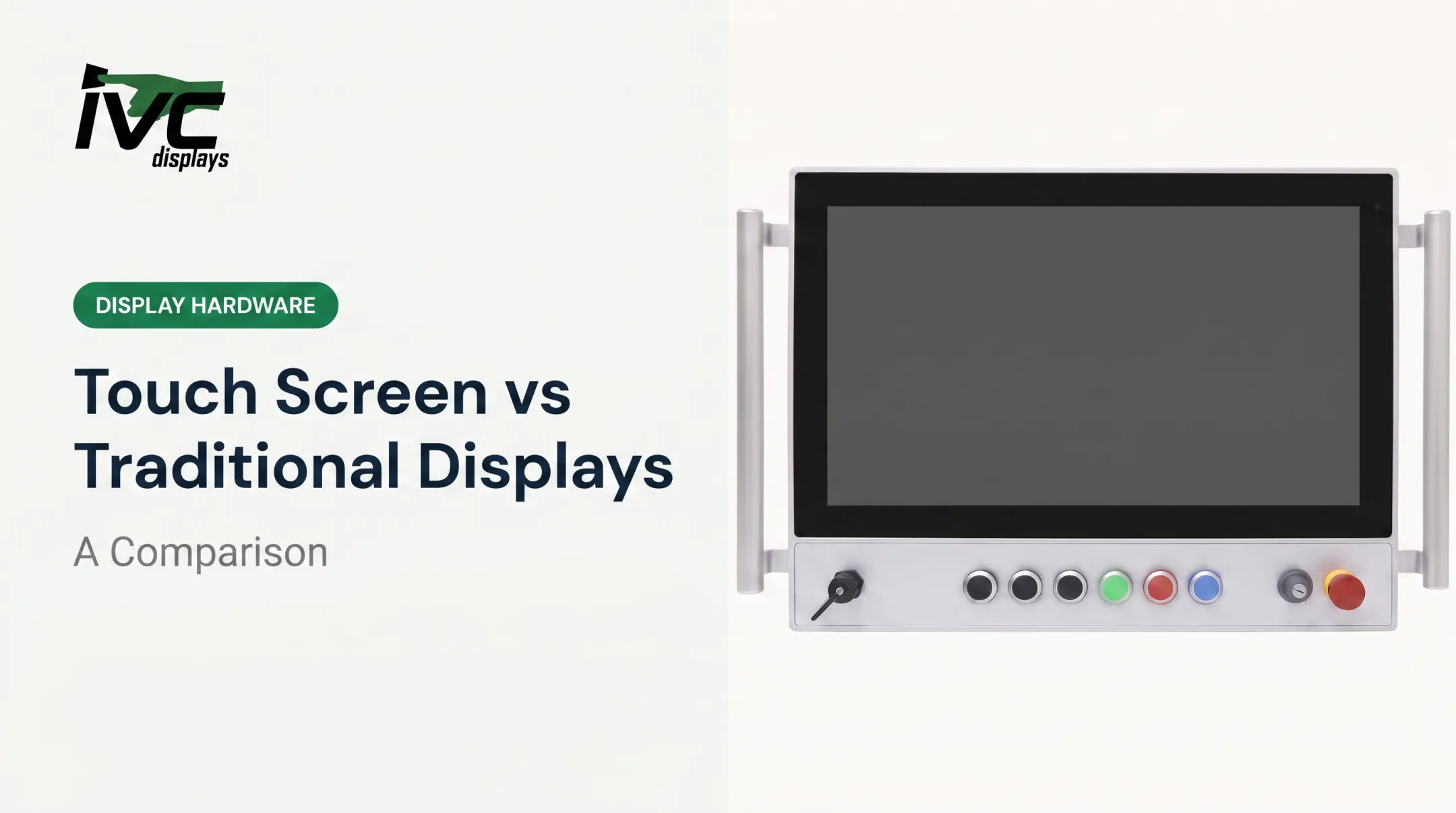
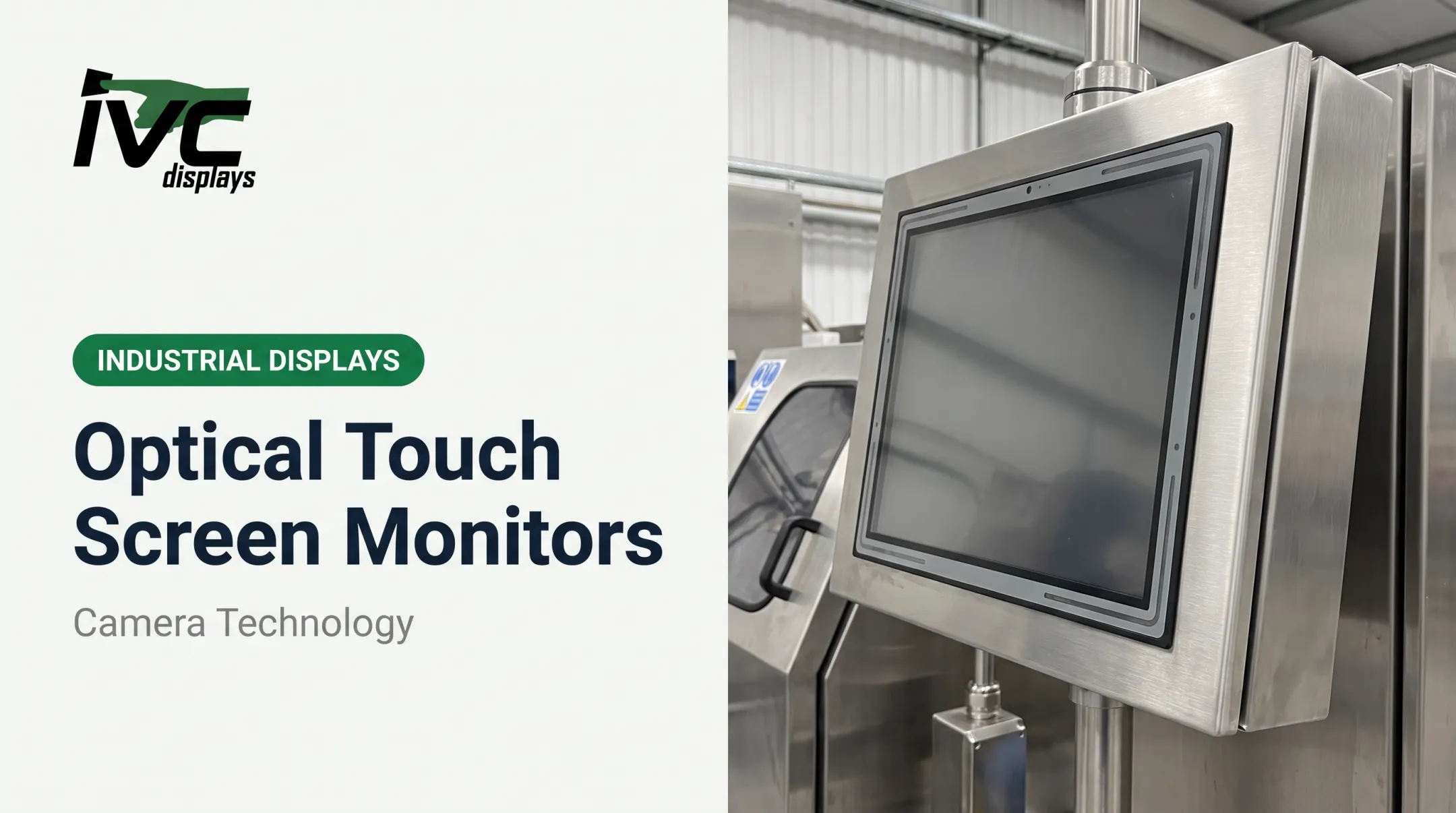
- Panel-mount monitors built into control panels or machine housings
- Rack-mount units for control rooms and server environments
Built for the Environment, Not Just the Desktop
Many non-touch monitors ship in rugged enclosures rather than office-style plastic housings. That's the difference between a display that survives a splash and one that fails after a week on a washdown line.
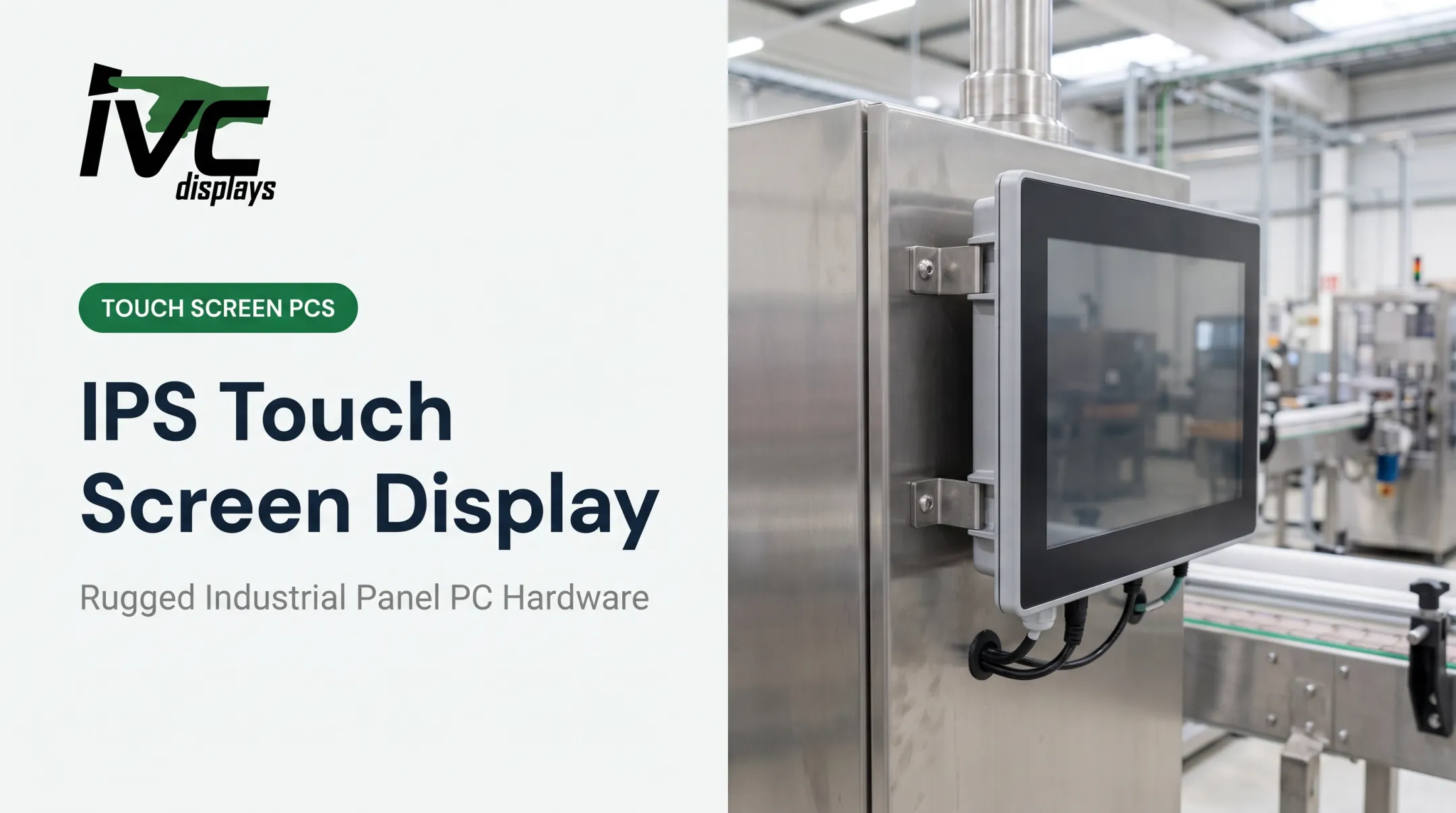
IVC Displays manufactures a broad range of rugged industrial non-touch monitors and panel PCs engineered for extreme conditions. The NP-5XXM series, for example, spans 7-inch to 15-inch models with an aluminum die-cast chassis, IP65 front-panel protection, and 9–36V DC input, configurable in a "no touch" build.
For marine and offshore work, the NP-9XX-MA Marine Grade Panel PC line offers corrosion-resistant aluminum housing and compliance with IEC 60945, IACS E10, and DNV standards. These systems support vessel navigation, engine monitoring, and offshore drilling platforms.

Key Benefits of Non-Touch Screen Monitors
Fewer Components, Fewer Failure Points
Removing the digitizer layer eliminates the touch controller, touch sensor, touch cable, and calibration hardware as potential service items. In high-vibration industrial settings, that's fewer things that can crack, delaminate, or drift out of calibration.
To be clear: no independent field study has isolated the digitizer as a specific cause of monitor failure. But manufacturer data illustrates the durability baseline these units achieve. A Touch Think industrial non-touch monitor listing cites an LCD MTBF of 50,000 hours, IP65 front protection, and an operating range of -20°C to 60°C.
Lower Cost, Better Visibility, Less Maintenance
- Simpler construction generally means a lower price point, freeing budget for better resolution or ruggedization
- Matte, anti-glare finishes suit outdoor, warehouse, and bright factory-floor lighting
- No fingerprints or smudges to wipe constantly, a real advantage in food processing or cleanrooms
- Fewer layers and connection points make sealing against dust, moisture, and chemicals simpler
IVC's stainless steel washdown systems, for instance, use fully sealed 304 or 316 stainless steel construction with IP66, IP67, or IP69K ratings. They're built for sanitation-critical environments where downtime for cleaning-related failures isn't an option.
Visibility under real plant lighting matters just as much. IVC's NP-5XXOPN open-frame monitors range from 250 cd/m² on the 10.4-inch model up to 400 cd/m² on the 8-inch and 12.1-inch models, so buyers can match brightness to ambient conditions.

Non-Touch vs. Touchscreen Monitors: Key Differences
Touchscreens make sense where operators need direct manipulation: interactive kiosks, POS systems, or self-service terminals. Non-touch monitors make more sense where operators already work with keyboards, mice, or dedicated HMI controls (SCADA systems, control room displays).
That same preference holds in environments with gloves, dirt, or moisture. Oil and gas and food processing sites often pair non-touch displays with separate rugged input devices. Wet fingers and PCAP touchscreens don't mix well; water disrupts the electrostatic field capacitive touch relies on.
| Factor | Non-Touch | Touchscreen |
|---|---|---|
| Input method | Keyboard, mouse, keypad, HMI | Direct screen interaction |
| Cost | Generally lower | Higher (added hardware layer) |
| Durability | Fewer failure points | Additional sensor/controller risk |
| Maintenance | Minimal cleaning needed | Requires smudge/fingerprint cleaning |
| Glove/wet compatibility | Not applicable (external input) | PCAP struggles with gloves/water |
| Ideal use cases | Control rooms, monitoring, SCADA | Kiosks, POS, interactive terminals |

Choose non-touch when the display is for monitoring or supervised control and input already comes from a keyboard, mouse, or HMI. Choose touch when the operator's primary interface is the screen itself and the environment stays clean and dry enough for reliable PCAP response.
Best Use Cases for Non-Touch Monitors in Industrial Settings
Industrial sites often separate the display from the controls. That setup favors non-touch monitors built for uptime, washdown, and harsh conditions over glass meant for constant finger input.
Common fits include:
- Manufacturing and automation: Control-room and machine-side monitoring where reliability matters more than screen interaction. Operators already run systems through separate HMIs, keypads, or PLCs.
- Food processing and pharmaceuticals: Washdown-capable stainless steel displays that handle repeated sanitization. IVC's NP-71X4S uses sealed 304/316 construction, IP66/IP67/IP69K protection, and waterproof M12 connectors for dairy, meat processing, and cleanroom lines.
- Marine, offshore, oil and gas: Displays that take vibration, moisture, and temperature swings. The NP-9XX-MA series (12.1-inch, 19-inch, and 24-inch) supports shipboard navigation and offshore control.

IVC Displays builds each of these lines for its target environment instead of retrofitting a general-purpose monitor.
How to Choose the Right Non-Touch Monitor
Match the monitor to the job in three passes: environment, mounting, then display specs. Skipping the first step is how shops end up with the right resolution and the wrong enclosure.
Environmental Factors
Start with the conditions the monitor will actually face:
- Temperature range — IVC's open-frame line supports 0–50°C; for harsher duty, the IVC-XXPC-P heavy industrial series covers -20°C to +70°C
- Dust and moisture — decides IP65 front protection versus a fully sealed IP69K enclosure
- Vibration and shock — IVC open-frame monitors are rated for 1g peak vibration (5–500 Hz) and 10g shock in operation
Don't specify an IP rating in isolation. NEMA Type ratings and IEC's IP code system aren't interchangeable—confirm the test basis with the manufacturer before you lock the spec.
Mounting and Integration
Once the enclosure rating is clear, choose how the display installs: open-frame for OEM/kiosk builds, panel-mount for existing control panels, or rack-mount for control rooms. IVC also provides custom OEM engineering for mounting, I/O, and enclosure design when catalog options don't fit.

Display Specs That Matter
With form factor settled, lock the optical and I/O details operators will feel every shift:
- Brightness: At least 1,000 nits (up to 2,500 nits) for direct sun, per TRU-Vu sunlight-readable guidance
- Resolution: Match viewing distance and the detail level operators need
- Connectivity: RS-232/422/485 for legacy PLC and sensor links, plus Ethernet for modern SCADA networks
Frequently Asked Questions
Which is better: a touchscreen or a non-touchscreen monitor?
It depends on the job. Touch suits interactive HMI and kiosk work; non-touch is usually the better fit when you need maximum durability, simpler sealed designs, and keyboard, keypad, or glove-friendly control in industrial settings.
Can I convert a non-touchscreen display into a touchscreen?
External touch overlay kits exist, but they cost more and are less reliable than factory-integrated touch. For industrial or rugged use, skip overlays unless the kit’s environmental ratings and warranty clearly match your application.
Are non-touch monitors more durable than touchscreen monitors?
Often yes in harsh settings. With no digitizer layer, non-touch monitors have fewer failure points—especially under vibration, washdown, or heavy glove use—so many plants prefer them when touch input is not required.
Do non-touch monitors cost less than touchscreen monitors?
Yes, typically. Non-touch monitors have simpler construction without a digitizer layer or touch controller, which usually makes them more affordable than comparable touch models.
What industries benefit most from non-touch monitors?
Manufacturing, food processing, oil and gas, marine, and defense are the key sectors. These environments prioritize reliability and sealed protection over direct screen interaction.
Can non-touch monitors be used with rugged input devices like keypads or trackballs?
Yes, this is common in industrial control room setups. IVC's NP-5XXM series, for example, supports external keypads through an extendable keypad transfer board.