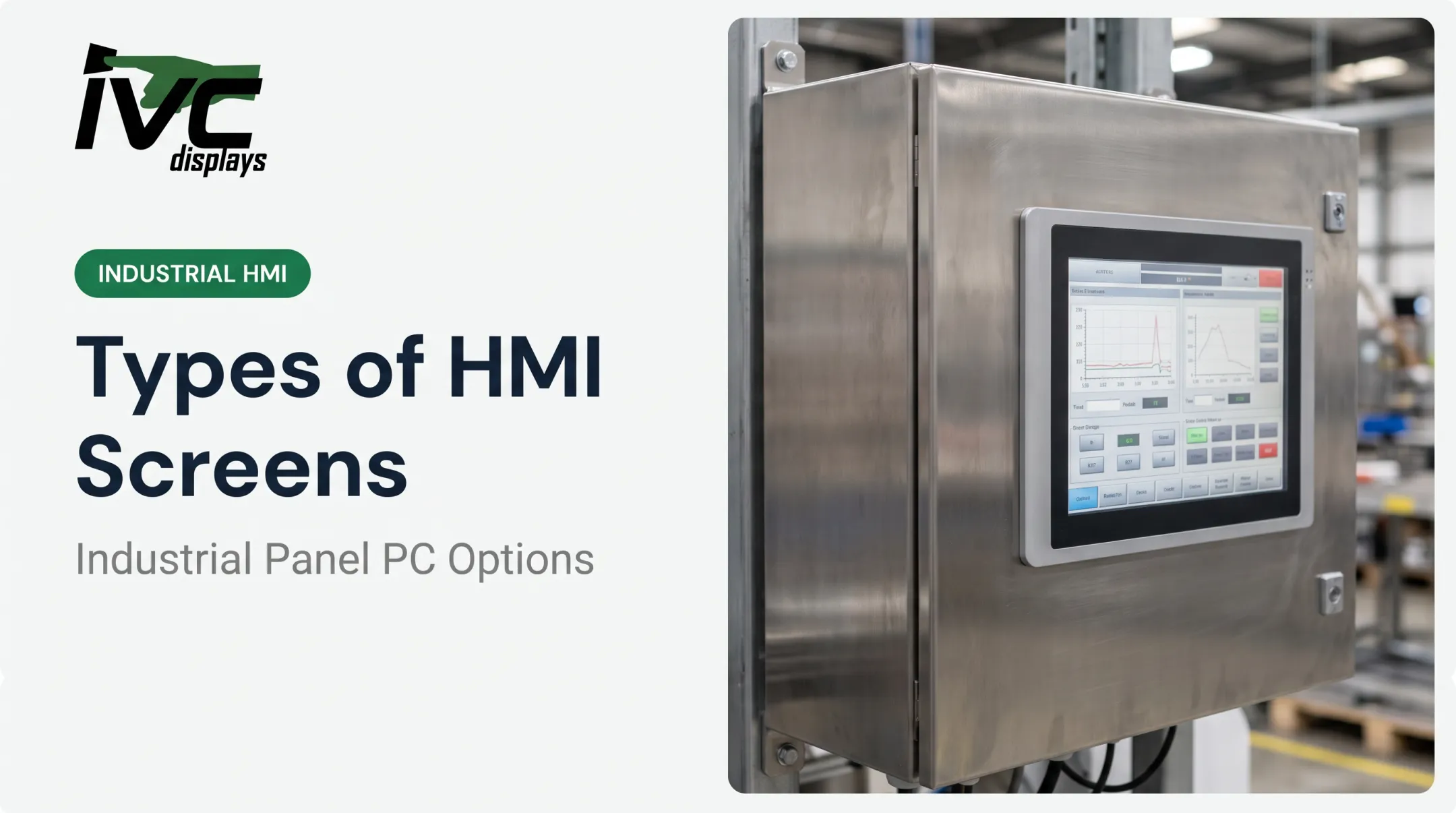
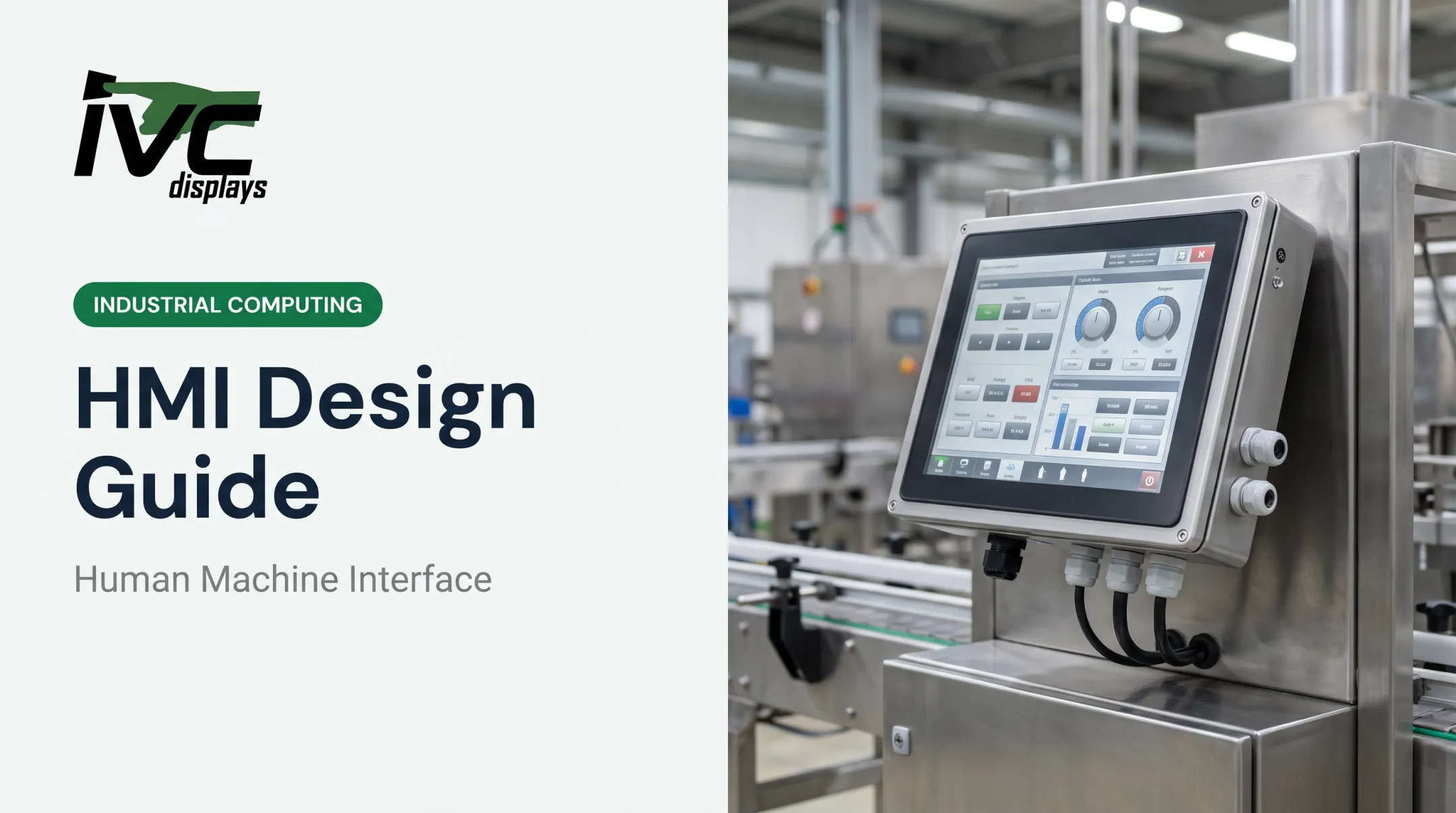
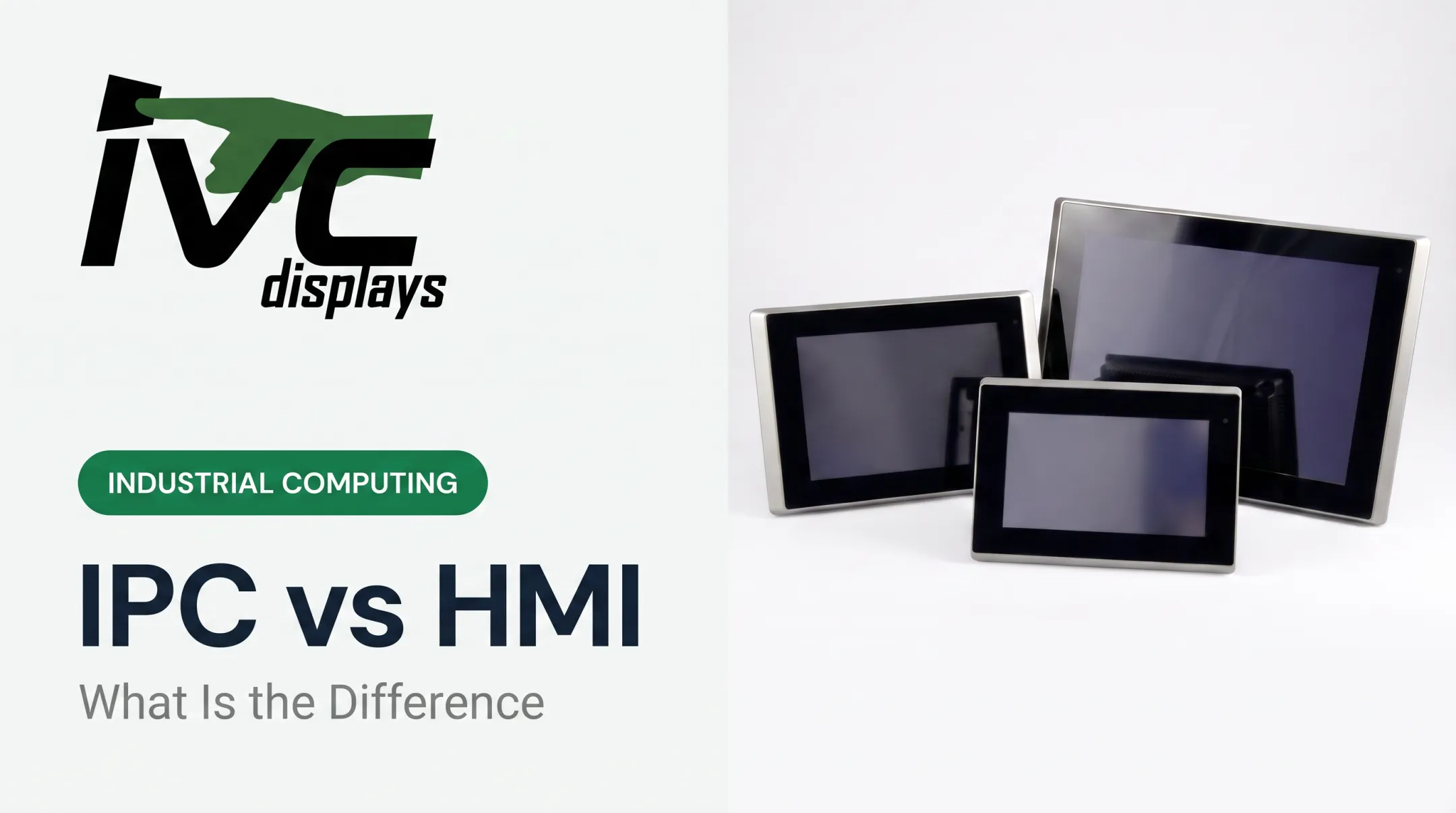
That's a Human Machine Interface, or HMI. It's the bridge between people and the equipment, sensors, and control systems running modern facilities. As manufacturing pushes further into Industry 4.0, HMIs have become the front line of automation—the point where human judgment meets machine execution.
This article breaks down what HMI actually means, its core components, how it differs from PLCs, SCADA, and GUIs, the types you'll encounter on a plant floor, and how to choose hardware that survives real industrial conditions.
Key Takeaways
- HMI refers to any interface (screen, panel, or button) that lets a person interact with a machine or system
- PLCs and SCADA work alongside HMIs, but each fills a distinct role in the automation stack
- Common types include push-button panels, touchscreens, web-based, and mobile HMIs
- Rugged, purpose-built hardware matters most in dusty, wet, or vibration-heavy environments
What Is a Human Machine Interface (HMI)?
An HMI is a device or software layer that lets humans control, monitor, and receive feedback from machines and systems. Per ANSI/ISA 101.01-2015, it's the user interface connecting a person to industrial equipment, letting operators monitor and control processes in real time, whether continuous, batch, or discrete production.
An HMI does two jobs:
- Translates operator input into machine commands (press a button, the pump starts)
- Displays system data back to the user (pressure, temperature, flow rate, alarms)
From Push Buttons to Touchscreens
HMI design has changed dramatically. Forty years ago, factory operators worked with physical switches, dials, and simple indicator lights. Monochrome text displays came next, followed by color graphics in the 1990s, then touchscreens—initially just virtual push buttons on a screen. Today, touch panels have replaced most physical controls on new equipment.

Design quality isn't cosmetic. A 2024 Automation World piece notes that clear fault-diagnosis instructions on an HMI help operators catch and correct unexpected conditions before they escalate—directly connecting interface clarity to fewer stoppages.
Examples across settings:
- Factory control panels and SCADA workstations
- Machine-side operator panels on packaging or process lines
- Car dashboards and infotainment screens
- ATM touchscreens and building thermostats
Core Components & How HMI Works
Every HMI has two layers working together.
Hardware layer:
- Touchscreens, displays, and status indicators
- Physical buttons, switches, and E-stops
- Industrial panel PCs housing the computing power
Software layer:
- Visualization software (screens, graphics, navigation)
- Alarm management and notifications
- Data logging and historical trending
Connecting to PLCs and I/O
Most industrial HMIs pair with a PLC. The HMI pulls real-time data through Ethernet, Modbus, or OPC UA protocols, displays it on screen, and sends operator commands back down to the controller. IVC touch panel PCs communicate with PLCs and I/O modules over standard industrial networks, so they can replace aging control panels without a full system redesign.
Why Environmental Ratings Matter
A screen that works fine in an office fails fast on a factory floor. Design considerations include:
- Readability in bright sunlight or dim warehouses
- Durability against vibration, dust, and moisture
- Ergonomics for gloved operators or awkward mounting angles
IP ratings quantify this protection. IP65 means dust-protected with water-jet resistance; IP67 adds temporary immersion; IP69K covers high-pressure, high-temperature washdown. Matching the rating to the environment is the practical next step. Examples from IVC's lineup:
| Product Line | IP Rating | Operating Temp |
|---|---|---|
| NP-6XXS Panel PC | IP66 | Varies by config |
| NP-9XX-MA Marine | IP65 | 0°C to 50°C |
| NP-71X4S Stainless Steel | IP66/IP67/IP69K | −10°C to 60°C |
| IVC-XXPC-P Heavy Industrial | Varies by config | −20°C to 70°C |

Where HMI Is Headed
The HMI market is projected to grow from $5.2 billion in 2023 to about $7.7 billion by 2028, led by cloud-connected and IoT-enabled software. Remote monitoring in browsers and mobile apps is now common on embedded HMI platforms, so supervisors can check line status from a phone instead of walking the floor.
HMI vs PLC, SCADA, and GUI
These terms get used interchangeably, but they're not the same thing.
Quick reference:
- GUI: Visual layer only (icons, menus, buttons)
- HMI: Full operator interface (hardware, software, connectivity) at the machine
- SCADA: Facility- or region-wide supervisory data and control
- PLC: Control logic that runs the process
Is an HMI the Same as a GUI?
No. A GUI (graphical user interface) is the visual layer: icons, menus, and buttons on screen. An HMI is the broader system—hardware, software, and connectivity that lets someone interact with a machine. Every HMI includes a GUI, but not every GUI is an HMI.
Is an HMI the Same as SCADA?
No. SCADA (Supervisory Control and Data Acquisition) gathers and processes data across an entire facility or region, such as pipeline networks or power grids. HMI operates at the local, machine level. In practice, an in-plant SCADA system typically connects to individual HMIs and PLCs over the same Ethernet network, with SCADA aggregating what each HMI sees.
What Is the Difference Between a PLC and an HMI?
Think of the PLC as the brain and the HMI as the face. The PLC executes logic and control decisions. The HMI displays what the PLC is doing and lets an operator issue commands to it. IEC 61131 formally covers programmable controllers and the peripherals, including HMIs, that connect to them.

Can an HMI Work Without a PLC?
Yes, in simpler setups. Standalone HMIs with built-in logic can connect directly to sensors for basic monitoring or control tasks. Most industrial applications still pair an HMI with a PLC for full process control, but it's not a strict requirement.
Types of HMIs and Real-World Examples
HMIs range from simple push-button panels to graphical, web, and mobile interfaces.
Major HMI types:
- Push-button/keypad panels — simple, tactile, reliable in harsh conditions
- Graphical touchscreens — resistive (works with gloves, tools) or projected capacitive/PCAP (multi-touch, cleaner environments)
- Web-based HMIs — accessed through a browser, useful for remote sites
- Mobile/tablet interfaces — supervisors checking status from anywhere on-site
Resistive touch suits operators wearing gloves or working with contaminants. PCAP delivers smoother, smartphone-like gestures but performs best in cleaner settings.
Real-world deployments:
- Water treatment plant dashboards monitoring flow and chemical dosing
- Factory production line panels tracking output and defects
- Vehicle-mounted computers for logistics fleet tracking
- Marine navigation displays on offshore vessels
IVC's case history includes NOAA using a heavy-duty industrial computer to monitor engine systems aboard the Fairweather. Manufacturers such as GENTEX and TIMET run light industrial computers on their production floors.

Popular HMI software platforms operators may encounter:
- AVEVA InTouch HMI
- Siemens SIMATIC HMI
- Rockwell FactoryTalk View
- Inductive Automation's Ignition
Industry Applications & Choosing Rugged HMI Hardware
HMIs show up wherever a person needs to interact with automated equipment:
- Manufacturing and industrial automation
- Food and pharmaceutical processing
- Oil and gas, marine and offshore
- Defense and transportation
Why Consumer-Grade Displays Fail
A standard commercial monitor wasn't built for dust, washdown chemicals, vibration, or temperature swings. Push it into that environment and you get cracked screens, moisture intrusion, and unplanned downtime: the failures industrial buyers work to avoid.
Rugged hardware is built for those conditions. Hope Industrial, another rugged display manufacturer, reports field-proven MTBF above 250,000 hours on its enclosures. That durability is what consumer displays never deliver.
IVC Displays manufactures rugged panel PCs, industrial monitors, and marine-grade computers designed for the same environments:
- The NP-71X4S stainless steel line handles food-grade washdown at IP66/67/69K
- The NP-9XX-MA marine panel PC meets IEC 60945, IACS E10, and DNV standards for offshore use
- The NP-4XX-BIPC integrates E-stop and physical buttons directly into the touchscreen bezel for machine safety applications

For OEMs standardizing on one configuration, IVC offers a 10% discount at 25-unit orders plus long-term availability programs. Equipment manufacturers avoid redesigning the control panel every time a component goes end-of-life.
Frequently Asked Questions
How much does an HMI cost?
Cost varies by screen size, ruggedness, and features. Entry-level panels often start around $800, industrial panel PCs commonly run $2,700+, and custom-engineered systems cost more.
Can an HMI work without a PLC?
Yes, in simpler applications. Standalone HMIs with built-in logic can connect directly to sensors, though most industrial setups pair an HMI with a PLC for full control capability.
Is an HMI the same as a GUI?
No. A GUI is the visual layer (icons and menus) often embedded within an HMI. The HMI is the complete interaction system, including hardware and connectivity.
Is an HMI the same as SCADA?
No. HMI handles local, machine-level visualization and control. SCADA oversees data and operations across an entire facility or multiple sites.
What are examples of human-machine interfaces?
Touchscreens, push-button panels, car dashboards, ATM screens, and industrial control terminals are all common HMI examples across consumer and industrial settings.
What are some popular brands of HMI software?
Widely used platforms include AVEVA InTouch HMI, Siemens SIMATIC HMI, Rockwell FactoryTalk View, and Inductive Automation's Ignition software.