Human Machine Interfaces have become the connective tissue between people and complex machinery across manufacturing floors, logistics hubs, and defense platforms. The global HMI market reached $5.2 billion in 2023 and is projected to hit $7.7 billion by 2028, growing at 8.2% annually. That growth reflects a simple reality: as machines get more complex, the interface between human and machine matters more, not less.
HMI isn't just screen design. It's the software layer, the physical hardware running it, and how the two hold up in real operating conditions. This guide covers the fundamentals, the design principles that separate usable interfaces from confusing ones, and how to choose hardware that survives harsh environments.
Key Takeaways
- Treat HMI as both interface design and physical hardware; general UI covers software alone
- Apply ISA-101: reserve bright colors for alarms only and keep normal operation screens muted
- Poor HMI design has contributed to real incidents, including findings after Three Mile Island
- Select rugged hardware by IP rating, temperature range, and display readability for the environment
What Is a Human Machine Interface (HMI)?
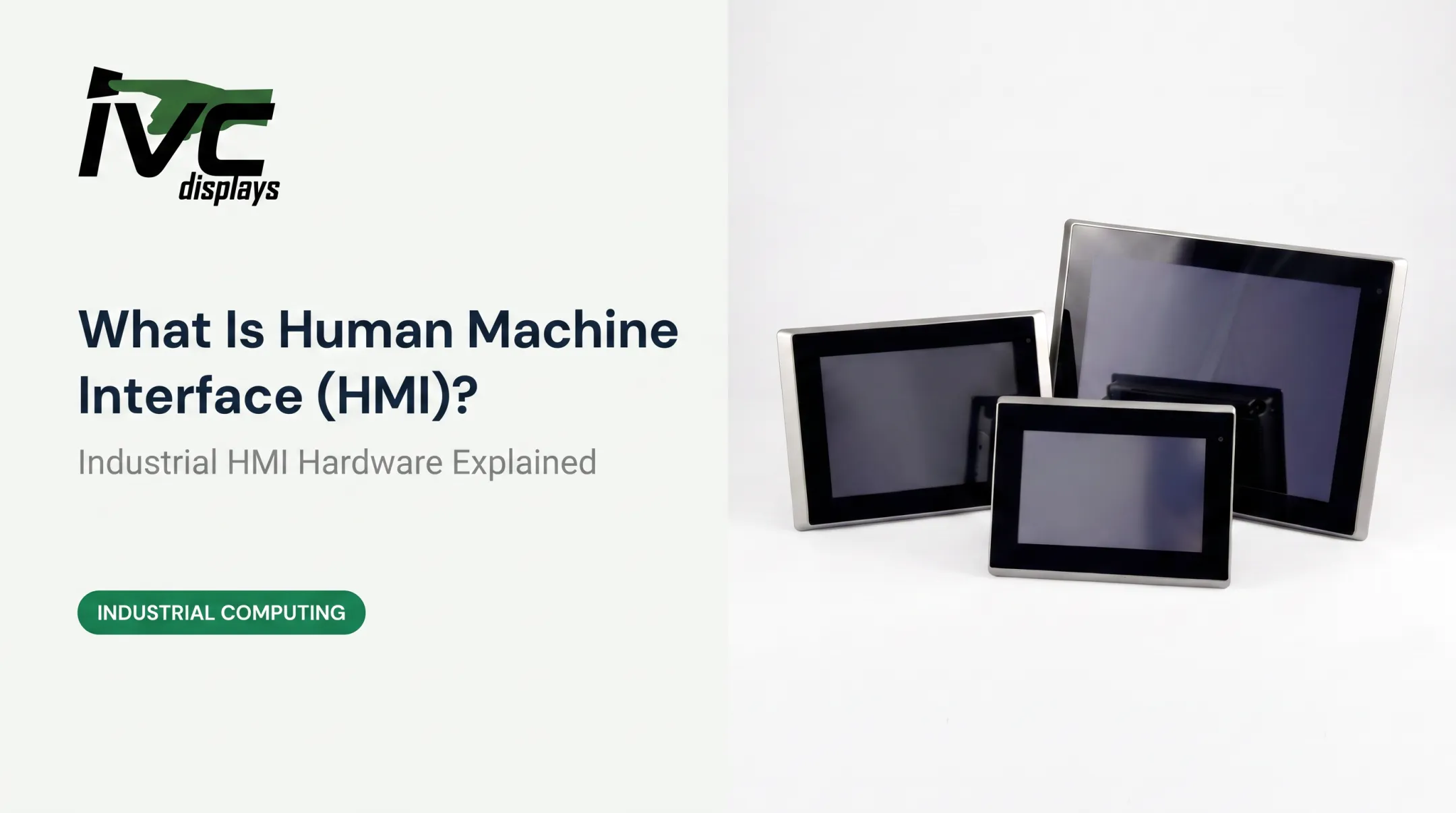
An HMI is the hardware or software through which an operator monitors and controls a machine, process, or system. According to NIST's Guide to Operational Technology Security, this ranges from physical panels with buttons and indicator lights to industrial PCs running dedicated HMI software with color graphics.
HMI vs. UI: What's the Difference?
A UI is the visual layer a person interacts with: buttons, menus, screens. An HMI is broader. It includes hardware, system logic, and the communication between the interface and the machine itself. Every HMI has a UI, but not every UI qualifies as an industrial HMI.
HMI vs. SCADA vs. PLC
Operators and engineers often use these three terms interchangeably, but they mean different things:
- PLC — the controller that manages a process locally through feedback control
- SCADA — the supervisory system that integrates data acquisition, transmission, and HMI software across dispersed assets
- HMI — the visual and interaction layer that lets a person see and act on what the PLC and SCADA system are doing
The hierarchy is straightforward: the PLC controls, SCADA supervises across a distributed network, and the HMI is where the human enters the picture.
Real-World HMI Examples
HMIs show up wherever a person needs to interact with equipment:
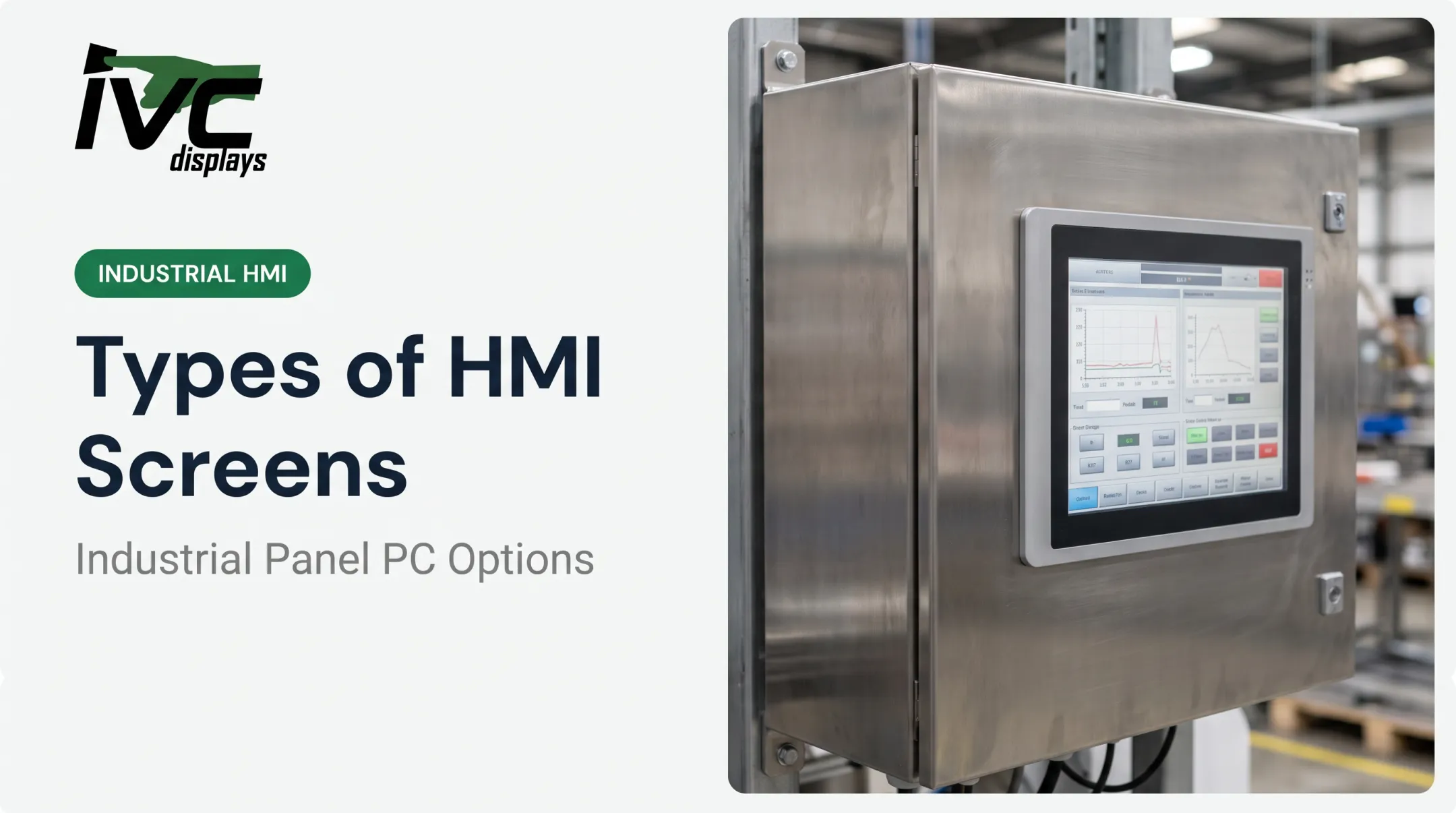
- Touchscreen panel PCs mounted directly on factory machinery
- Vehicle-mount computers in forklifts and warehouse logistics equipment
- Marine-grade displays on ship bridges and offshore platforms
- Button-integrated PCs with physical E-stop controls on production lines
Types of HMI Interfaces and Screens
Common HMI Hardware Formats
Industrial buyers typically choose from a handful of hardware categories:
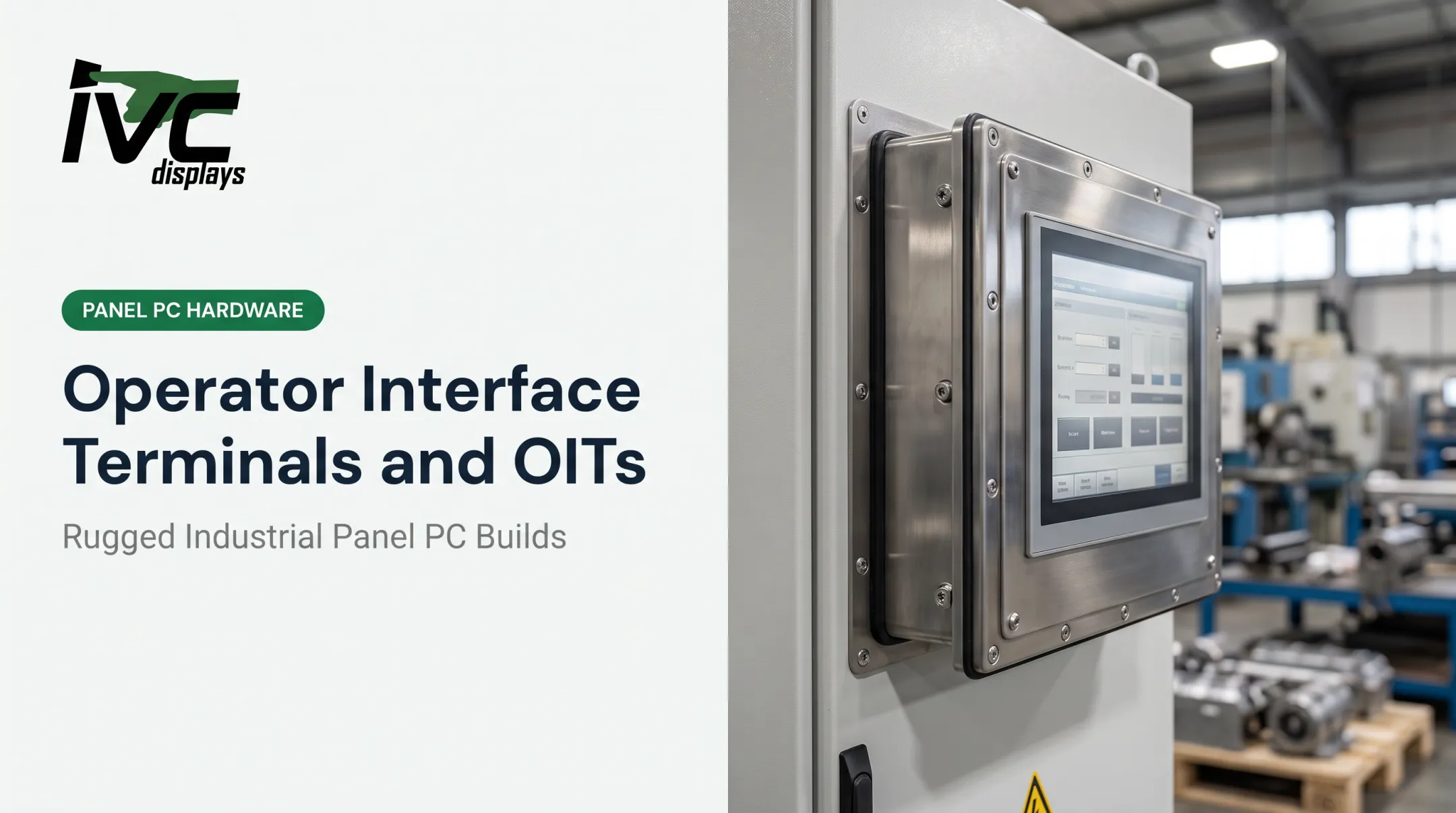
- Panel PCs — all-in-one units combining touchscreen and computer, ideal where keyboard/mouse setups aren't practical
- Open-frame displays — bare-bones panel structures meant to be embedded into existing machinery, kiosks, or custom enclosures
- Vehicle-mount computers — rugged terminals built for warehouses, ports, and heavy-duty vehicles
- Built-in machine touchscreens — displays integrated directly into equipment at the point of manufacture
HMI Screen Design Categories
Once the hardware form factor is set, screen layout should match the operator’s task. Most industrial HMI designs fall into four categories:
| Screen Type | Best Used For |
|---|---|
| Tabular/text-based | Listing process data and status in table form |
| Mimic/schematic | Overlaying data on a diagram of the actual process |
| Trend | Plotting values against time, historical or current |
| High-performance | Minimal decoration, current data only, fast scanning |

Core HMI Design Principles
Situational Awareness Comes First
An operator should be able to glance at a screen and know immediately whether things are normal or something needs attention. That's situational awareness, and it's the foundation everything else builds on.
Core HMI functions support this goal:
- Monitoring: continuous visibility into process status
- Control: operator actions tied directly to what is monitored
- Alarm management: clear flags for abnormal conditions
- Performance dashboards: trends and KPIs summarized at a glance
The Human-Machine Communication Loop
Every interaction follows four stages: input (operator action), processing (system interprets it), output (system responds), and feedback (operator confirms the result). Break any link in that chain and trust in the interface erodes fast.
Color Usage Per ISA-101
This is where a lot of interfaces go wrong. Published guidance aligned with ISA-101 standards recommends:
- Muted, gray backgrounds for normal operating states
- Bright, saturated colors (especially red) reserved strictly for alarms
- Color combined with shape, text, or position, since color alone isn't reliable enough
If everything on a screen is colorful, nothing draws the eye when it actually needs to.
Layout Hierarchy and Typography
Structure screens top-down so operators see only what they need at that moment:
- Overview first, then subsystem detail, then granular data
- Live values larger and bolder than unit labels
- Contrast that holds up in control-room light and bright outdoor conditions
This hierarchy keeps attention on status and action, not on noise.

HMI Design Best Practices for Reliable Operations
These practices keep interfaces dependable when operators work under real plant pressure:
- Keep navigation, iconography, and color coding identical across every screen so muscle memory carries over between machines and shifts
- Follow ISA's alarm-management lifecycle (philosophy, rationalization, detailed design, and rate monitoring) so operators respond because alarms mean something, not because they fire constantly
- Write an HMI style guide before large deployments so screen 50 looks and behaves like screen 1
- Build in undo options, confirmation prompts, and safe defaults so a mistaken tap does not become a costly shutdown
- Test with real operators under lighting glare, ambient noise, and stress, not only in controlled design settings
History still shows why layout and visibility matter in the control room:
The official investigation into the Three Mile Island Unit 2 accident found that operators failed to isolate a failed valve partly because the control room lacked an adequate valve-status display and placed a critical coolant-tank indicator on the back of a panel. The lesson still applies: if the interface hides the information a decision depends on, the decision will be wrong.

Choosing Rugged Hardware for Reliable HMI Performance
Even a perfectly designed interface fails if the screen fogs, the touch panel dies from vibration, or the enclosure can't handle a washdown cycle. Hardware selection is part of the design, not an afterthought.
Key Hardware Considerations
- Sunlight-readable touchscreens for outdoor or high-glare environments
- IP-rated enclosures matched to exposure: IP65 (dust and water jets), IP66/IP67 (stronger jets, temporary immersion), IP69K (high-pressure, high-temperature washdown)
- Wide operating temperature ranges — some rugged industrial computers run reliably from −20°C to +70°C
- Vibration and shock resistance for vehicle-mount and mobile applications
Matching Hardware to Environment
IVC Displays builds rugged panel PCs and industrial monitors around these requirements. Examples by environment:
- Manufacturing and automation: Sealed, fanless panel PCs for HMI, SCADA, and machine control
- IVC-XXPC-P Series: rugged metal construction for harsh plant floors
- NP-9XXi Series: Intel Core i5 with IP66 front-panel protection
- In use: TIMET runs an IVC light industrial computer on its titanium production floor
- Food processing: 304/316 stainless waterproof panel PCs with IP66/IP67/IP69K ratings and M12 connectors—no air intakes that risk contamination during washdown
- Marine and offshore: NP-9XX-MA marine-grade panel PC with IEC 60945, IACS E10, and DNV certifications plus an IP65 front panel For equipment builders, OEM integration covers custom enclosure design, I/O configuration, touchscreen selection, and mounting. That flexibility matters when a standard catalog unit does not fit the machine.

Common HMI Design Mistakes to Avoid
Even solid HMI projects slip when screens look good in a demo but break down under real shift conditions. Watch for these patterns:
- Overusing bright colors: Saturated color everywhere drives alarm fatigue. Reserve it for abnormal states only.
- Cluttered, dense screens: Too much on one view causes cognitive overload. Use layered, top-down layouts that reveal detail as operators need it.
- Ignoring operator input: Interfaces designed without floor feedback often fail in live use. Involve operators early and test under real task load.
Avoiding these mistakes keeps the interface aligned with how people actually run the machine—not how it looked in a walkthrough.
The Future of HMI Design
Four trends are reshaping how HMIs get built:
- Edge and cloud computing enable remote monitoring, with edge handling real-time processing and cloud handling storage and deeper analytics
- Mobile-friendly dashboards extend monitoring beyond the control room
- AI-assisted predictive alerts are moving mainstream: Rockwell Automation's 2025 study of 1,560 manufacturers found 95% have invested or plan to invest in AI/ML within five years
- AR/VR for training and maintenance is still early-stage; ROI depends on cost, interoperability, and workflow fit
Frequently Asked Questions
What is HMI in design?
HMI is the interface layer connecting a person to a machine or system, covering both software design and the physical hardware it runs on. It spans monitoring, control, and feedback functions.
What is the difference between UI and HMI?
UI refers to the visual layer a user directly interacts with, like buttons and menus. HMI is broader, encompassing the full hardware-software interaction stack, including system logic and machine communication.
What are examples of an HMI?
Touchscreen panel PCs on factory equipment, vehicle-mount computers in warehouses, and marine-grade displays on ship bridges are all real-world HMI examples.
What is the difference between HMI and SCADA?
SCADA handles broader data collection and control across dispersed assets. HMI is the visualization and interaction layer operators use to see and act on that data.
What industries rely most heavily on HMI systems?
Manufacturing, oil and gas, food processing, marine and offshore, and defense are among the sectors most dependent on reliable HMI systems for daily operations.
How do I choose the right HMI hardware for a harsh environment?
Match the IP rating to expected dust and moisture exposure, and confirm the operating temperature range fits the site. For outdoor or high-glare areas, prioritize sunlight-readable displays.