That's the gap compact industrial computers fill. Many facility managers struggle with cramped enclosures, dusty or wet environments, and equipment that simply wasn't built to survive on a plant floor. A tower PC with spinning fans and consumer-grade parts doesn't last long next to a washdown line or an offshore rig.
This guide covers what compact industrial PCs actually are, the specs that matter most, where they get deployed, and how to pick the right one for your application.
Key Takeaways
- Get full-scale performance in fanless, sealed enclosures that free up tight industrial space
- Wide temperature ratings and vibration resistance keep systems online in extreme environments
- Manufacturing, marine, oil and gas, and defense teams use them where continuous uptime is non-negotiable
- Match I/O count, mounting type, certifications, and environmental exposure to your application
What Is a Compact Industrial Computer?
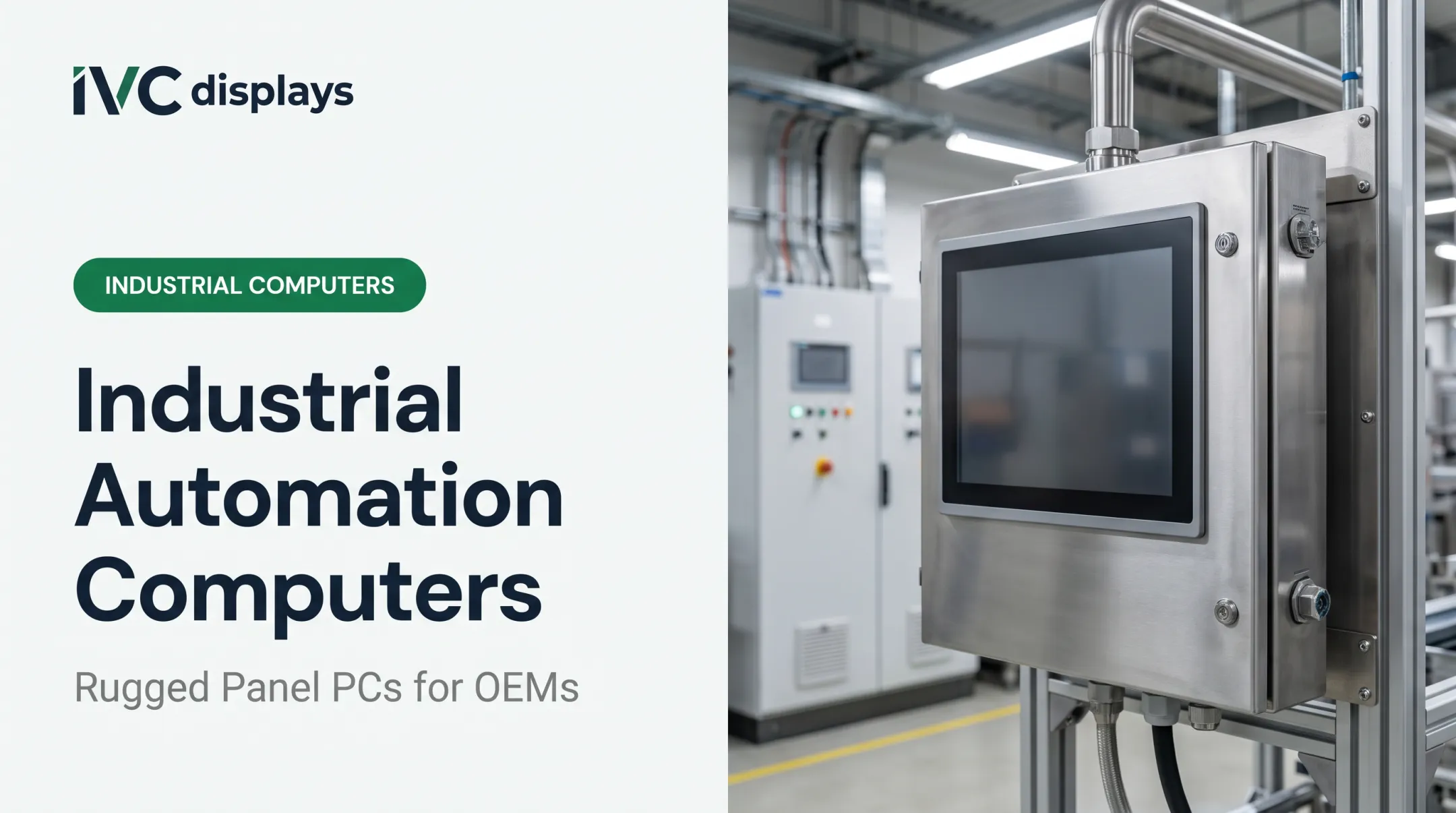
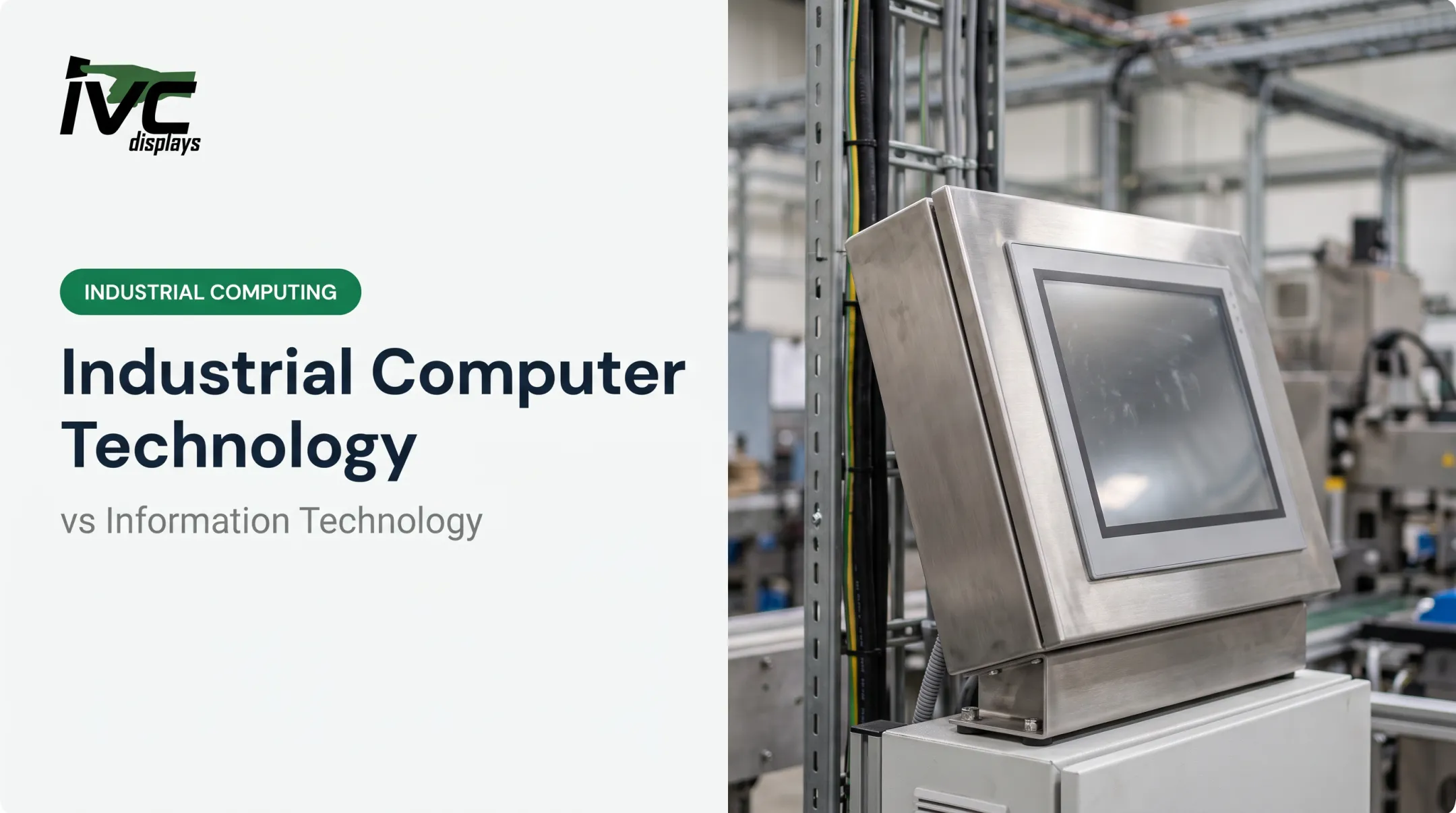
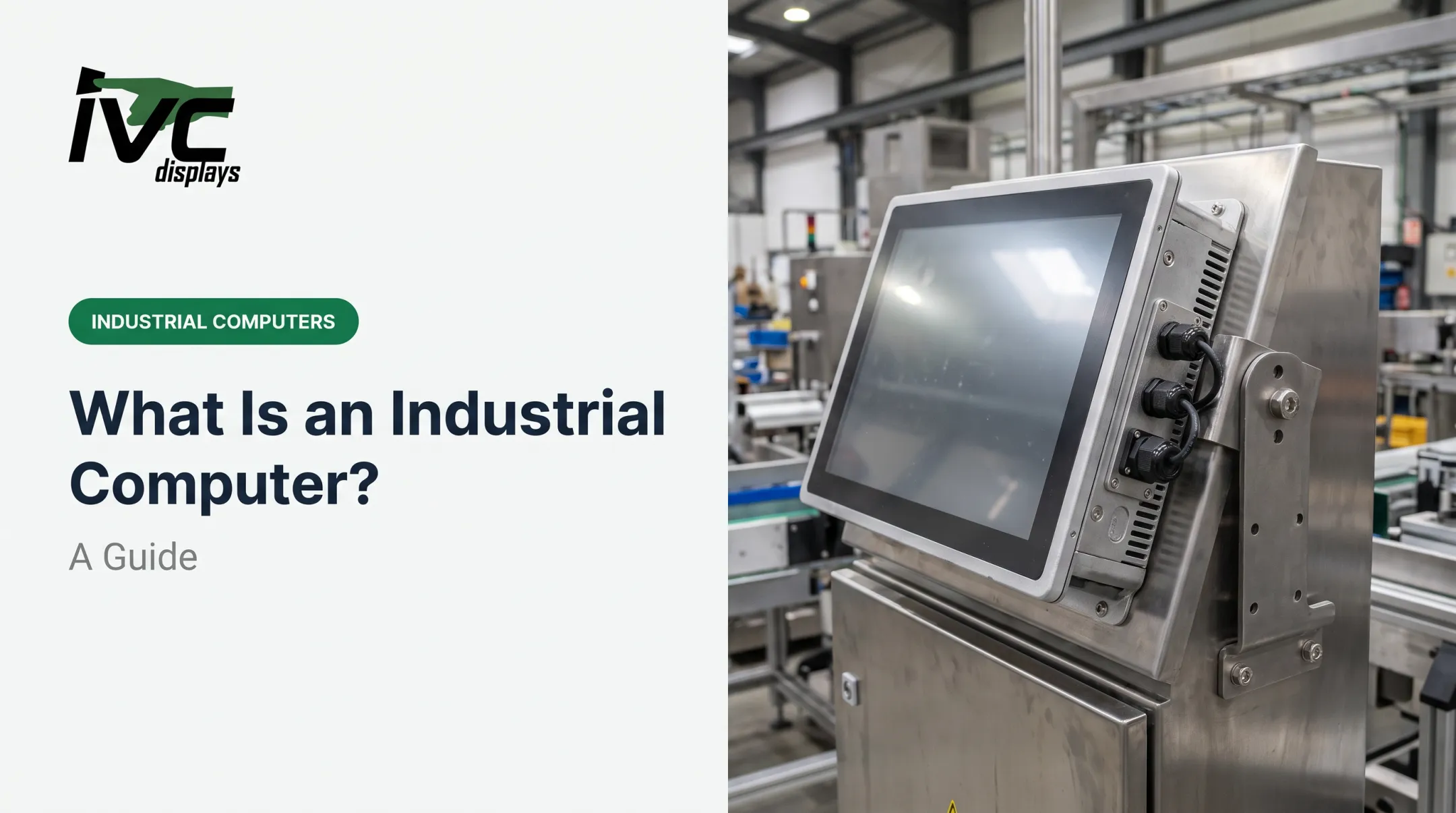
A compact industrial computer is a ruggedized, small-footprint system built for continuous operation in conditions that would kill a standard desktop within months. Think box PCs, DIN-rail units, and panel PCs, all engineered around industrial-grade components rather than consumer parts.
The differences from a desktop PC run deeper than size:
- Fanless design — no moving parts to fail or suck in dust
- Sealed chassis — protects internal components from moisture and debris
- Extended temperature tolerance — operates where office equipment would shut down
- Industrial-grade components — built for years of continuous duty, not occasional use
Common Form Factors
| Form Factor | Typical Placement |
|---|---|
| Box/embedded PC | Machine, cabinet, or test stand |
| DIN-rail PC | Control cabinet alongside PLCs |
| Panel PC | Operator station, all-in-one touchscreen |
| Vehicle-mount computer | Forklifts, service vehicles, mobile equipment |

These small systems get their power from low-power embedded processors, efficient thermal design, and tightly integrated architecture—without the discrete accelerators bulkier machines need. Intel's edge processors, for example, pack a CPU, NPU, and GPU into a single low-wattage chip built for this kind of deployment.
They run as standalone controllers or embed directly into OEM machinery.
Core Features That Define Reliable Compact Industrial PCs
Not every "industrial" label means the same thing. Here's what actually separates a reliable unit from a marketing claim.
Fanless Cooling and Sealed Design
The chassis itself acts as a heatsink, pulling heat away from components without a fan pulling dust and moisture in. This matters most in facilities with airborne particulates, high humidity, or washdown cycles where a fan vent would be a liability.
Temperature Range
Operating range varies significantly by product line. Match the published spec to your actual cabinet conditions, not just ambient room temperature. A sealed enclosure in direct sun or next to a furnace runs hotter than the thermostat suggests.
Typical ranges from IVC Displays include:
- Heavy-industrial IVC-XXPC-P series: −20°C to +70°C
- Stainless-steel washdown systems: −10°C to +60°C
- Fanless embedded models (NP-NANO-ITX-J1900): −15°C to +60°C
I/O Flexibility
Look for what you'll actually plug in:
- Multiple RS-232/422/485 serial ports
- Dual Gigabit Ethernet
- USB and expansion slots (Mini-PCIe or M.2)
- CAN bus and GPIO where automation integration is needed
Ingress Protection
IP65, IP66, IP67, and IP69K are not interchangeable. Each represents a distinct test for dust and water exposure, so match the rating to your actual conditions rather than treating "IP-rated" as a blanket guarantee.
Shock and Vibration
For mobile or vehicle-mounted deployments, ask for the specific test method and severity level behind any ruggedness claim. A generic "military-grade tested" label without documentation doesn't tell you much.
IVC Displays builds rugged panel PCs and stainless steel washdown systems around these same requirements. Options include IP65 through IP69K ratings, 304 or 316 stainless housings, food-grade M12 connectors, and fanless thermal designs for harsh plant conditions.

Industry Applications for Compact Industrial Computers
Manufacturing and Automation
Compact box PCs and DIN-rail units embed directly into machine builds and tight control cabinets, running alongside PLCs without eating up panel space. Compact box PCs and DIN-rail units mount inside machine builds and tight control cabinets, running HMI, SCADA, and machine-control software beside PLCs without consuming panel space.
Marine and Offshore
Sealed, corrosion-resistant systems handle humidity, salt spray, and constant vibration on vessels and offshore platforms.
IVC's NP-9XX-MA marine-grade panel PC is built for navigation, engine monitoring, and offshore drilling control, and is:
- IEC 60945 compliant
- IACS E10 tested
- DNV certified
Oil & Gas
Rugged fanless systems with wide-range DC power and extended temperature ratings support upstream monitoring, pipeline skids, and remote well-pad controls where heat, dust, and vibration knock out commercial PCs.
Pharma and Food Processing
Washdown-capable, hygienic designs matter most here. Food-grade stainless steel systems with IP66/IP67/IP69K ratings and waterproof M12 connectors survive daily high-pressure cleaning without contamination risk.
Military, Defense, and Logistics
Ruggedized computers support vehicle-mount, depot, and field deployments that face shock, vibration, and extreme temperatures standard hardware cannot sustain.
Across these industries, uptime is the common requirement. IVC light industrial computers run helmet manufacturing controls at GENTEX Corporation and environmental-chamber settings at BioCold Environmental, two sites where continuous, unattended operation is non-negotiable.

How to Choose the Right Compact Industrial Computer
Before you compare specs, map your constraints:
- Measure your space — Cabinet size and mounting type (DIN-rail, VESA, wall) narrow your form factor before you even look at processors
- Match environment to rating — Temperature swings, dust, moisture, and chemical exposure dictate the IP rating you need
- Count your I/O needs upfront — Tally required serial ports, Ethernet connections, and expansion slots so you're not bolting on external hubs later
- Decide modular vs. fixed — Some lines, like IVC's NP-6XXS series, offer flexible processor, memory, and mounting configurations; others ship as fixed all-in-one units
IVC supports DIN-rail mounting on its ATOMIC-22 embedded computer and select light-industrial models. VESA and wall mounting are available across its panel PC lines, so match those options to your cabinet layout before you commit.
Compact PCs vs. Traditional Industrial Computers
Legacy tower and rackmount PCs still have their place, but the performance gap has narrowed considerably. Modern compact systems no longer force a trade-off between size and capability.
Power consumption is a clear differentiator. Desktop-style power supplies commonly run 240-650 watts, while compact panel-PC designs built around efficient processors can operate at roughly 15 watts for comparable tasks OnLogic. Results vary by workload, but the efficiency gap is real.
Current-gen embedded processors also handle workloads that used to require a full tower:
| Factor | Compact/DIN-rail | Traditional Tower/Rack |
|---|---|---|
| Footprint | Small, cabinet-friendly | Larger, needs dedicated space |
| Power draw | Lower, often fanless | Higher, active cooling required |
| AI/inference capability | Available on current chips | Available with discrete accelerators |
| Expansion room | Limited | Extensive |

IVC's compact fanless lines run on Intel Atom and Celeron processors, while its larger IVC-XXPC-P heavy-industrial series and NP-9XXi panel PCs step up to Core i5 for more demanding workloads. Compact no longer means underpowered.
Frequently Asked Questions
What is a tiny but powerful PC?
It's a compact industrial computer that uses efficient low-power processors, fanless thermal design, and embedded architecture to deliver desktop-class performance in a palm-sized, rugged enclosure.
What is the difference between a box PC, DIN-rail PC, and panel PC?
A box PC is a headless compute unit without a display, usually cabinet-mounted. A DIN-rail PC clips onto standard rail hardware in electrical enclosures. A panel PC combines the computer and touchscreen into one operator-interface unit.
Can compact industrial computers handle harsh environments like marine or washdown settings?
Yes. Sealed, corrosion-resistant designs with IP66/IP67/IP69K ratings and waterproof connectors are built specifically for washdown, humidity, and saltwater exposure common in marine and food-processing applications.
Are compact industrial PCs as powerful as full-size systems?
Current-generation processors, including Intel Core and AMD Ryzen embedded options, now fit inside compact chassis and handle multitasking and AI inference workloads that once required larger systems.
How do I know what operating temperature range I need?
Assess ambient conditions, enclosure ventilation, and seasonal extremes at the actual installation point, not just room temperature. Direct sun or nearby heat sources can push cabinet temperatures well above ambient.
What industries benefit most from compact industrial computers?
Manufacturing, marine and offshore, oil and gas, defense and logistics, and food and pharmaceutical processing all rely on these systems for continuous, unattended operation in demanding conditions.