A lot of that downtime traces back to hardware that was never built for the job. Standard office PCs weren't designed for dust, vibration, temperature swings, or electrical noise, and they fail fast once you put them near a machine floor.
This guide covers what industrial automation computers are, the main types available, what to look for under the hood, what they cost, and how to pick the right one for your environment.
Key Takeaways
- Specify ruggedized industrial PCs built for continuous 24/7 duty; consumer hardware is not designed for plant floors
- Select from panel PCs, box/embedded PCs, rack-mount servers, vehicle-mount units, or marine/washdown systems
- Match ingress protection, temperature range, and I/O to your specific environment before comparing price
- PLCs and industrial PCs work together, not as substitutes for one another
- Prioritize vendor lifecycle support and multi-year availability alongside the hardware spec sheet
What Is an Industrial Automation Computer
An industrial automation computer is a purpose-built system used for control, monitoring, and data processing on a factory floor or in a process plant. According to Siemens' product documentation, its SIMATIC Box PC line measures, controls, and visualizes machine data—from ultra-compact units to expandable high-performance systems.
The difference from a commercial PC isn't cosmetic. Industrial PCs are engineered for continuous operation in tough physical environments, handling temperature extremes, vibration, dust, moisture, and electromagnetic interference that would take down a commercial-grade machine.
Common applications include:
- SCADA monitoring and data acquisition
- Robotic control and coordination
- Automated quality inspection and vision systems
- Continuous data logging across production lines
Where They Fit in Automation Systems
Think of an industrial automation computer as the connective tissue between field-level devices and the enterprise network. It sits between sensors and PLCs on one side and business systems on the other, serving as the HMI, data hub, or supervisory controller.
Integration is rarely plug-and-play. Existing control cabinets, legacy PLCs, and proprietary sensors each bring their own connector types and quirks.
That is where OEM equipment integration matters. IVC Displays, for example, adapts computers to existing machines so the hardware fits the line instead of forcing a redesign:
- Custom I/O and connector configuration
- Enclosure and chassis engineering
- Panel-mount, VESA, or bracket mounting solutions
Types of Industrial Automation Computers
Not every application needs the same form factor. Here's how the main categories break down:
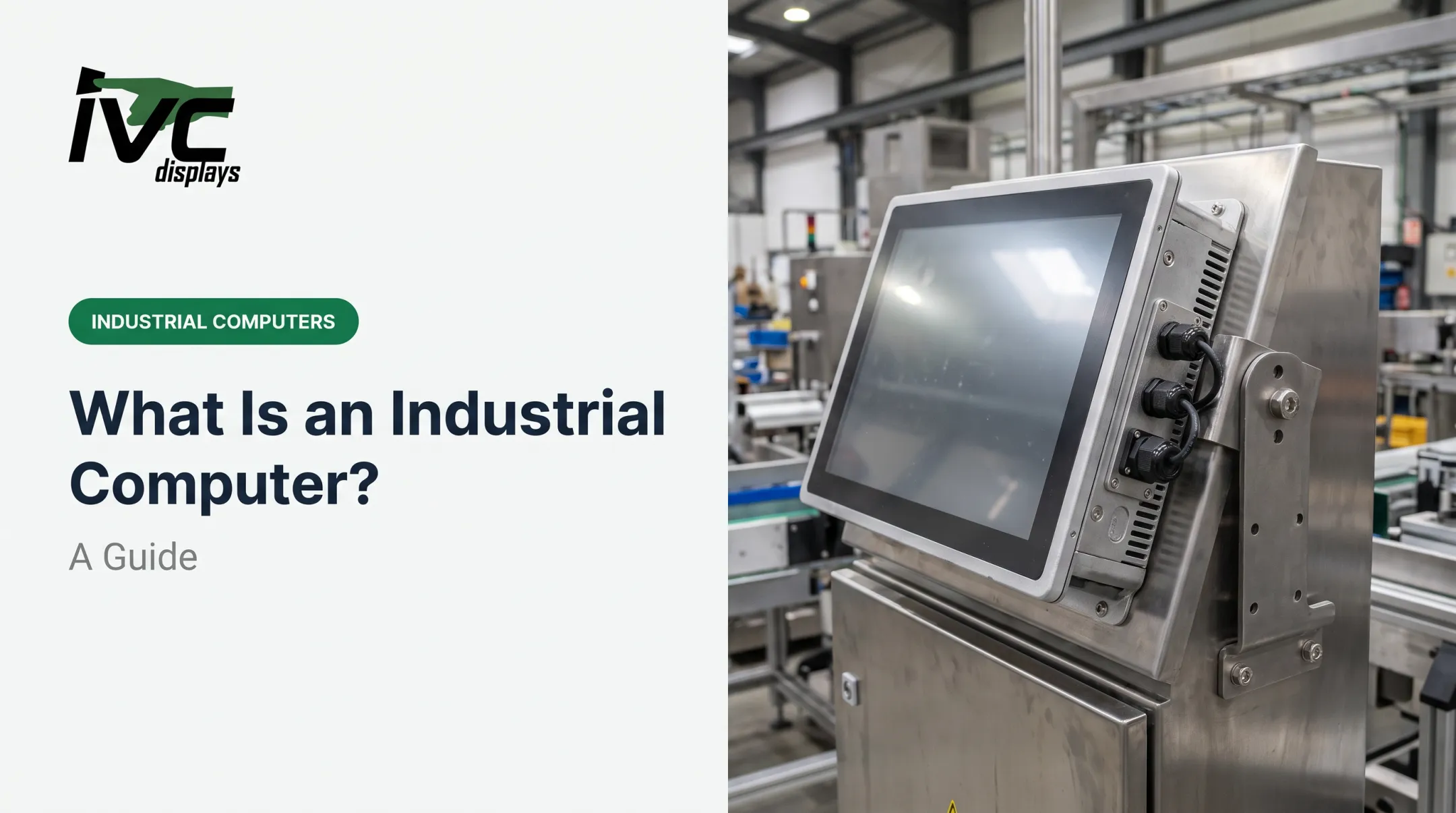
- Panel PCs — Touchscreen, all-in-one units mounted on machinery for HMI and machine control. IVC Displays builds configurable panel PCs across light, medium, and heavy industrial tiers for this use case.
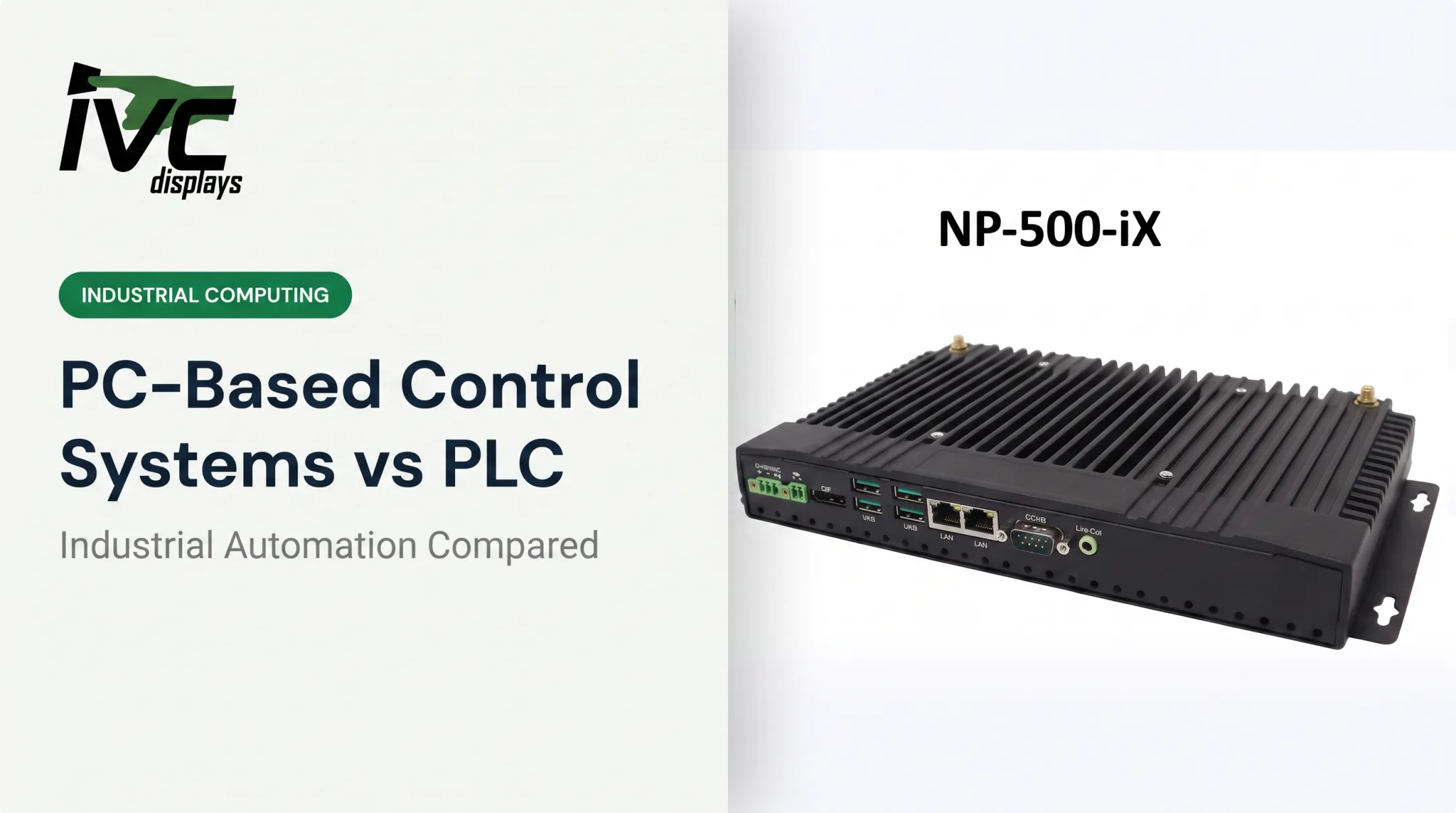
- Box/embedded PCs — Compact, fanless units for control logic and data acquisition in tight spaces. IVC's ATOMIC-22, for example, is built for dusty, vibration-heavy environments.
- Rack-mount industrial servers — Centralized processing for SCADA and data-heavy operations, typically installed in factory-floor cabinets rather than clean server rooms.
- Vehicle-mount computers — Ruggedized units for forklifts, AGVs, and mobile logistics gear that must handle constant jolts and temperature swings.
- Marine-grade systems — Corrosion-resistant units for shipboard and offshore use. IVC's NP-9XX-MA line is IEC 60945 compliant, meets IACS E10, and carries DNV certification.
- Stainless steel washdown systems — Sealed for sanitation in food and pharma plants. IVC's NP-71X4S line offers IP66, IP67, or IP69K protection for high-pressure washdown. The right type depends entirely on where the computer will physically live and what it needs to survive.

Key Hardware Requirements and Features
Environmental Durability
IP ratings tell you how well an enclosure resists dust and liquid. The IEC IP rating system grades solids protection from 0-6 and adds a second digit for water resistance. A vendor comparison from Premio lists industrial computers rated for -40°C to 85°C, versus 0°C to 35°C for typical commercial machines, a useful illustration of the gap, even if exact ranges vary by product line.
IVC's own lineup shows how this plays out in practice:
| Series | Enclosure | IP Rating | Temp Range |
|---|---|---|---|
| Medium Industrial NP-9XXi | Aluminum bezel/chassis | IP66 front | 0-50°C operating |
| Stainless Steel NP-71X4S | 304/316 stainless | IP66/67/69K | -10°C to 60°C |
| Marine NP-9XX-MA | Anti-corrosion aluminum | IP65 front | IEC 60945 tested |

Durability alone is not enough if the compute stack cannot hold up under continuous load.
Processing, Memory, and Storage
Long-lifecycle embedded processors and ECC memory keep performance predictable over years, not months. OnLogic explains that ECC memory detects and corrects memory errors automatically, protecting data integrity during continuous operation.
Industrial SSDs matter too: look at TBW (total bytes written) and DWPD (drive writes per day) ratings, not just capacity, since these drives run nonstop for years without a reboot.
Those same systems still need industrial I/O and thermal design that match the plant floor.
Connectivity and Cooling
Common industrial I/O includes serial ports (RS-232/422/485), industrial Ethernet, CAN bus, and isolated power inputs. Standard protocols like Modbus, PROFINET, and EtherNet/IP handle communication with:
- Sensors
- PLCs
- HMIs
- Actuators
Fanless, passive-cooling designs reduce maintenance and keep dust from being pulled into the chassis through a fan, a common failure point avoided in sealed systems like IVC's IVC-XXPC-P heavy industrial line.
Industrial PC vs PLC: Understanding the Difference
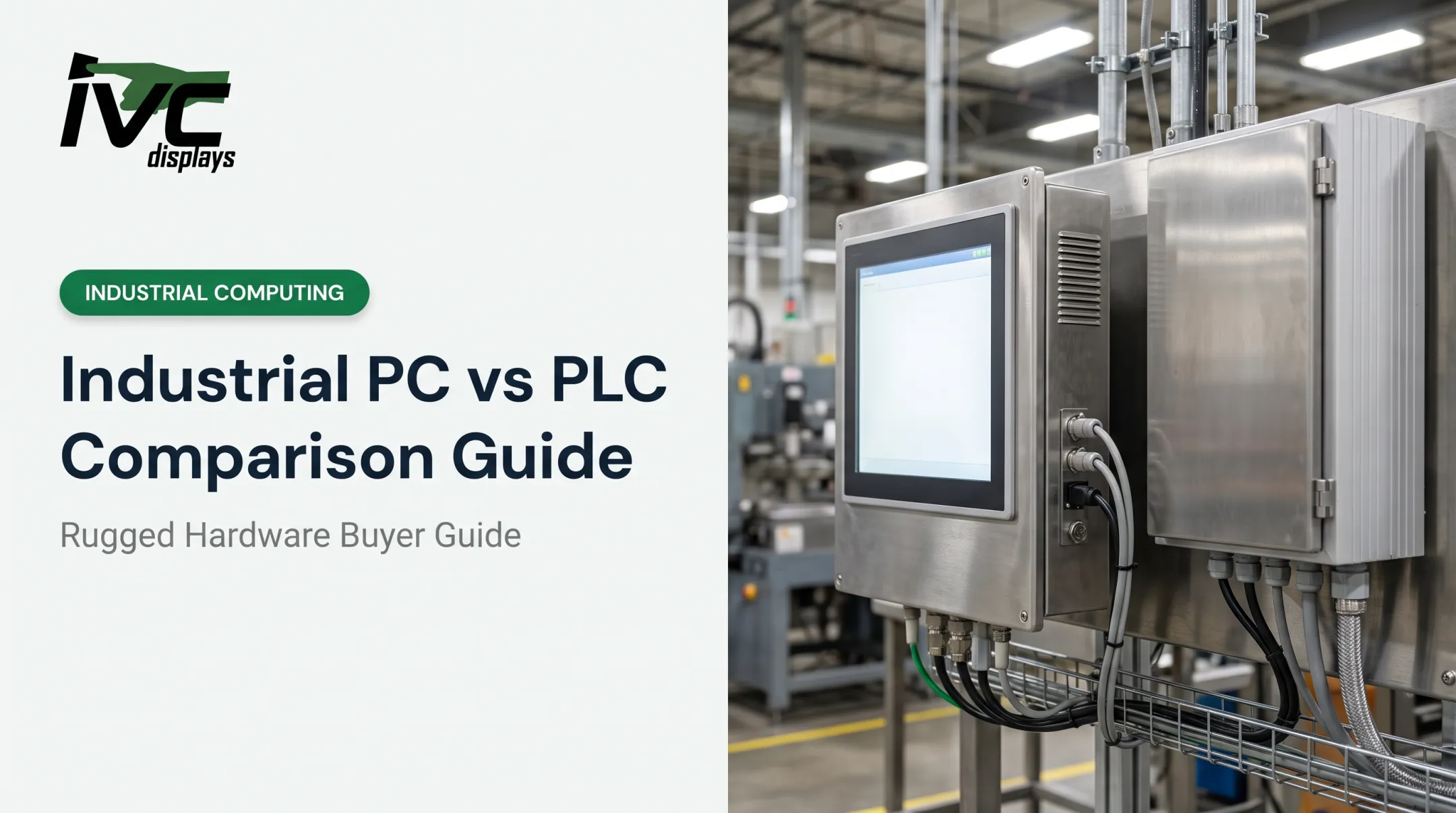
A PLC is a dedicated controller built for real-time logic execution — think machine sequencing, motion control, safety interlocks. An industrial PC is a more flexible computing platform for data processing, visualization, and networking.
Control Engineering notes that PC-based control can run PLC scans in software with latency below 5 microseconds for scheduled tasks, compared to typical millisecond-range PLC scan rates. That sounds like PCs win outright, but it's not that simple.
Most automation systems use both together:
- The PLC handles hard real-time machine control and safety logic
- The industrial PC handles visualization, data logging, networking, and SCADA connectivity
- They communicate over Ethernet or fieldbus protocols
Neither replaces the other. They're complementary layers in the same system.

Cost and Software Considerations
Pricing swings widely based on ruggedization, processing power, screen size, and customization. A few current market examples:
- Panel PCs: Maple Systems lists 12.1-inch industrial panel PCs in the $2,050 to $2,800 range
- Box/embedded PCs: OnLogic's CL260 starts around $997
- Rack-mount systems: OnLogic's fanless rackmount units range from roughly $1,063 to $1,753
Custom enclosures, extended temperature ranges, certifications, and touchscreen upgrades push prices higher.
Buying in volume can offset some of that. IVC Displays offers a 10% discount on 25-unit orders of a single SKU or configuration on its button-integrated PC line, which is worth asking about for larger deployments.

On the software side, three categories cover most automation needs:
- SCADA/HMI platforms for visualization and supervisory control
- Real-time operating systems (RTOS) for hard real-time precision tasks
- Industrial Windows/Linux builds for general-purpose control and networking
The right software depends entirely on the application and what your controller already runs.
Choosing the Right Industrial Automation Computer
Match the hardware to the environment first, then compare specs and price. Use these environment checks as a starting filter:
- Food processing: Needs washdown-rated, hygienic stainless steel enclosures (IP66/IP69K)
- Offshore and marine: Requires IEC 60945-certified, corrosion-resistant systems
- Defense and transportation: Specify MIL-STD-810 gear validated for your shock, vibration, and temperature profile—not a label alone
After ruggedness, pressure-test the vendor relationship:
- Does the manufacturer offer long-term lifecycle availability (5-10+ years), or will your configuration be discontinued in 18 months?
- Can they support custom engineering if your control cabinet doesn't match a catalog spec?
- Is post-sale support real and reachable—US-based help, clear escalation, and parts continuity over the full lifecycle?
IVC Displays has supplied rugged computers to customers like TIMET for titanium manufacturing, GENTEX for helmet production, and NOAA for engine monitoring aboard the Ship Fairweather. That span across manufacturing, defense, and marine work is the portfolio breadth to demand when a generic PC will not hold up.
Frequently Asked Questions
What is automation in computers?
Automation in computing uses hardware and software to handle monitoring, control, and data logging with minimal human input. In industrial settings, that usually means a computer running continuously so operators do not intervene at every step.
What are the main types of automation?
Automation generally falls into three categories: basic automation (simple, repetitive tasks), process automation (coordinating multi-step workflows), and intelligent automation (using data and logic to adapt in real time).
What are common industrial automation devices?
Sensors, PLCs, HMIs, industrial PCs, and actuators make up the core hardware layer of most automation systems. Each plays a distinct role, from detecting conditions to executing physical actions.
How much does an industrial PC cost?
Pricing varies widely based on ruggedization level, processing power, and customization, ranging from under $1,000 for basic embedded units to several thousand dollars for fully custom systems. Request a quote for accurate figures on your specific configuration.
What is the difference between a PC and a PLC?
A PLC handles real-time machine control and logic execution; an industrial PC handles data processing, visualization, and networking. Most automation systems use both together rather than choosing one over the other.
Which software is best for automation?
There's no universal answer; it depends on the application. SCADA platforms handle visualization and supervisory control, while real-time operating systems (RTOS) handle precision, time-critical tasks.